
Most companies now run on 50, 100, sometimes 300 SaaS products. Many are unused. Some asubscriptions or licensesre risky. A few quietly drain the budget every month. That is why SaaS management platforms are no longer optional.
In 2026, the problem is not discovering apps. That part is mostly solved. The real problem is control.
Who owns what? Who pays for what? What should stay, and what should go.
This guide compares 7 SaaS management platforms that teams actually use to make decisions.
Some tools focus on spending. Some focus on access. Others manage subscriptions and billing. A few do more than one thing.
There is no single best SaaS management platform for everyone. But there is a right one for your setup.
If you are responsible for SaaS software management, this article will help you choose faster and with fewer mistakes.
What are SaaS Management Platforms in 2026
A SaaS management platform is the system you use to see, control, and decide what happens across all your SaaS tools.
In simple terms, it answers five questions:
- What SaaS tools do we use?
- Who is using them?
- What do they cost?
- Are they needed?
- Who owns the decision?
Earlier, SaaS service management software focused on discovery. It showed a list of apps and users. That helped, but it was not enough.
In 2026, SaaS problems are broader. You deal with:
- Rising subscription costs
- Auto-renewals no one tracks
- Access risks when people leave
- Tools bought by teams without approval
- Revenue tools manage customer subscriptions
That is why modern SaaS software management now covers three areas:
| Area | What it controls |
|---|---|
| Spend | Licenses, renewals, unused seats |
| Access | Users, roles, permissions |
| Subscriptions | Billing, upgrades, downgrades, churn |
Some SaaS management platforms focus on internal tools. Others work as a SaaS subscription management platform for companies selling SaaS.
Both belong in this conversation because both manage SaaS lifecycle and money.
A true SaaS operations management platform does not just report data. It helps you decide what to cut, what to keep, and what to automate.
How We Evaluated These SaaS Management Platforms
Not all SaaS tools solve the same problem. Comparing them without a clear filter leads to bad decisions. So this list follows strict criteria based on how companies actually manage SaaS in 2026.
All SaaS management platforms were evaluated on six points.
1. Visibility
- Can it reliably detect SaaS apps, users, and subscriptions?
- Does it show real usage or just account counts?
If visibility is weak, everything else fails. This is the base of SaaS software management.
2. Spend and Subscription Control
- Can you track renewals and unused licenses?
- Can you act on the data, not just export it?
Strong tools behave like SaaS service management software, not reporting dashboards.
3. Access and Lifecycle Management
- Can it manage onboarding and offboarding?
- Does it reduce risk when people leave?
This separates basic tools from a true SaaS operations management platform.
4. Automation
- Can it remove manual work?
- Can it trigger actions, not just alerts?
Without automation, SaaS management stays reactive.
5. Integrations
- Does it connect with SSO, finance, HR, and billing tools?
- Or does it live in isolation?
Integration depth matters more than feature count.
6. Fit and Focus
- Is it built for enterprise IT, mid-market teams, or SaaS founders?
- Is it an internal tool or a SaaS subscription management platform for revenue?
SaaS Management Platforms at a Glance
This table is the fastest way to narrow your options. It shows what each SaaS management platform is actually good at, not what the marketing pages claim.
| Platform | Category | Best for | Core strength | Pricing model |
|---|---|---|---|---|
| Zylo | Spend management | Large enterprises | SaaS spend and renewal control | % of managed spend |
| Torii | Lifecycle management | IT and ops teams | SaaS workflows and automation | Per employee |
| BetterCloud | Operations management | SaaS-heavy IT teams | Admin control and workflows | Per user |
| Zluri | Discovery and control | Mid-market companies | Fast SaaS visibility | Per employee |
| Lumos | Access management | Security-first teams | Identity and access governance | Per user |
| Freemius | Subscription management | SaaS founders | Licensing and recurring revenue | Revenue share |
| WooCommerce | Subscription management | WordPress SaaS | Billing and subscriptions | Plugin-based |
This table alone answers an important question.
- If your problem is internal SaaS sprawl, focus on the first five.
- If your problem is managing paid users and recurring revenue, look at Freemius or WooCommerce.
There is no single best SaaS management platform. The right choice depends on what you manage. Internal tools or customer subscriptions.
Zylo

Zylo is built around money. Not workflows.
If your SaaS bill runs into millions, Zylo makes sense. It pulls spend data from finance systems and contracts, then maps it to apps and owners. The goal is simple. Reduce waste.
What Zylo does well
- Strong spend visibility across departments
- Renewal tracking tied to contracts
- Clear ownership and accountability
- Finance-friendly reports
This is classic SaaS software management for enterprises that already have processes in place.
Where Zylo falls short
- Limited automation compared to lifecycle tools
- Less focus on onboarding and offboarding
- Heavy setup for smaller teams
When to choose Zylo
- You manage hundreds of SaaS tools
- Finance leads SaaS decisions
- Cost control matters more than workflows
Best for: Large enterprises that need hard control over SaaS spend
Zylo works best as a SaaS service management software layer for finance-driven organizations.
Torii
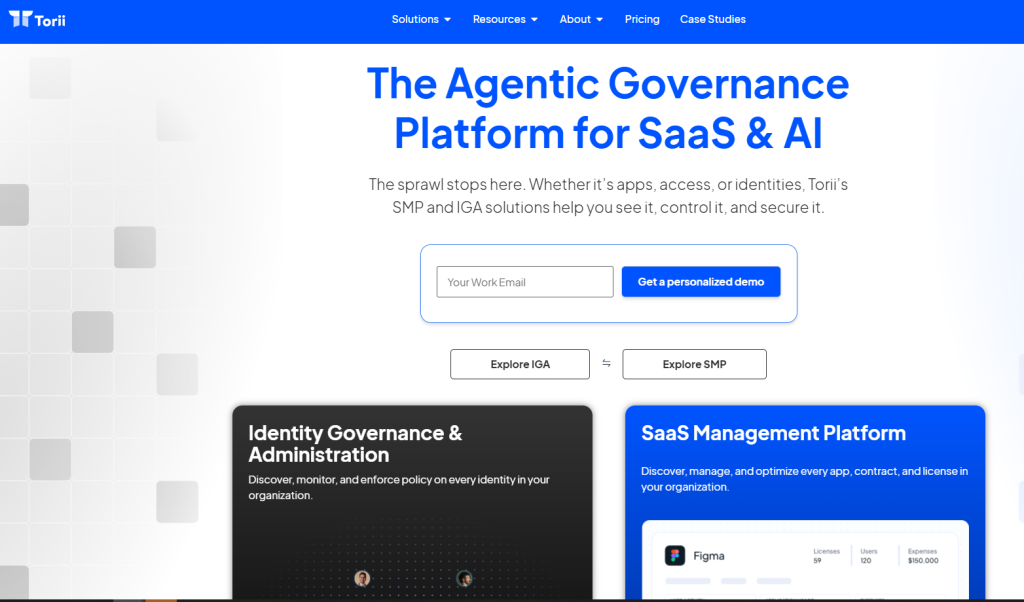
Torii focuses on action. Not just visibility.
It connects SaaS usage with HR and SSO data, then automates what happens when people join, move, or leave. That makes it a strong SaaS operations management platform.
What Torii does well
- Automated onboarding and offboarding
- Usage-based insights, not just license counts
- Strong integrations with HR and identity tools
- Clear workflows for IT and ops teams
Where Torii falls short
- Pricing can scale fast as headcount grows
- Spend insights are weaker than Zylo
- Less suited for finance-led control
When to choose Torii
- You want fewer manual SaaS tasks
- IT and ops own SaaS decisions
- Automation matters more than contract detail
Best for: Teams that want automation across the SaaS lifecycle
BetterCloud
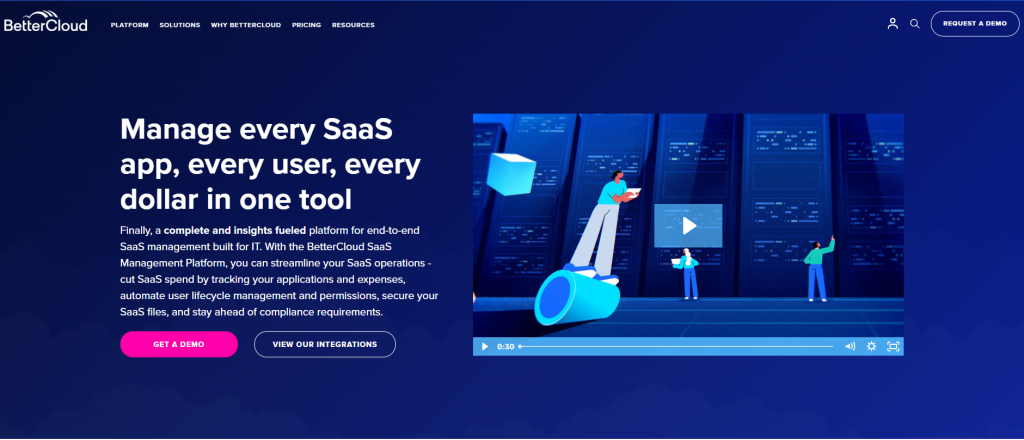
BetterCloud is not subtle. It is built for admins who want to act fast and control SaaS behavior directly.
This is a true SaaS operations management platform. It focuses on what happens inside apps. User changes. Security settings. Workflow enforcement.
What BetterCloud does well
- Deep admin-level integrations with major SaaS tools
- Strong workflow automation for IT operations
- Fast response to onboarding, offboarding, and role changes
- Clear control over risky user actions
If your team manages Google Workspace, Microsoft 365, Slack, or similar tools, BetterCloud feels familiar. It behaves like hands-on SaaS service management software, not a reporting layer.
Where BetterCloud falls short
- Limited financial and spend insights
- Less useful for contract or renewal tracking
- Can feel heavy for small teams
When to choose BetterCloud
- IT owns SaaS access and security
- You need strict operational control
- Automation is more important than spend analytics
Best for: IT teams that need direct control over SaaS operations
Zluri
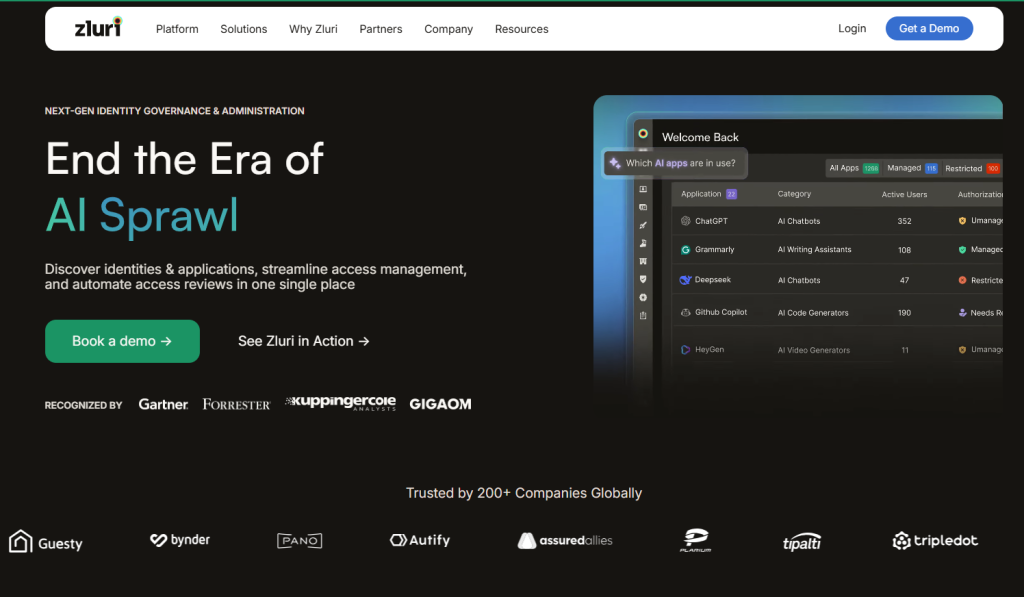
Zluri sits between basic discovery tools and heavy enterprise platforms. It focuses on clarity. What apps exist? Who uses them? And where licenses are wasted.
This makes Zluri a practical SaaS management platform for teams that are growing fast but do not want complex setups.
What Zluri does well
- Quick SaaS discovery across the organization
- Clear user and license mapping
- Simple renewal and usage tracking
- Clean dashboards that are easy to act on
Zluri covers the core of SaaS software management without forcing strict processes early.
Where Zluri falls short
- Automation depth is limited compared to Torii
- Spend analytics are lighter than Zylo
- Fewer admin-level controls than BetterCloud
It is a control tool, not a power tool.
When to choose Zluri
- You want visibility before automation
- Your SaaS stack is growing but not chaotic yet
- You need results fast with minimal setup
Best for: Mid-market teams that need fast SaaS visibility without enterprise weight
Zluri works well as a first serious SaaS service management software before moving to more complex platforms.
Lumos
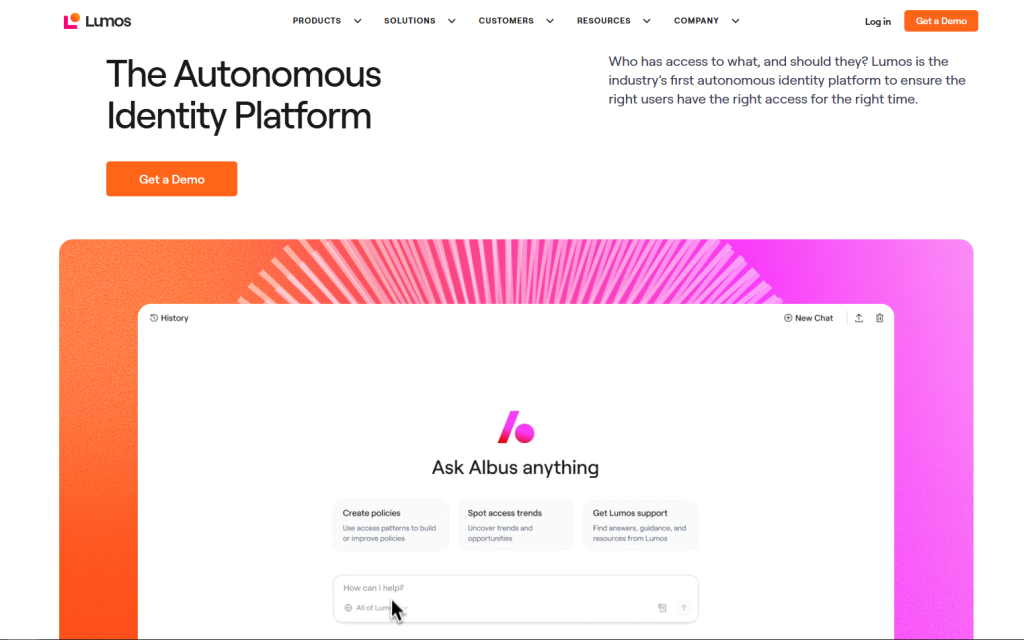
Lumos treats SaaS as an access problem first. Cost comes later.
It connects identity, usage, and permissions across SaaS tools. The goal is simple. Make sure the right people have the right access. And remove the rest.
This makes Lumos a focused SaaS operations management platform for security-driven teams.
What Lumos does well
- Strong access visibility across SaaS apps
- Role-based permission insights
- Automated access reviews
- Tight alignment with identity providers
Lumos fits teams where security incidents matter more than saving a few licenses. It supports SaaS and license software management through governance, not finance.
Where Lumos falls short
- Limited spend and contract tracking
- Less useful for finance-led teams
- Narrower scope than full lifecycle platforms
Lumos does one thing well. It does not try to do everything.
When to choose Lumos
- Security owns SaaS access decisions
- Compliance and least-privilege matter
- Identity tooling is already in place
Best for: Security and IT teams that care most about access and permissions
Lumos is not the best SaaS management platform for cost control. It is the right one for access control.
Freemius
Freemius is not about internal SaaS control. It manages revenue, subscriptions, and licensing. If your product generates recurring revenue, it acts as a SaaS subscription management platform.
It helps you see who is paying, who upgraded, and who churned. That makes it easier to make decisions about pricing, plans, and marketing.
What Freemius does well
- Handles recurring payments and license enforcement
- Tracks revenue, upgrades, and churn per customer
- Integrates with WordPress and other plugin marketplaces
- Provides analytics for product-led growth
This is SaaS software management from a monetization perspective, not internal spend.
Where Freemius falls short
- Not designed for enterprise SaaS spend or IT control
- Limited internal user or access management
- Works mainly with software sold via WordPress or plugin platforms
When to choose Freemius
- You sell software subscriptions or licenses
- You need visibility on recurring revenue
- You want control over licensing and upgrades
Best for: SaaS founders and product teams selling plugins, themes, or subscriptions
Freemius gives product teams actionable insight. It complements internal SaaS management tools but focuses on customer-facing subscriptions.
WooCommerce

WooCommerce is not a traditional SaaS management platform. But in 2026, many SaaS products still run their billing, subscriptions, and customer lifecycle on WordPress. That puts License Manager for WooCommerce as the best option, as it has all these features.
It gives you full control over how subscriptions are sold and managed. Plans, renewals, upgrades, downgrades, and cancellations all live in one place.
What WooCommerce does well
- Manages SaaS licenses, recurring subscriptions, and billing
- Supports upgrades, downgrades, and plan changes
- Large ecosystem of extensions for payments and automation
- Full ownership of customer and subscription data
For founders, this is SaaS software management tied directly to revenue. You are not locked into a closed platform.
Where WooCommerce falls short
- Requires setup and ongoing maintenance
- No native SaaS discovery or internal access control
- Subscription logic depends on plugins and configuration
WooCommerce gives flexibility. But flexibility comes with responsibility.
When to choose WooCommerce
- Your SaaS product runs on WordPress
- You want control over billing and data
- You are comfortable managing plugins and hosting
Best for: Teams running SaaS subscriptions on WordPress
WooCommerce is not the best SaaS management platform for internal IT teams. It is a strong choice for SaaS businesses that want ownership over subscriptions.
Which SaaS Management Platform Is Right for You
There is no universal answer. The right SaaS management platform depends on how SaaS affects your business. Cost. Risk. Operations. Or revenue.
Use this mapping to decide fast.
If you are an enterprise with heavy SaaS spend
Your problem is not discovery. It is waste and renewals.
- Choose tools built for spend ownership and finance alignment.
- Look for contract tracking and renewal control.
- Reporting must tie back to budget decisions.
Best fit: Zylo
This setup treats SaaS software management as a financial discipline.
If you are a mid-market company scaling fast
You need visibility first. Automation second.
- You want to see apps, users, and licenses quickly.
- Heavy enterprise tooling slows you down.
- Setup time matters.
Best fit: Zluri
It gives control without process overload. A practical SaaS service management software for growing teams.
If security and access control matter most
Your risk comes from who has access, not how much you spend.
- Offboarding must be instant.
- Permissions need regular review.
- Identity systems should lead decisions.
Best fit: Lumos
It treats SaaS as an access problem and works as a focused SaaS operations management platform.
If you want ITAM and SaaS together
You want SaaS to live inside broader IT operations.
- One system for assets, users, and lifecycle.
- Strong admin control.
- Clear operational workflows.
Best fit: BetterCloud
It blends SaaS control into daily IT operations instead of isolating it.
Common Mistakes When Choosing a SaaS Management Tool
These mistakes cost time and budget. Many teams repeat them.
Over-buying enterprise tools
Large platforms look safe. But they are heavy.
If your SaaS stack is still evolving, it slows you down.
Ignoring integration depth
A tool is useless if it cannot connect to HR, SSO, finance, or billing.
Integrations matter more than features.
Treating SMP as a reporting tool only
Reports do not fix problems.
A real SaaS management platform helps you act. Not just observe.
Not involving finance and security early
SaaS decisions fail when IT works alone.
Spending and access always affect finance and security.
Final Word
Picking one among several SaaS management platforms is no longer a problem. It is many small ones that add up fast. The best SaaS management platform is the one that matches your biggest risk today. Not the one with the longest feature list.
- If money is leaking, focus on spending control.
- If access is risky, focus on identity and offboarding.
- If you sell software, focus on subscriptions and revenue.
Good SaaS software management leads to fewer tools, lower cost, and clearer ownership. Bad choices add more noise. Pick a SaaS platform that helps you act, not just a report. That is what matters in 2026.