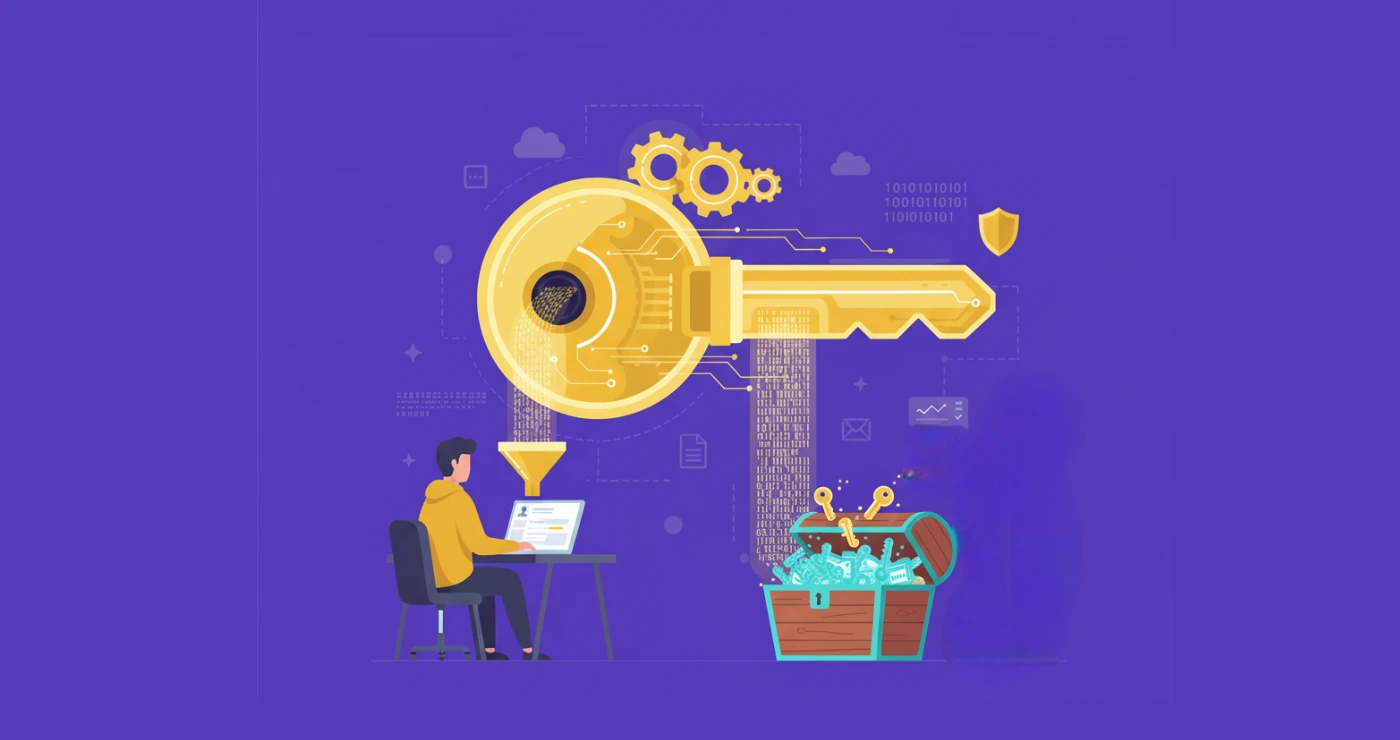


Software vendors lose control once their application is installed on a customer’s machine. A node lock software license solves this problem by tying the license to a specific device. The software runs only on that approved machine. If someone copies the program to another system, the license check fails.
The idea is simple. The license is linked to a hardware fingerprint such as a CPU ID or MAC address. When the program starts, it checks that fingerprint. If it matches, the software runs. If it doesn’t, access stops.
This guide explains how a node-lock license works and how a license locked to device is created and validated.
What Is Node-Lock Software License
A node-locked license means the software license is tied to one specific device. The program checks the device identity before it runs. This identity comes from a hardware fingerprint created from system components like the CPU ID, MAC address, disk serial number, or motherboard ID.
In simple terms, a node lock software license binds the license key to a single machine. When the application starts, it compares the stored fingerprint in the license file with the current device fingerprint. If they match, the software runs. If they do not match, the software blocks access.
This model is often called device-based licensing or machine-bound activation. The goal is to make the software license optimization work only on the device that owns it.
Several technical checks happen during this process:
| Licensing Step | What Happens |
|---|---|
| Hardware fingerprint generation | Software collects device identifiers |
| License key creation | Vendor binds the license to the fingerprint |
| Activation | The license file is installed on the device |
| Runtime validation | Software verifies the fingerprint before running |
This type of device-locked software license prevents users from copying the license to another machine. Even if the license file is shared, the validation system detects the mismatch and blocks execution.
Modern licensing systems automate these checks through centralized license control tools such as an automation license manager. These systems handle license activation, fingerprint validation, and license lifecycle management automatically. And that reduces manual support work for software vendors.
Why Software Vendors Use Node-Locked Licensing
Software vendors choose node locking software licensing when they need strong control over how their software is used. Once an installer reaches a customer’s computer, it becomes easy to copy and redistribute. A license locked to device stops that behavior.
The biggest reason is simple. Vendors want to make sure each license runs on only one authorized system.
Here are the main benefits.
| Benefit | Why It Matters |
|---|---|
| Prevents license sharing | Stops one license from being used on multiple machines |
| Protects intellectual property | Reduces software piracy |
| Works offline | No constant connection to a license server |
| Simple licensing control | Easy to manage for desktop software |
This model is widely used in commercial desktop applications, CAD software, simulation tools, developer tools, and industrial software. These products often run on dedicated machines where the software must remain tied to one workstation.
Take engineering software as an example. A simulation tool installed on a lab workstation should stay on that machine. With a node lock software license, the vendor ensures the license cannot move to another system without proper authorization.
How Node-Lock Software License Works
A node lock software license works by linking the license to a specific machine. The software verifies the identity of that machine before it runs.
This process relies on hardware fingerprinting, license generation, activation checks, and runtime validation. Each step ensures the license locked to device cannot be copied to another computer.
Modern node locking software licensing systems use cryptography and automated license servers to perform these checks reliably.
Device Fingerprinting
The first step is creating a unique machine identity.
When the software is installed, it collects several hardware identifiers from the device. These identifiers are stable values that rarely change during normal system use.
Common identifiers include:
- CPU ID
- MAC address of the network adapter
- disk serial number
- motherboard or BIOS ID
The software combines these values and converts them into a hashed hardware fingerprint. Hashing ensures the raw hardware data is not exposed. Instead, the system stores a short encrypted value that represents the device.
Example:
| Hardware Component | Example Identifier |
|---|---|
| CPU | Processor serial or system UUID |
| Network | MAC address |
| Storage | Disk serial number |
| Motherboard | BIOS or board ID |
These identifiers are combined and passed through a hashing algorithm such as SHA-256. The result becomes the device fingerprint used by the node locked license.
License Generation
After the device fingerprint is created, it is sent to the licensing server.
This usually happens through an activation request during installation or when the user enters a license key.
The licensing system then generates a device locked software license containing several elements.
| License Component | Purpose |
|---|---|
| Product ID | Identifies the software product |
| Machine fingerprint | Links the license to the device |
| License expiration | Defines license validity period |
| Cryptographic signature | Prevents license tampering |
The license file is digitally signed using public-key cryptography such as RSA or ECC. This signature ensures the license cannot be modified without detection.
Once created, the license is delivered to the user. It may be stored as:
- a local license file
- an encrypted license key
- or a secure activation record
This process binds the node lock software license directly to the device fingerprint.
License Activation
Activation is the step where the license locked to device becomes active on the machine. During activation, the software performs three basic checks.
- The application reads the license file or activation token.
- It extracts the stored machine fingerprint.
- It compares that fingerprint with the current device fingerprint.
If the two values match, the license is valid and activation succeeds.
If they do not match, the system blocks the license because it detects the license was copied to another machine.
Example activation logic:
| Step | Action |
|---|---|
| Install software | Device fingerprint created |
| Enter license key | License file retrieved |
| Validate fingerprint | Compare stored vs current device ID |
| Activation result | Software unlocks if matched |
This mechanism ensures that a node lock software license only works on the machine it was issued for.
Runtime License Validation
Many applications perform continuous license validation after activation. This prevents license tampering or system cloning. The software checks the license periodically while it runs.
Typical runtime checks include:
- verifying the hardware fingerprint
- checking license expiration date
- validating activation limits
- confirming digital signatures
Some advanced systems also detect system clock manipulation, which users sometimes attempt to bypass license expiration.
If validation fails, the application may:
- disable certain features
- switch to trial mode
- or stop running completely
This final verification step ensures the node locking software licensing model remains effective even after installation.
That is why device-locked software license systems remain a common choice for desktop software, engineering tools, and high-value commercial applications.
Step-by-Step Node-Locked Licensing Workflow
Here is the typical process used in modern node locking software licensing systems.
| Step | What Happens |
|---|---|
| 1. Software installation | The user installs the application on their device |
| 2. Hardware fingerprint creation | The software collects system identifiers and generates a device fingerprint |
| 3. Fingerprint submission | The fingerprint is sent to the licensing or activation server |
| 4. License creation | The server generates a node locked license tied to that fingerprint |
| 5. License activation | The license file or key unlocks the application |
| 6. Runtime verification | The software checks the fingerprint during execution |
This workflow is widely used in desktop software licensing, engineering applications, developer tools, and commercial enterprise software.
Example of Node-Locked Licensing in Practice
Consider a developer selling a commercial desktop application. The developer wants each purchased license to work on one machine only. A device-locked software license solves this problem.
Here is a typical real-world workflow.
| Stage | What Happens |
|---|---|
| Customer purchase | The user buys the software through an online store |
| License generation | The system generate license keys automatically after purchase |
| Activation | The user enters the key and the software binds the license to the device |
| Device binding | The system stores the machine fingerprint in the license record |
| Runtime validation | Each time the software starts, it verifies the device fingerprint |
In practice, this approach keeps the licensing system simple. Each customer receives a node-locked license, and the software ensures that the license runs only on the device that activated it.
Node-Locked Licensing vs Simple License Keys
A simple key system only checks whether the key format is valid. It does not check where the software is running.
A node lock software license verifies both the license key and the device on which the software runs.
This creates a stronger control layer because the license locked to device cannot run on another machine.
Here is a clear comparison.
| Feature | Simple License Key | Node-Locked License |
|---|---|---|
| Validation method | Checks key format only | Checks key and device fingerprint |
| Device restriction | Can be reused on multiple machines | Works only on the registered device |
| Security level | Basic protection | Strong protection |
| Typical use case | Small apps, plugins | Desktop software, engineering tools |
With a simple key, a user can share the license with others. The key will still work because the system only checks the key structure.
But node locking software licensing adds device verification. The software compares the current machine fingerprint with the stored one in the node-locked license. If they do not match, the application stops running.
This extra validation is why many vendors use device-locked software license systems for commercial applications.
Wrap Up
A node lock software license is one of the most reliable ways to control how desktop software is used. The license is tied directly to a device through hardware fingerprinting. This approach stops license sharing because the license locked to the device cannot run on another machine. Even if the license file is copied, the fingerprint check prevents activation.
For developers selling commercial applications, node locking software licensing offers a practical balance. It protects the software while keeping activation simple for legitimate users. That is why many vendors still rely on node-locked license systems for desktop tools and other high-value applications.
FAQs About Node-Lock Software Licensing
A node-locked license ties a software license to a specific machine. The system uses a hardware fingerprint to ensure the node lock software license only runs on that approved device.
Yes. Many vendors allow license transfers. The original activation is reset, and the license locked to the device can then be activated on another machine.
If major hardware components change, the fingerprint may change as well. When that happens, the device’s locked software license may stop working until the vendor resets or reissues the license.
Yes. When implemented correctly, node locking software licensing combines device fingerprinting, encrypted license files, and server validation. These layers make it difficult to copy or misuse a node lock software license.