
Most cloud security best practices are useless. They sound good in a meeting, but fail when your team is tired or your system scales. You cannot secure a cloud by just buying tools.
Companies often think they are safe because they use big providers like Google or AWS. That is a dangerous assumption. Providers secure the infrastructure, but you secure your own data and access. If you misconfigure a setting, the provider will not save you.
True security is about execution. It is about building a system that works even when people make mistakes. This guide shows you how to do that.
| Security Type | The Goal | The Reality |
|---|---|---|
| Tool-Based | Buy a solution and forget it. | Tools create alerts that people ignore. |
| Checklist-Based | Tick boxes for compliance. | You are compliant, but still get hacked. |
| Execution-Based | Build rigid, automated controls. | Security becomes a part of the code. |
What is Cloud Security
Cloud security is the process of protecting cloud-based systems, data, and infrastructure through controlled access, continuous monitoring, and secure configuration. It operates under a shared responsibility model.
The cloud provider secures the underlying infrastructure. You are responsible for securing your data, access controls, configurations, and workloads.
Why Most Cloud Security Strategies Fail
Most cloud security best practices fail because of a few simple mistakes.
First, teams follow generic advice: You probably hear “use least privilege” all the time. It is one of the top cloud security best practices. But in reality, mapping exact roles takes too much time. People give broad access just to get the job done. This ruins your cloud network security.
Second, people trust providers too much; Google cloud security is solid, but it only covers the infrastructure. If you misconfigure your buckets, your secure cloud storage is gone. You cannot blame the provider for your own settings.
Third, companies buy too many tools: They use SaaS security posture management (SSPM) to monitor apps, and other tools for the network. But they don’t have a plan. You get thousands of alerts and no one knows which one to fix first.
The 3-Layer Cloud Security Framework
Cloud security becomes manageable when reduced to three control layers. This framework removes complexity and maps directly to how breaches actually happen. It also naturally covers secure cloud storage and cloud network security without fragmenting your strategy.
Layer 1. Identity Security (Primary Risk Surface)
Identity is the entry point for most attacks. Weak access control, shared credentials, and excessive permissions create immediate exposure. Enforce least privilege at every level. Every user, service, and application should have only the access it strictly needs.
Apply multi-factor authentication across all accounts and monitor identity behavior continuously. Static access policies are not enough.
Layer 2. Infrastructure Security (Cloud Network Security)
This is where cloud network security becomes critical. Most infrastructure risks come from misconfigurations, not advanced exploits. Open ports, unrestricted inbound traffic, and poorly segmented networks create easy attack paths. Enforce strict network segmentation. Limit traffic between services.
Use automated tools to detect configuration drift and enforce policies consistently. Manual configuration checks do not scale in dynamic environments.
Layer 3. Data Security (Secure Cloud Storage)
The final layer focuses on secure cloud storage and data protection. Encryption is required but not sufficient. The real risk lies in access control and key management. Classify sensitive data, restrict access based on roles, and monitor how data is accessed and moved.
Ensure encryption product license keys are securely stored, rotated regularly, and accessible only to authorized systems. Without this, encrypted data can still be exposed.
Cloud Security Best Practices (Execution Guide)

Here are the top cloud security best practices to implement in 2026:
1. Own Your Side of the Deal
The biggest mistake is assuming your provider does everything. Whether you use AWS or Google Cloud Security, you are responsible for your own data. Use a shared responsibility matrix to see exactly where your job starts. If you don’t know who owns the firewall, you are probably the one at risk.
2. Move to Zero Trust Identity
Stop trusting people just because they are on your network. Verify everyone, every time. This is the core of modern cloud network security. Give users access only to what they need for that specific hour. If a developer doesn’t need to touch the database, don’t let them.
3. Automate Your Fixes
You cannot check settings manually anymore. Use code to scan your environment for mistakes. If a bucket is set to “public,” your system should catch it and fix it in seconds. This is the only way to maintain secure cloud storage at scale.
4. Watch Your SaaS Apps
Most companies forget about their third-party apps. Use SaaS security posture management to see who has access to your files in tools like Slack or Microsoft 365. One bad integration can leak your entire customer list.
5. Encrypt and Hide the Keys
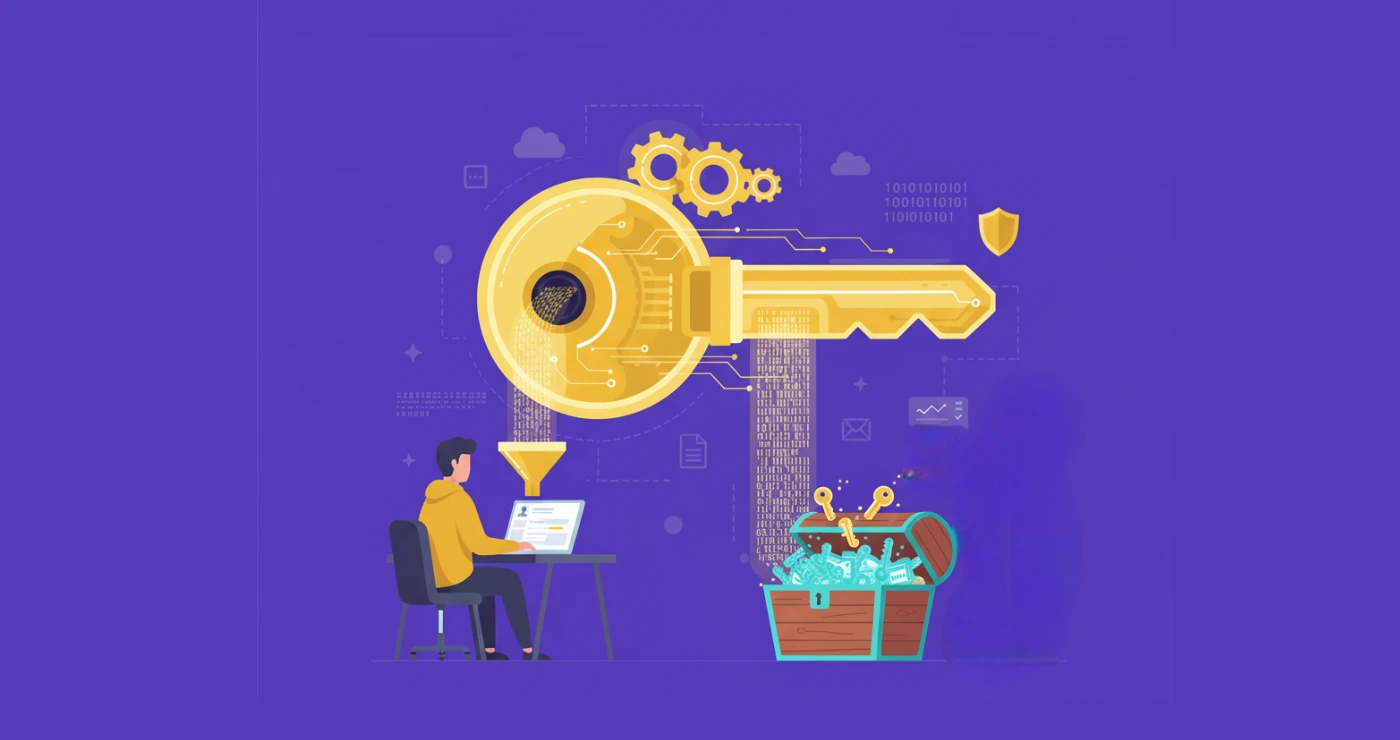
Encryption is easy, but key management is hard. Don’t store your keys in the same place as your data. Use a dedicated vault. Without strict key control, your secure cloud storage is just a locked door with the key under the mat.
6. Encrypt Data and Manage Keys Properly
Encryption is baseline. Key management is where most failures occur. Store keys securely, rotate them regularly, and limit access strictly. Weak key control undermines even the strongest secure cloud storage strategy.
7. Build a Cloud Incident Response Plan
No system is immune to failure. Effective response depends on clear processes for detection, containment, and recovery. A common mistake is having no tested response plan. Fix this by defining workflows in advance and running regular incident simulations.
Cloud Security for AWS, Azure, and Google Cloud

Most organizations operate across multiple cloud providers, including AWS, Azure, and Google Cloud security environments. The challenge is not capability. Each platform offers strong native controls. The problem is inconsistency. Different configurations, identity models, and policies create gaps that attackers exploit.
A common mistake is treating each cloud as a separate system. This leads to fragmented visibility and uneven enforcement of cloud security best practices. For example, strong IAM policies in one environment and weak controls in another create an easy entry point.
The fix is standardization. Apply consistent identity policies, access controls, and monitoring across all platforms. Centralize visibility using unified dashboards. Enforce policy-as-code so configurations remain aligned regardless of provider. Multi-cloud security only works when managed as a single system.
How to Manage Multiple Clouds
Most companies use a mix of AWS, Azure, and Goole cloud security. The issue isn’t the platforms. They are all good. The issue is that you are probably managing them differently.
If your identity rules are strict on one cloud but loose on another, hackers will find the weak spot. This is why cloud network security often fails in multi-cloud setups. You need to treat all your clouds as one single system. Use a unified cloud security checklist 2026 to make sure your settings match across every provider.
A Simple Cloud Security Architecture
Don’t overcomplicate your setup. A good architecture is built on layers, not a pile of expensive software.
- The Identity Plane: Start here. If you don’t control who gets in, nothing else matters. Enforce least privilege across all users.
- The Infrastructure Plane: Use cloud network security to isolate your workloads. If one server gets hacked, it shouldn’t be able to talk to your database.
- The Data Plane: This is where you focus on secure cloud storage. Use encryption and manage your own keys.
- The Monitoring Plane: You need to see what is happening. Use SSPM for SaaS management platforms to keep an eye on your apps and cloud activity in one place.
| Identity | High | IAM / MFA |
|---|---|---|
| Network | Medium | Firewalls / VPCs |
| Data | High | Encryption / Key Vaults |
| SaaS | Medium | SaaS security posture management |
This architecture ensures you follow the top cloud security best practices without wasting money on tools you don’t need.
Wrap Up
Cloud security is all about discipline. You can spend millions on Google Cloud security, but if your team uses weak passwords or compromised key generator tools, you are still at risk.
To stay safe, you must follow these top cloud security best practices every day. It starts with identity. If you control who gets in, you stop most attacks before they happen. Then, look at your cloud network security. Keep your systems separate so one mistake doesn’t kill the whole company. Finally, treat your secure cloud storage like a vault. Encrypt everything and keep the keys safe.