
Documentation
Getting Started
- Introduction
- Setup
- General Settings
- WooCommerce
- Tools
- Analytics Reports
- Dashboard
- License
- Generator
- Activations
- Applications
- Installed On
- API Logs
- WooCommerce Products
- Customer License Manager Flow
Integrations
For Developer
API Logs
The API Logs page provides a detailed audit trail of all REST API requests made to your License Manager system. This screen is crucial for debugging integration issues, monitoring system activity, and tracking license activations or deletions.
Key Metrics
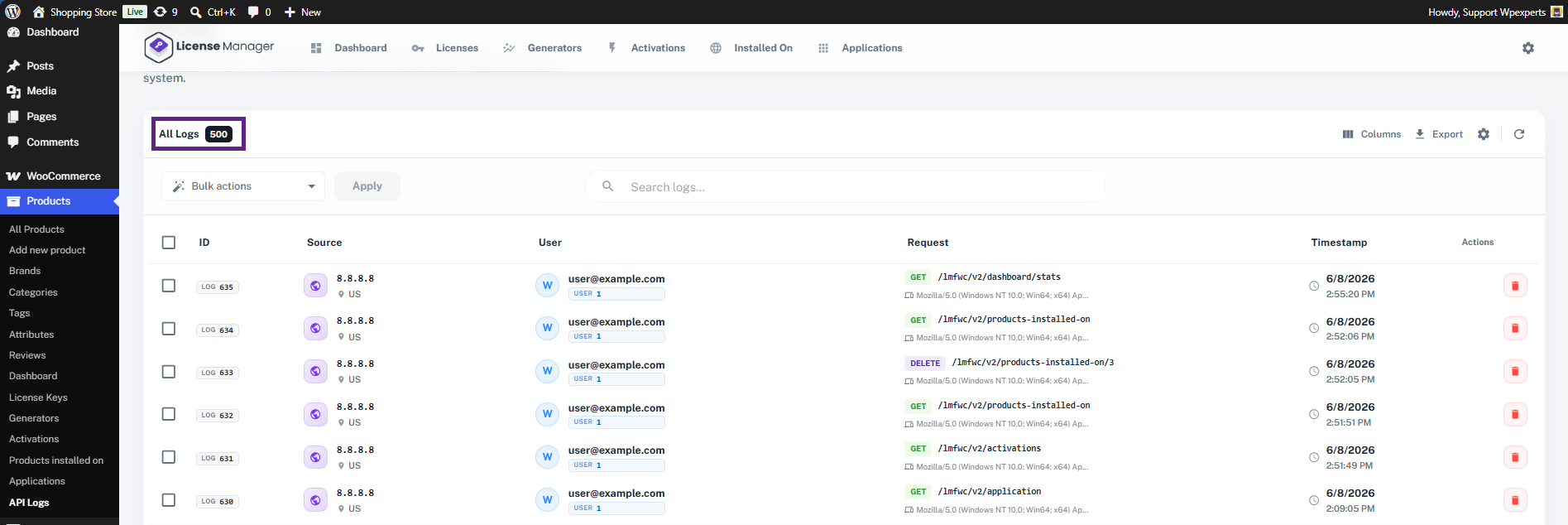
- All Logs Count: Displays the total number of recorded API transactions currently stored in the system (e.g., 500 logs).
Log Data Table Breakdown
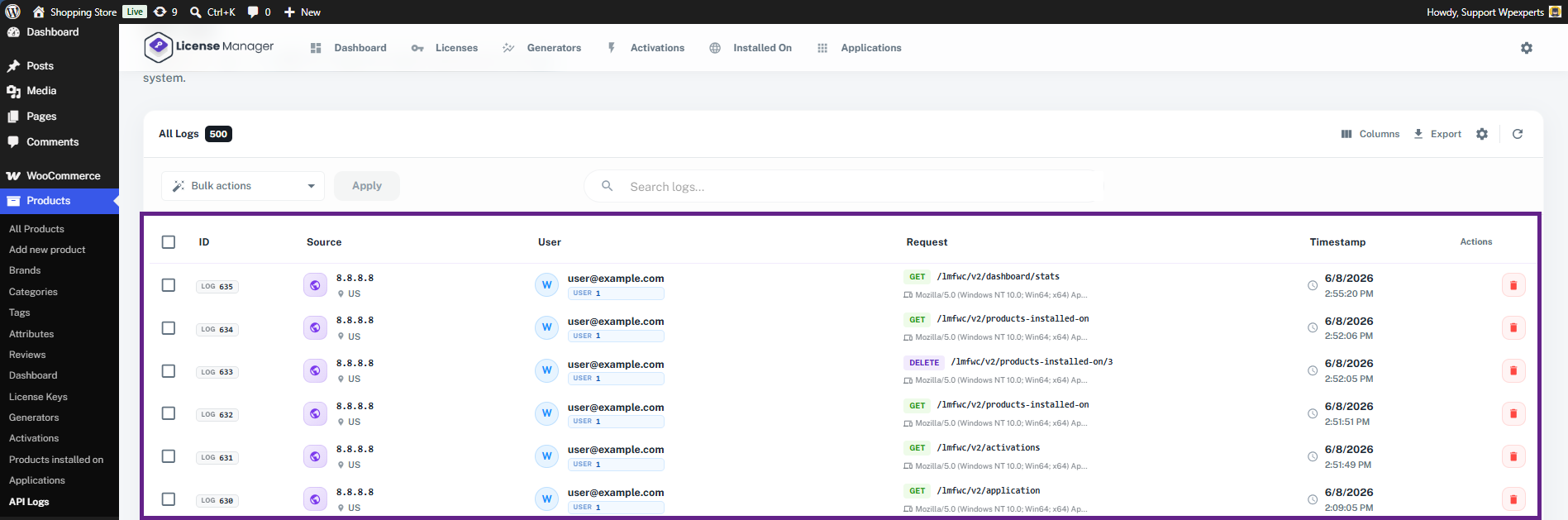
The main table records every incoming API call with the following detailed parameters:
- ID: A unique tracking identifier assigned to each individual log entry (e.g., LOG 634).
- Source: Tracks the origin of the request, displaying the client’s IP Address and Country Code (e.g., US for United States).
- User: Identifies the specific user account or administrator email associated with the API request.
- Request: Contains the core technical details of the API call:
- HTTP Method: Indicates the action type, such as GET (fetching data) or DELETE (removing data).
- Endpoint Route: The specific API URL path being hit (e.g., /lmfwc/v2/activations or /lmfwc/v2/products-installed-on).
- User Agent: The environment, operating system, and software client that triggered the request.
- Timestamp: The exact date and time when the API server processed the request.
- Actions: Allows administrators to permanently remove a specific log entry using the delete icon.
Available Actions & Tools
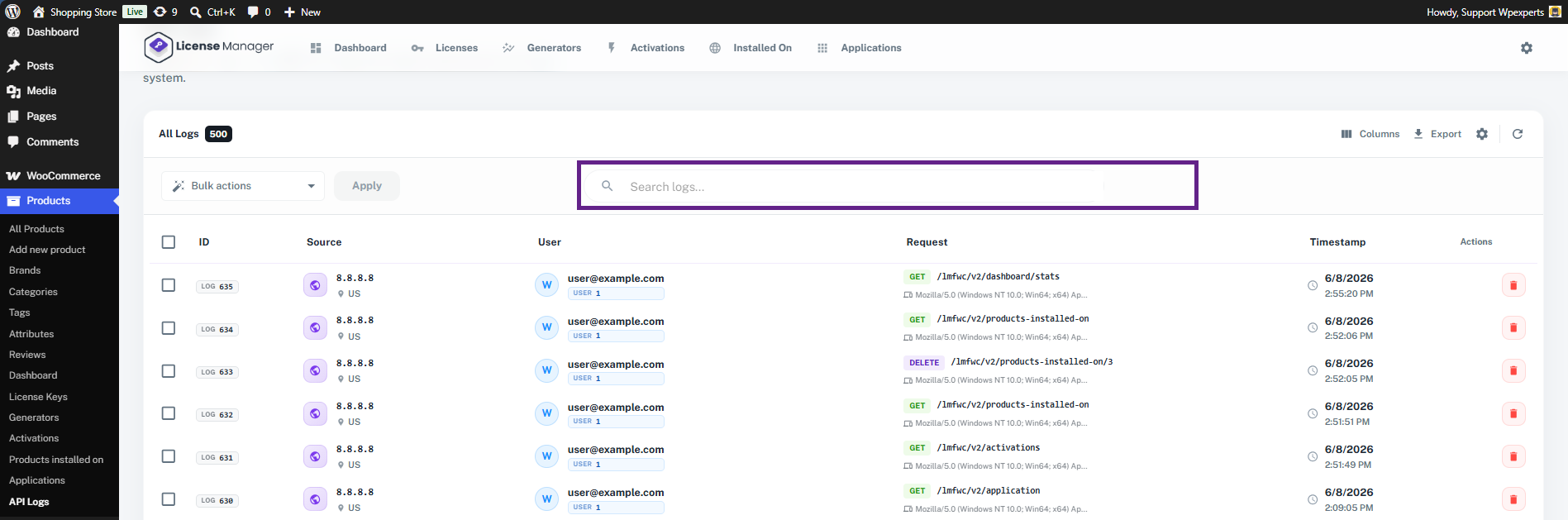
- Search Logs: Use the search bar at the top to quickly filter logs by specific keywords, IP addresses, endpoint paths, or user emails.
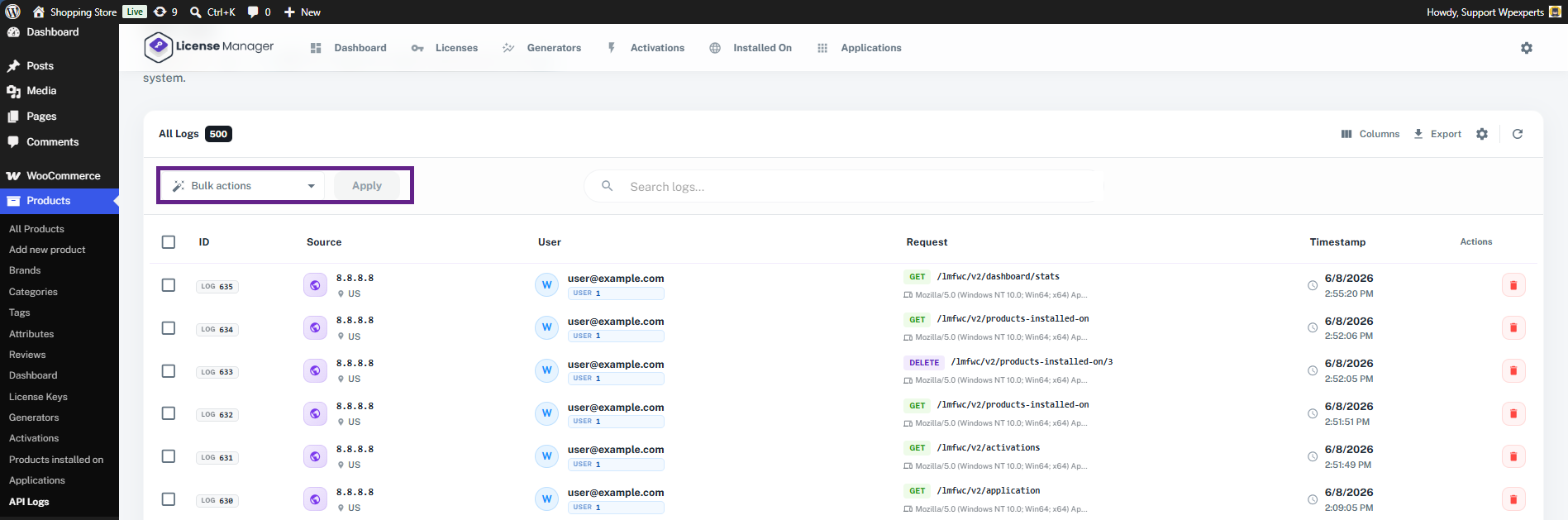
- Bulk Actions: To clean up your database, select multiple logs using the checkboxes on the left, choose Delete from the Bulk Actions dropdown, and click Apply.
- Table Customization & Export:
- Columns: Choose which columns to display or hide in your current view.
- Export: Download your API log history for external analysis or compliance audits.
- Table Settings: Manage Columns and Display
- Refresh: Reload the log table to view the most recent real-time API traffic.
