
Documentation
Getting Started
- Introduction
- Setup
- General Settings
- WooCommerce
- Tools
- Analytics Reports
- Dashboard
- License
- Generator
- Activations
- Applications
- Installed On
- API Logs
- WooCommerce Products
- Customer License Manager Flow
Integrations
For Developer
Analytics Reports
- The Analytics Reports feature is designed to provide the admin with detailed insights into license sales.
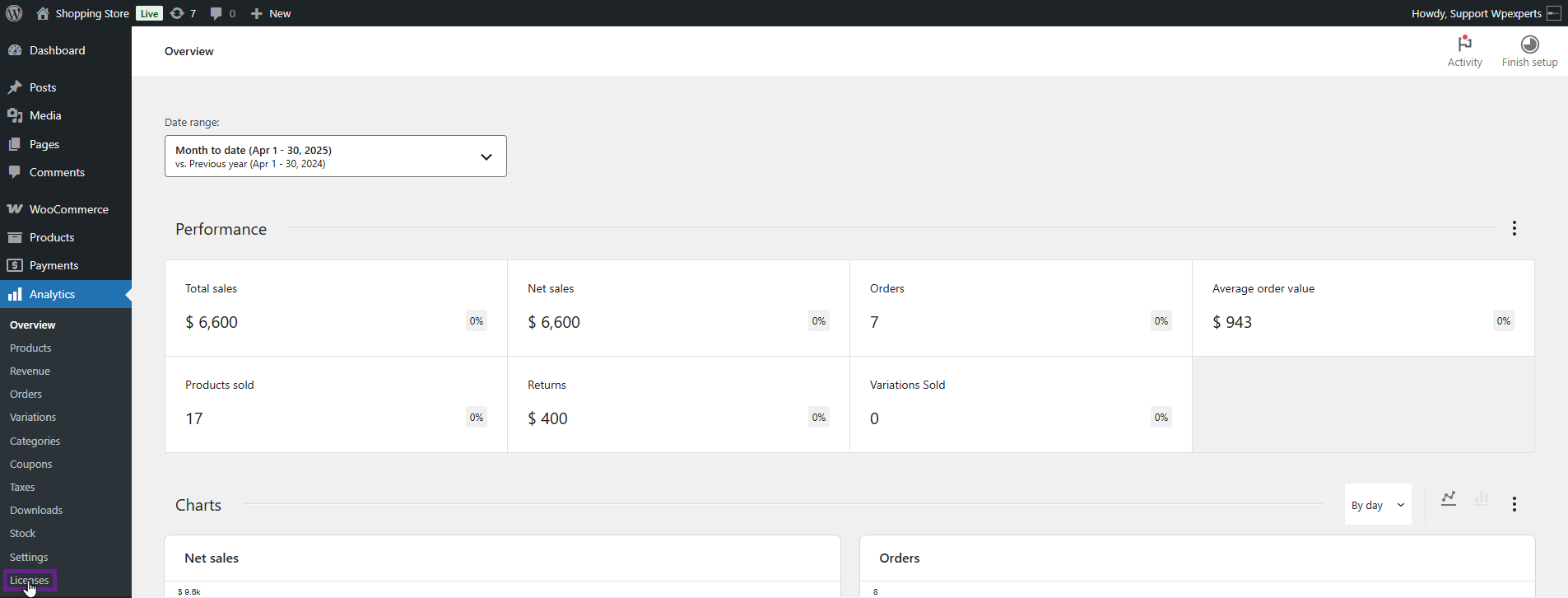
- Go to the Admin Dashboard > Analytics > Licenses.
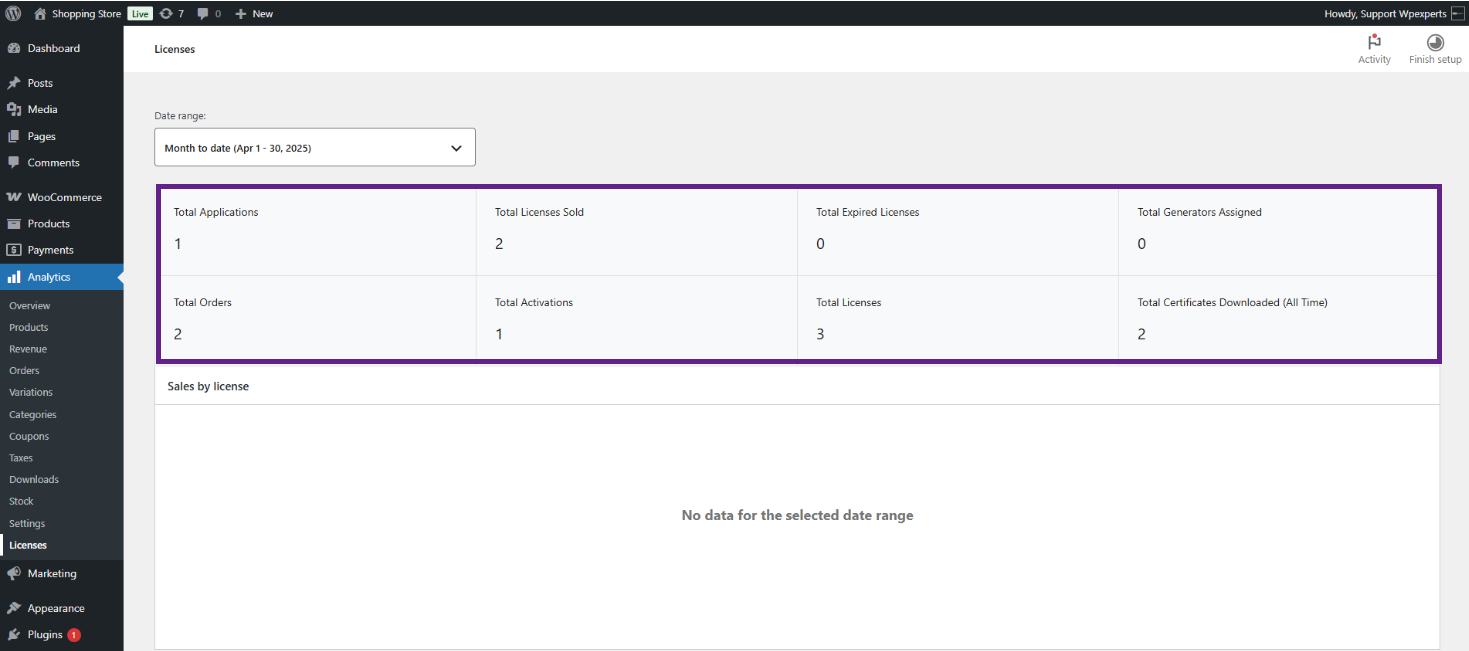
The License Manager Analytics Reports provide a quick overview of key licensing metrics for the selected date range.
- Total Applications – Displays the total number of applications registered within the licensing system.
- Total Licenses Sold – Shows the total number of licenses that have been sold during the selected date range.
- Total Expired Licenses – Indicates the number of licenses that have reached their expiration date.
- Total Generators Assigned – Displays the number of license key generators currently assigned to products.
- Total Orders – Shows the total number of orders containing licensed products during the selected date range.
- Total Activations – Indicates how many times license keys have been successfully activated.
- Total Licenses – Displays the total number of license keys currently available in the system, including both sold and unsold licenses.
- Total Certificates Downloaded (All Time) – Shows the total number of license certificate downloads recorded across all time, regardless of the selected date range.
- The admin can now view in-depth license analytics and customize and filter data as needed, including tracking licenses sold within selected date ranges.
- To apply the filter, click on the Date Range drop-down.

- It will provide you with two options:
- Presets—This will give the admin an option to select from a Presets filter: Today, Yesterday, Week to date, Last week, Month to date, Last month, and others specified in the GIF.
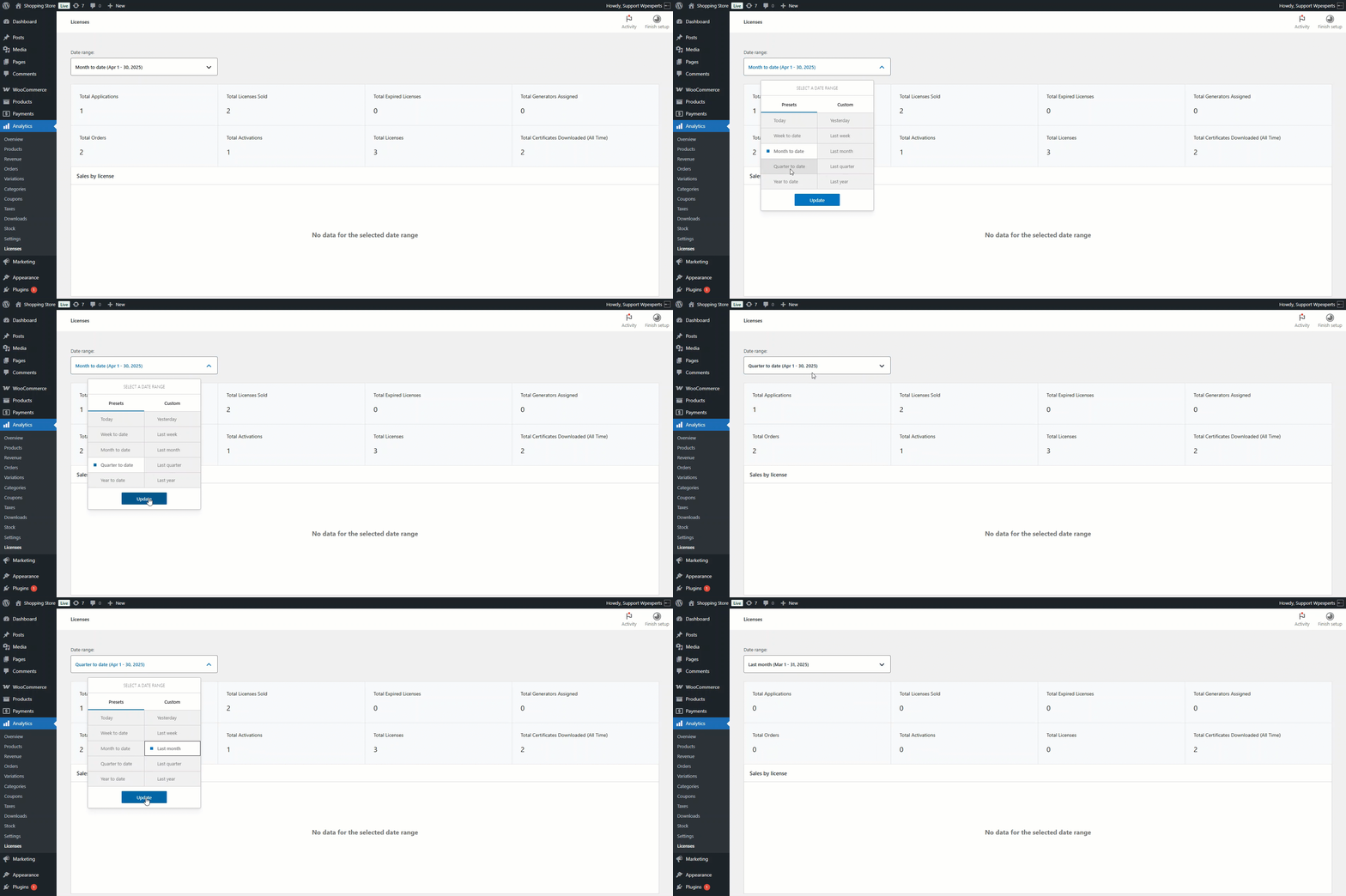
- Custom —This option allows the admin to select a specific date range for which the analytics will be shown.

- Under the Sales by License section, the admin can view license analytics.
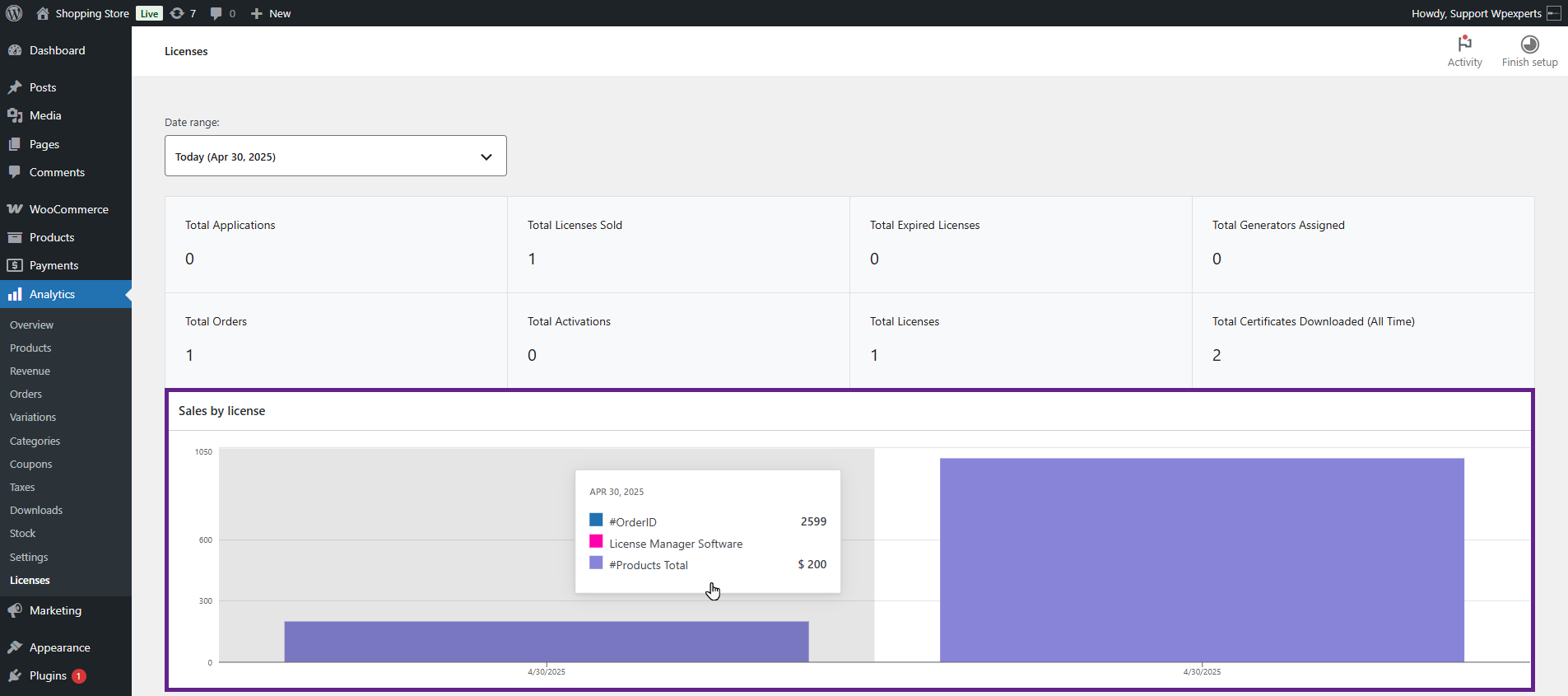
- The last section, Top product sales, will show the top-selling license.
