Documentation
Getting Started
- Introduction
- Setup
- General Settings
- WooCommerce
- Tools
- Analytics Reports
- Dashboard
- License
- Generator
- Activations
- Applications
- Installed On
- API Logs
- WooCommerce Products
- Customer License Manager Flow
Integrations
For Developer
My Account
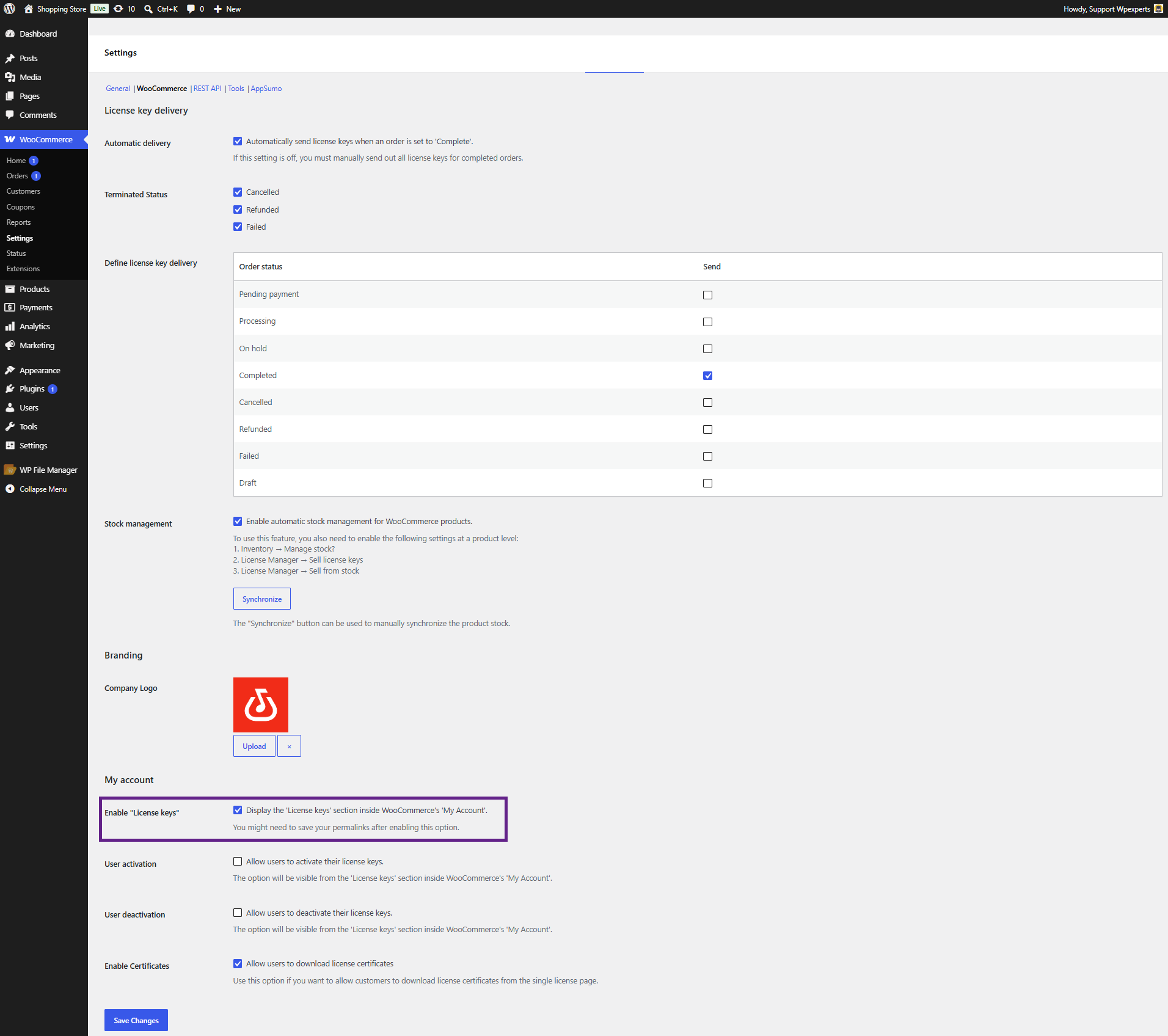
- The administrator can select options under My Account and grant customers access to those features on the front end.
- Admin can display the License Keys tab on the WooCommerce My Account page by enabling the ” Enable License Keys” option.
Front-End Impact
Before
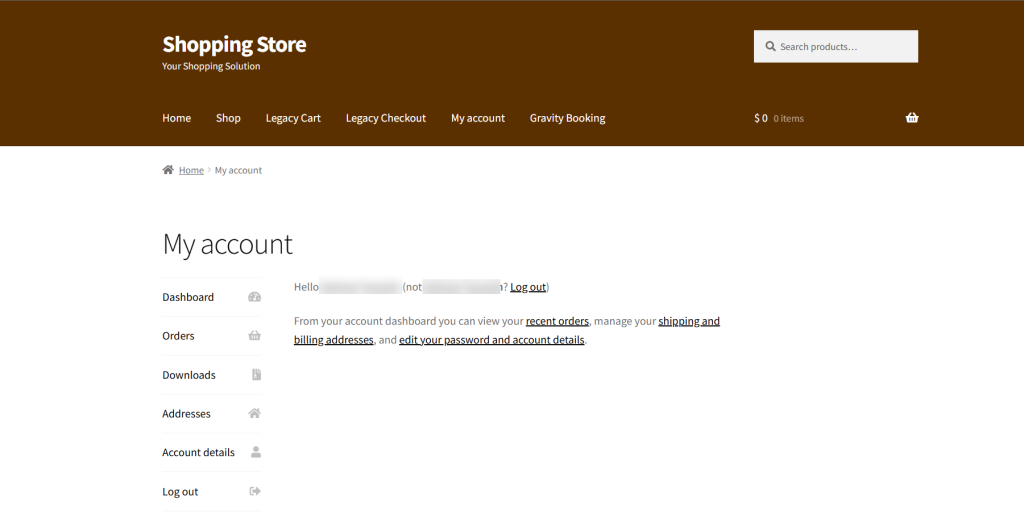
After

- The admin can display the Activate and Deactivate buttons in the License Keys section of the WooCommerce My Account page by enabling the User Activation option.
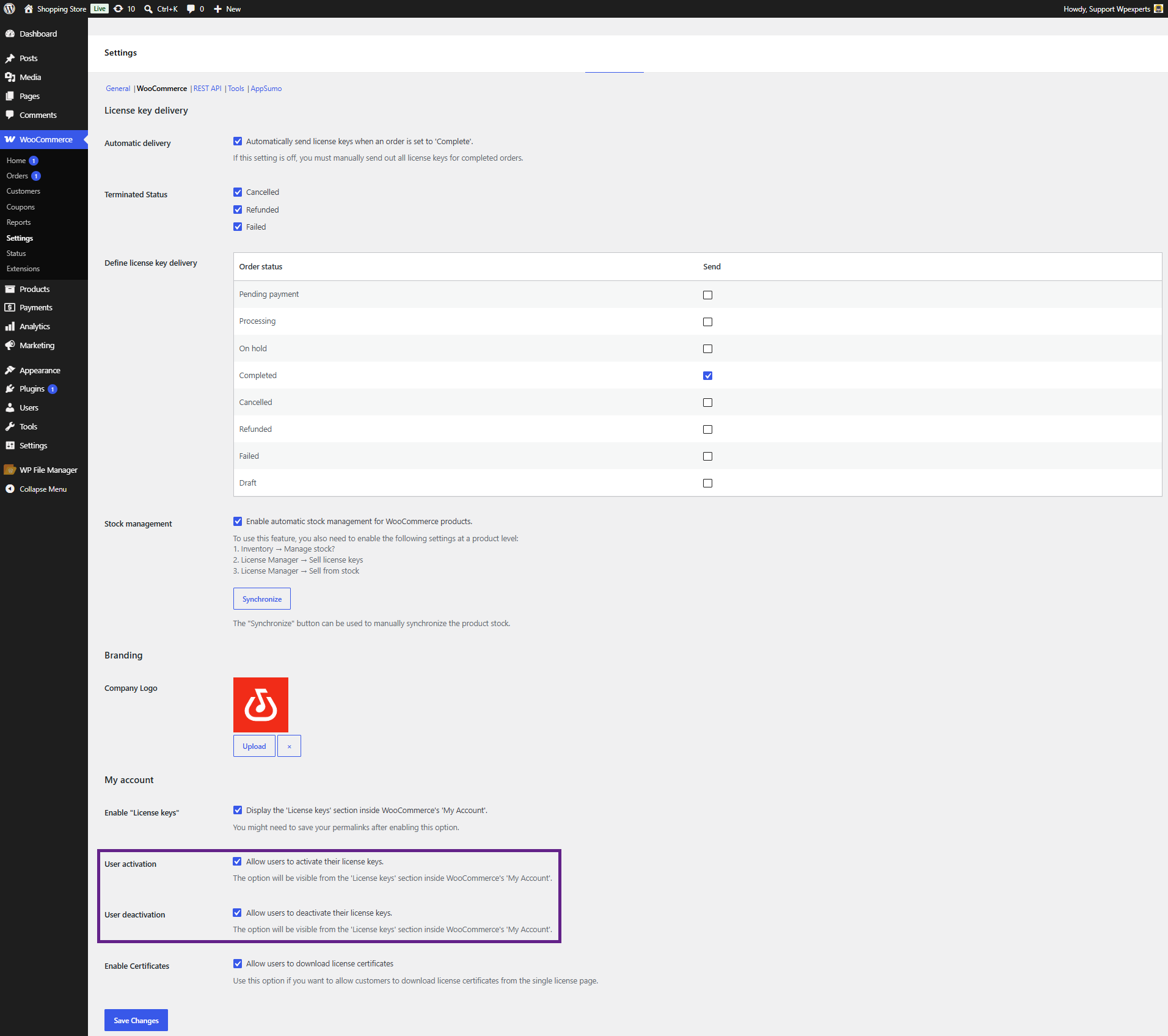
Front-End Impact
- Go to the website.
- Navigate to the My account > License Keys tab and click the View button.
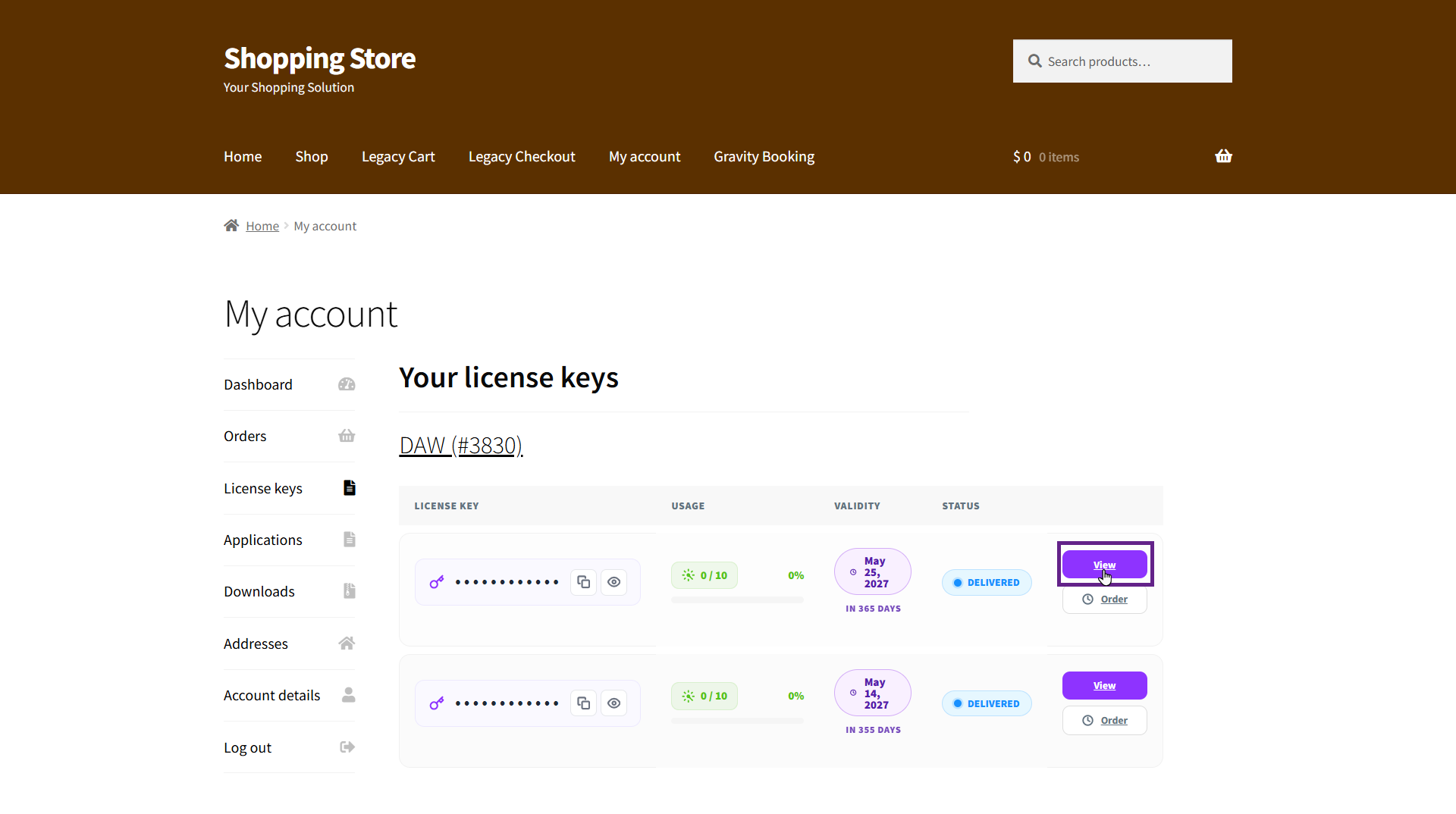
Activate
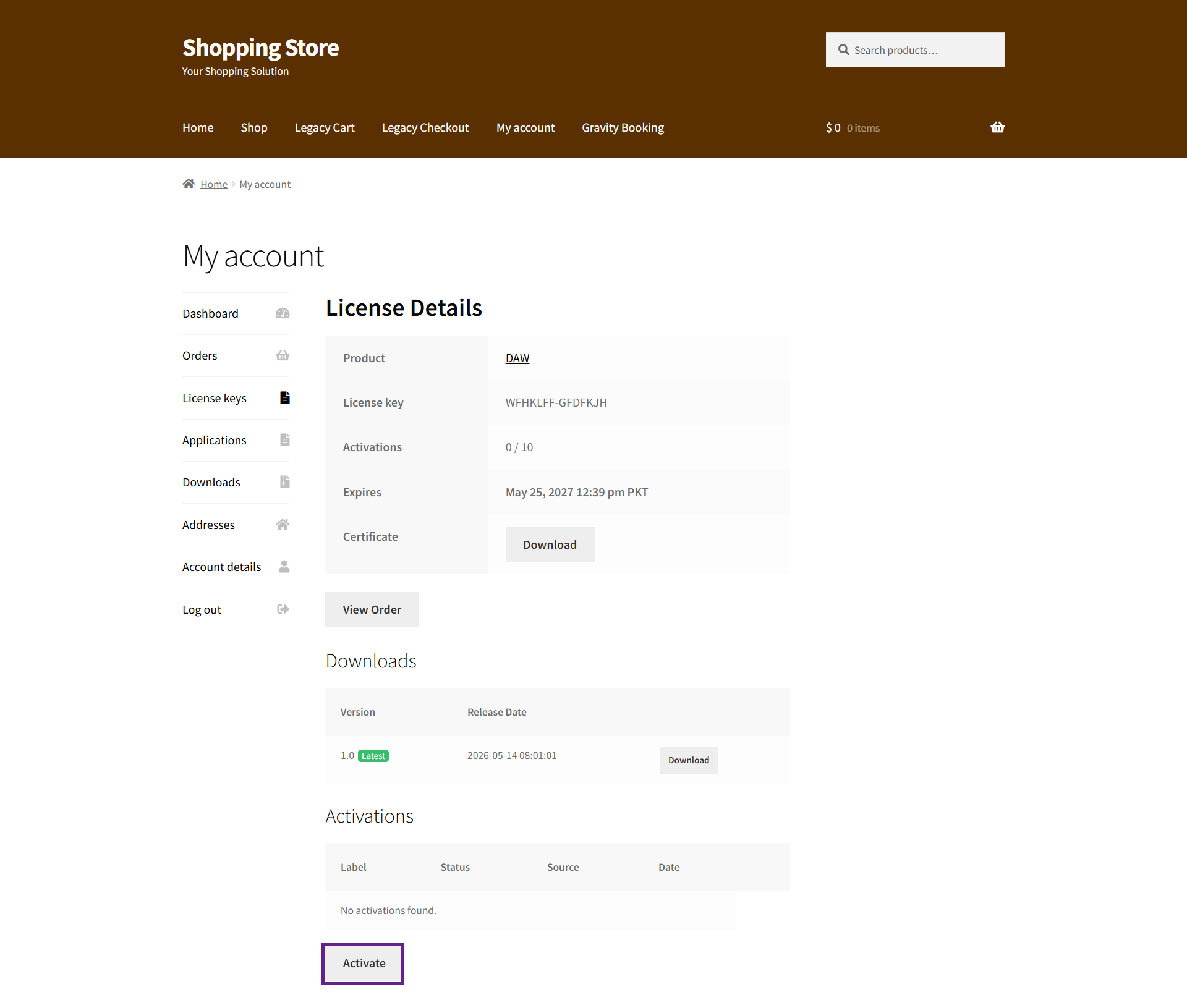
Deactivate

- If the admin wants to allow customers to download license key certificates, they need to enable the Enable Certificates option.
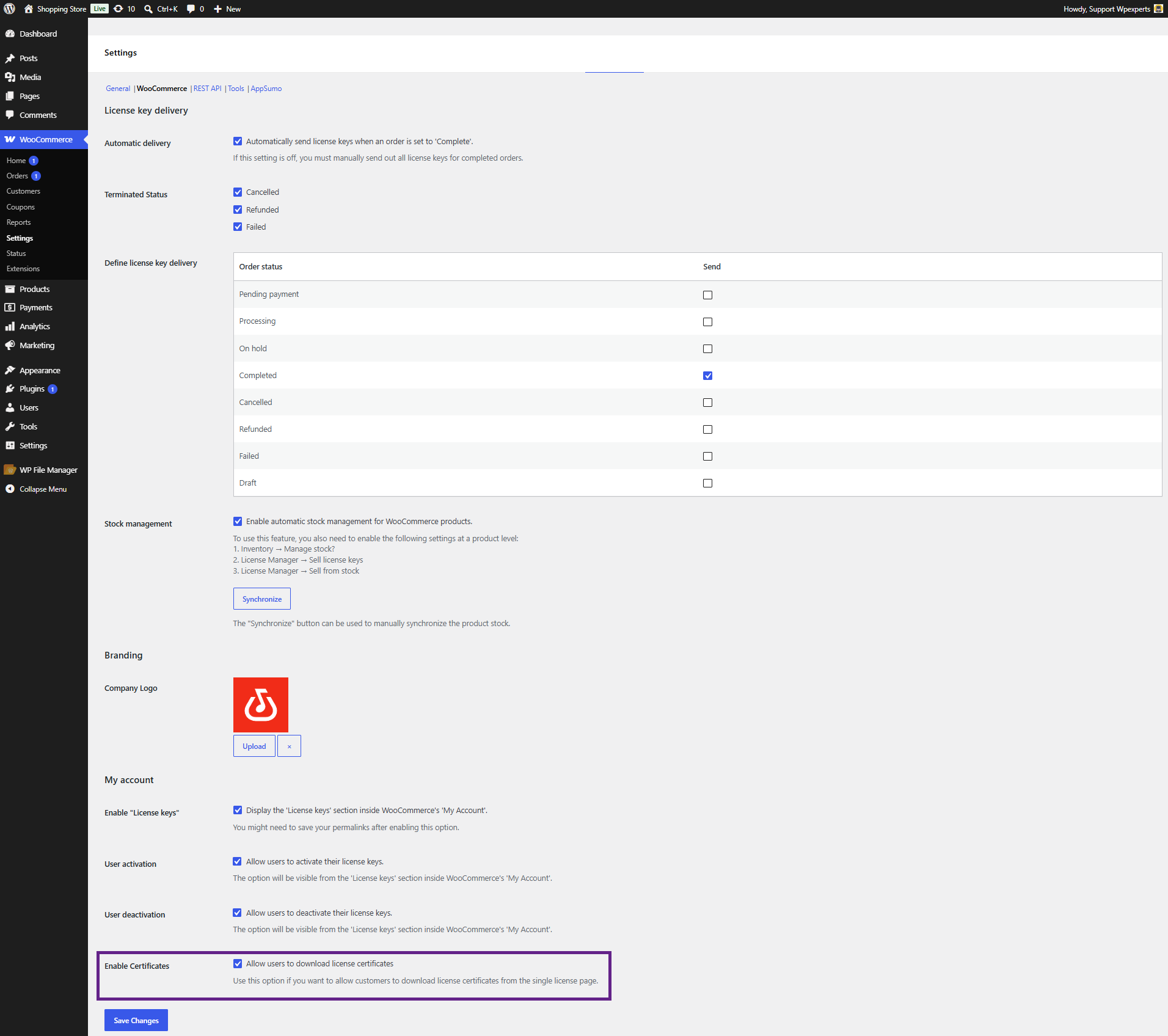
Front-End Impact
- Go to the website.
- Navigate to the My account > License Keys tab and click the View button.
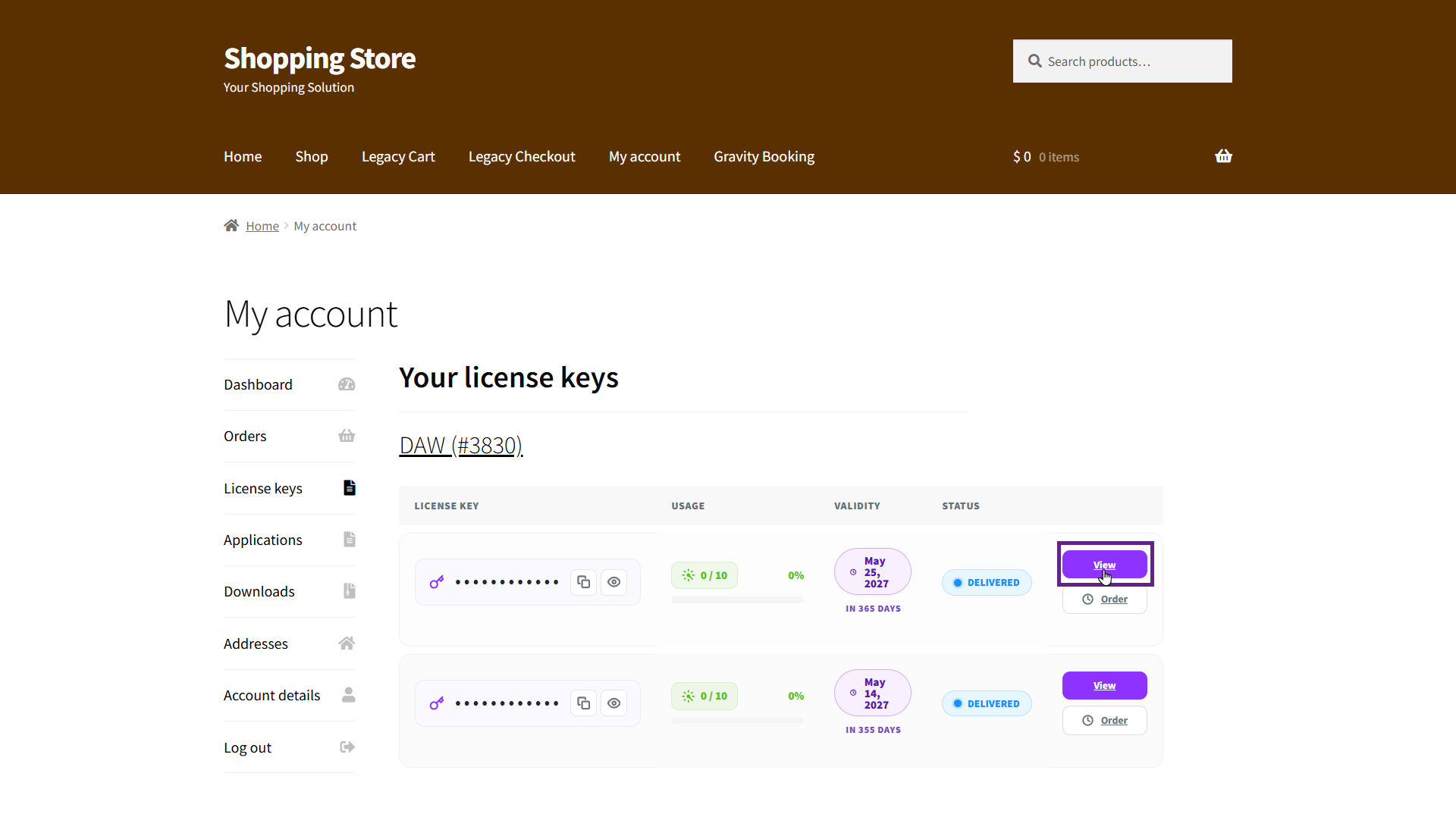
- Now, click the Download button.
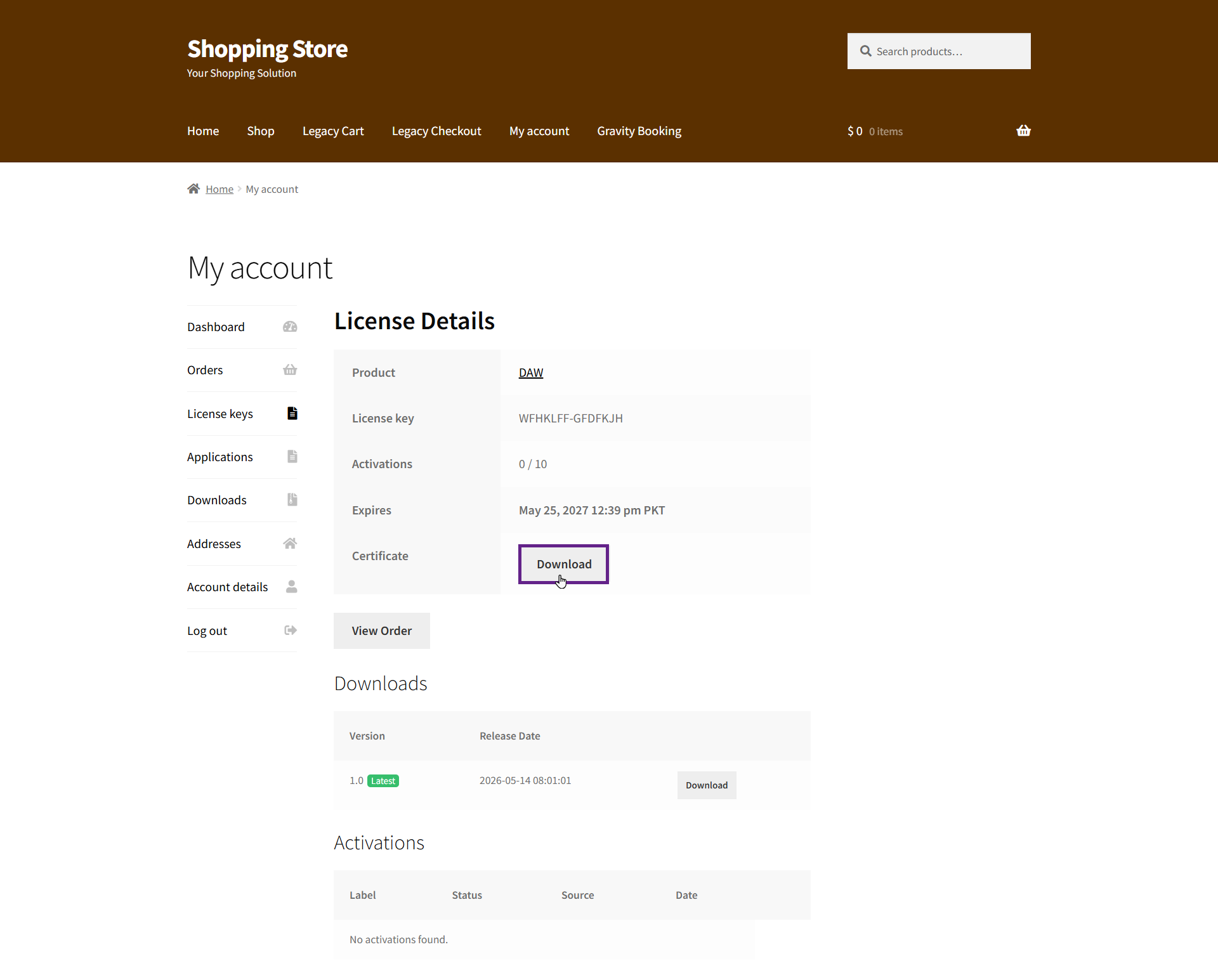
- Once clicked, your license certificate will be downloaded.