Documentation
Getting Started
- Introduction
- Setup
- General Settings
- WooCommerce
- Tools
- Analytics Reports
- Dashboard
- License
- Generator
- Activations
- Applications
- Installed On
- API Logs
- WooCommerce Products
- Customer License Manager Flow
Integrations
For Developer
Create an Application
The Applications tab allows you to sell your WordPress plugins, themes, SaaS solutions, or desktop software. Simply create an application for your product and assign a license generator to it. Once a customer purchases your product, their license key will be delivered automatically.
We are introducing a new SDK for the License Manager that simplifies license activation integration for developers.
With the new SDK, developers can now integrate license activation into their applications with minimal setup. Developers only need to include the provided SDK and add the initialization code to their application’s main PHP file.
Once integrated, the SDK automatically handles:
- License key activation
- License validation
- Communication with the License Manager
- Customer license verification
After a WooCommerce product is linked to an application and purchased by a customer, the license key is automatically generated and delivered. Customers can then instantly activate their license keys directly within the application without requiring any custom activation implementation from the developer.
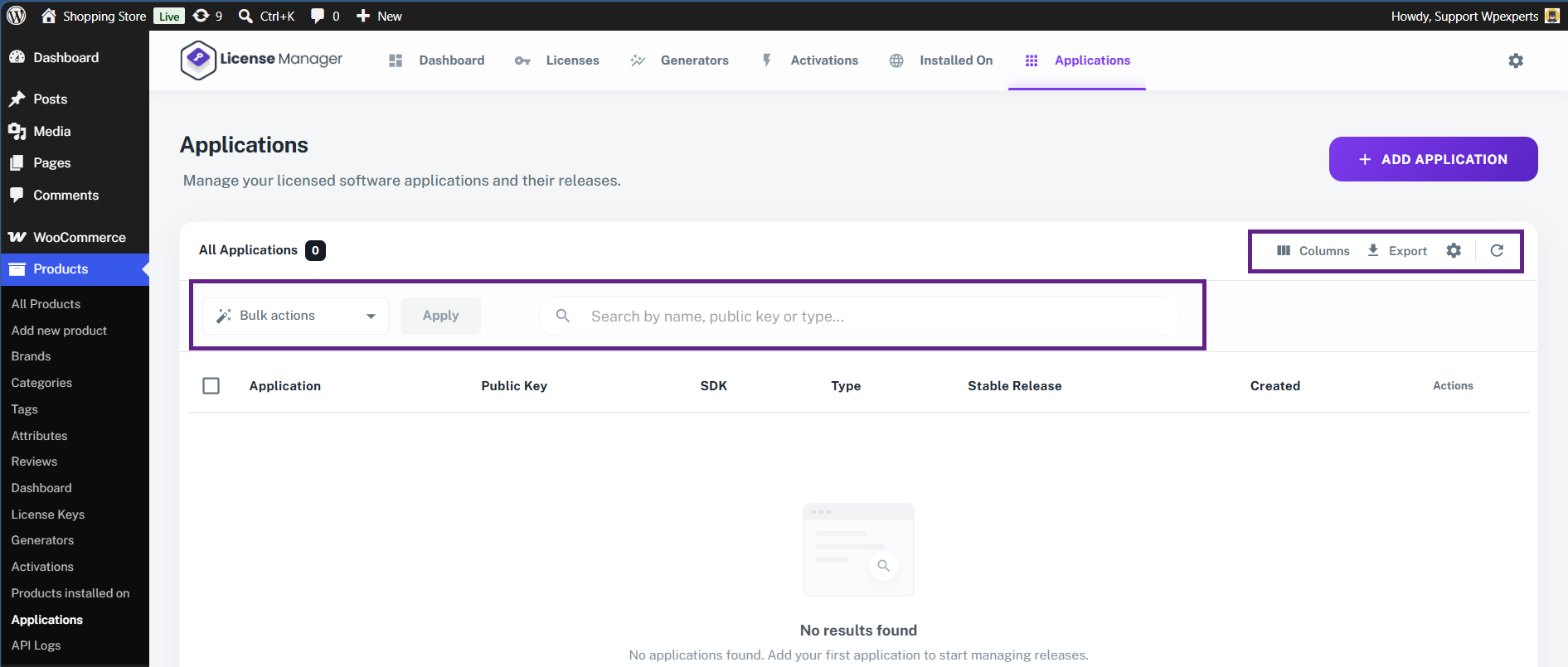
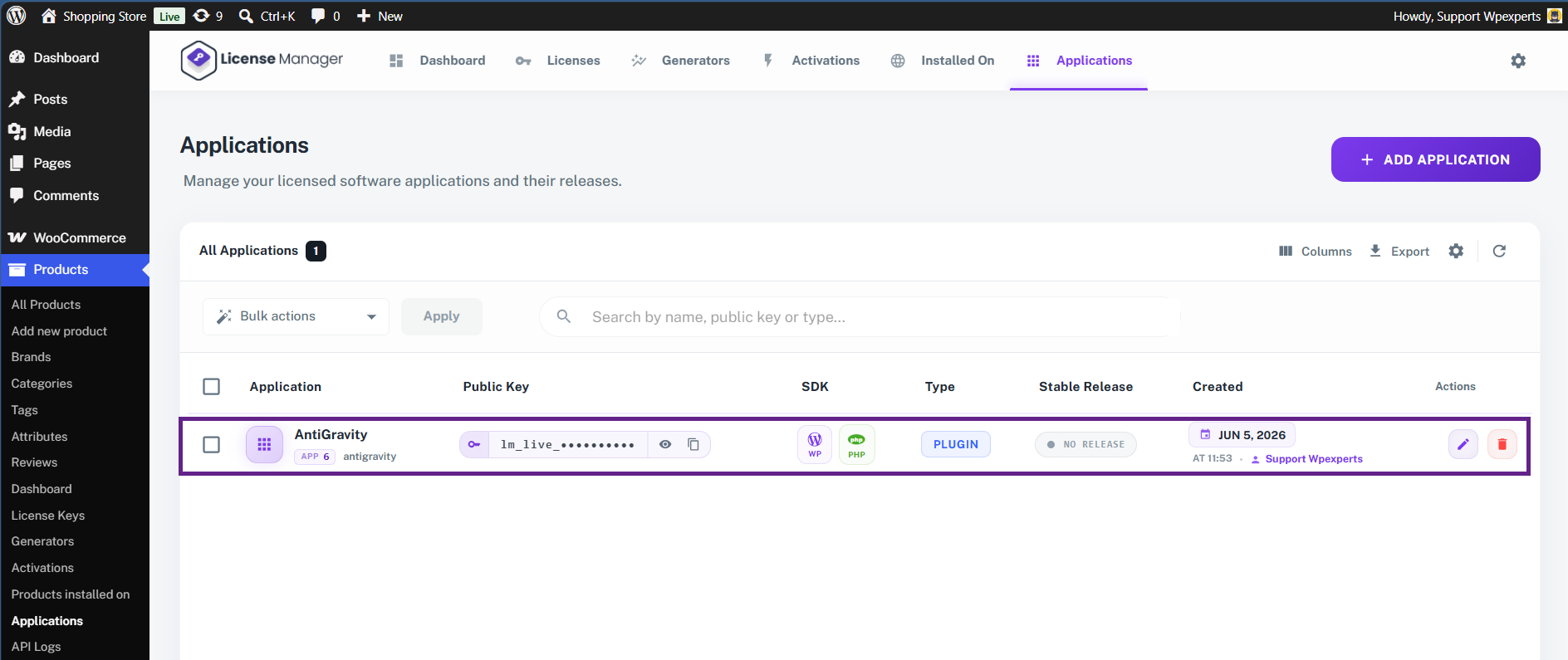
- Navigate to the Applications tab.

- The overall structure of this screen mirrors the Licenses and Generators pages, featuring identical components like bulk actions, a search field, and table columns.
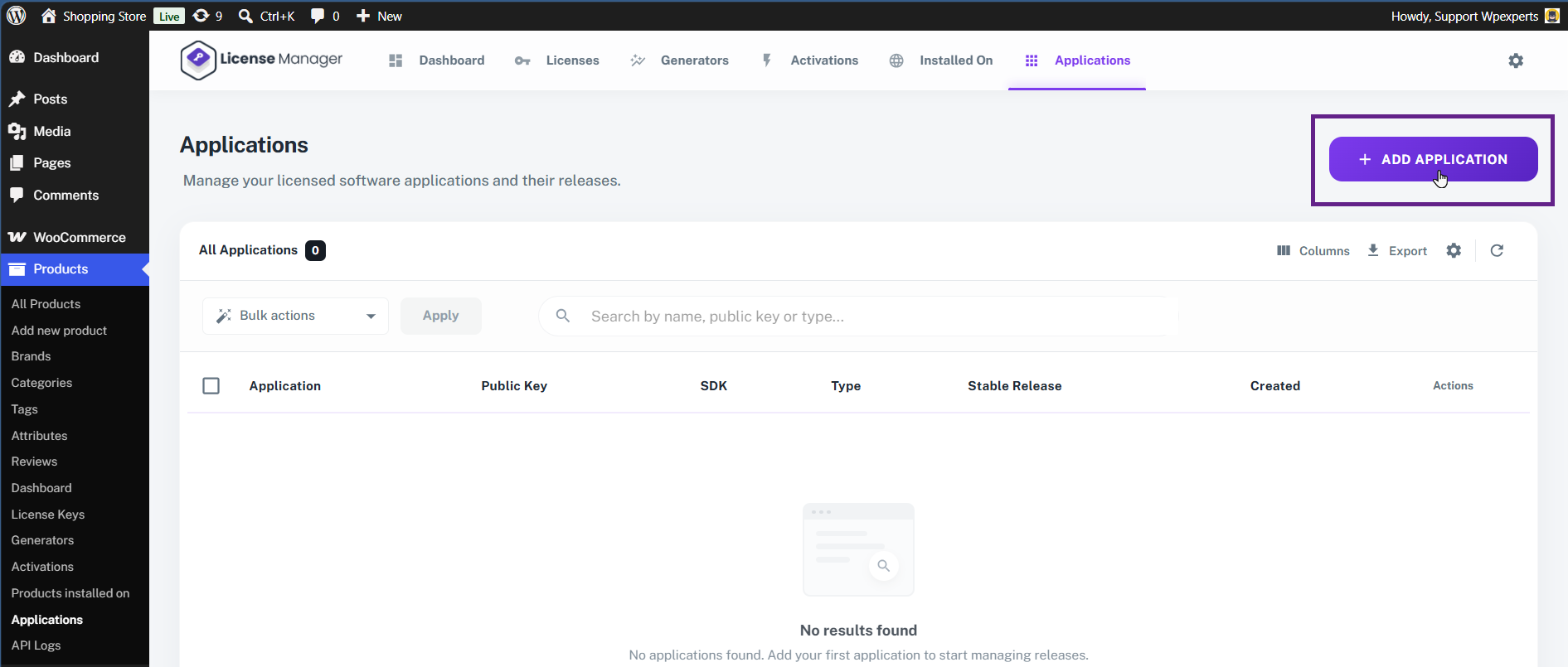
- Click Add Application to get started on your first setup.
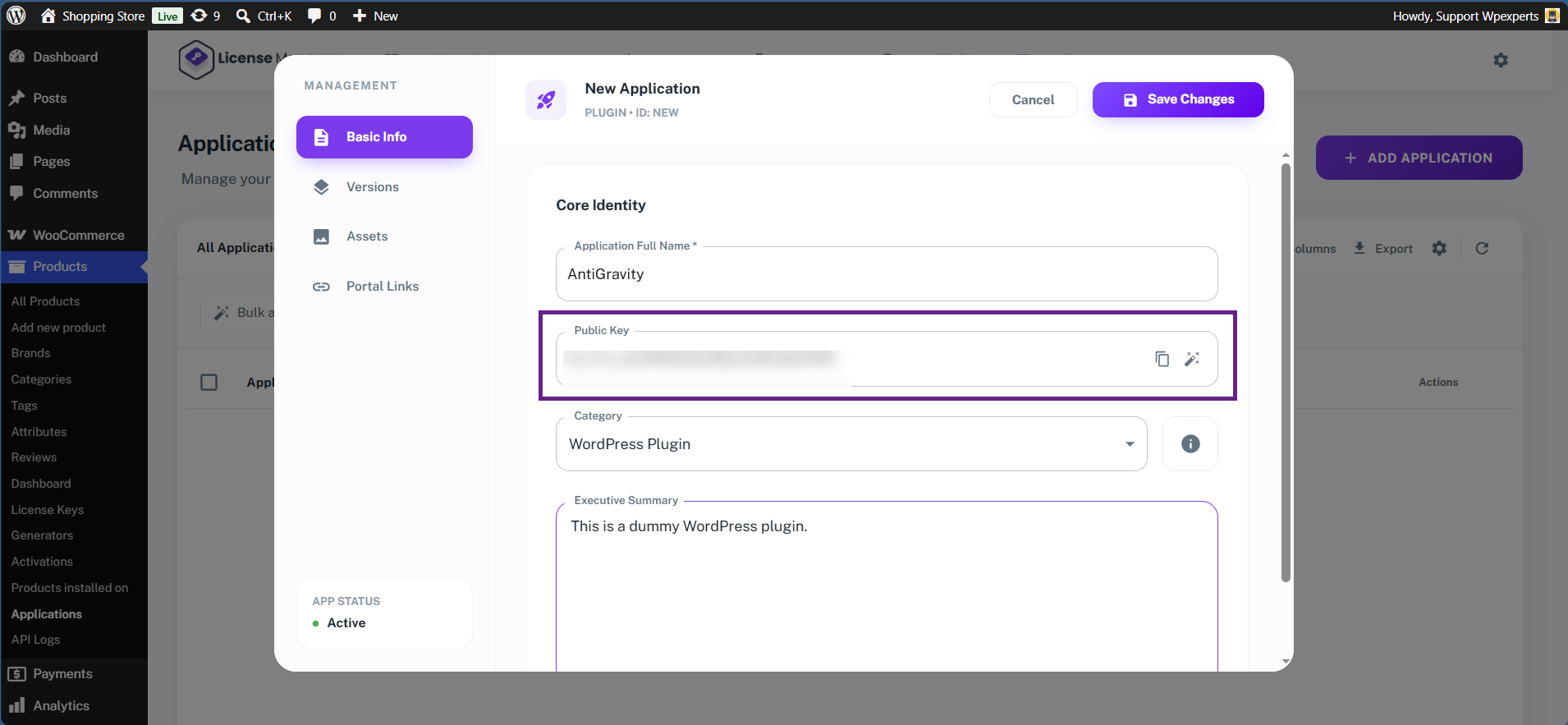
- Enter the application name.
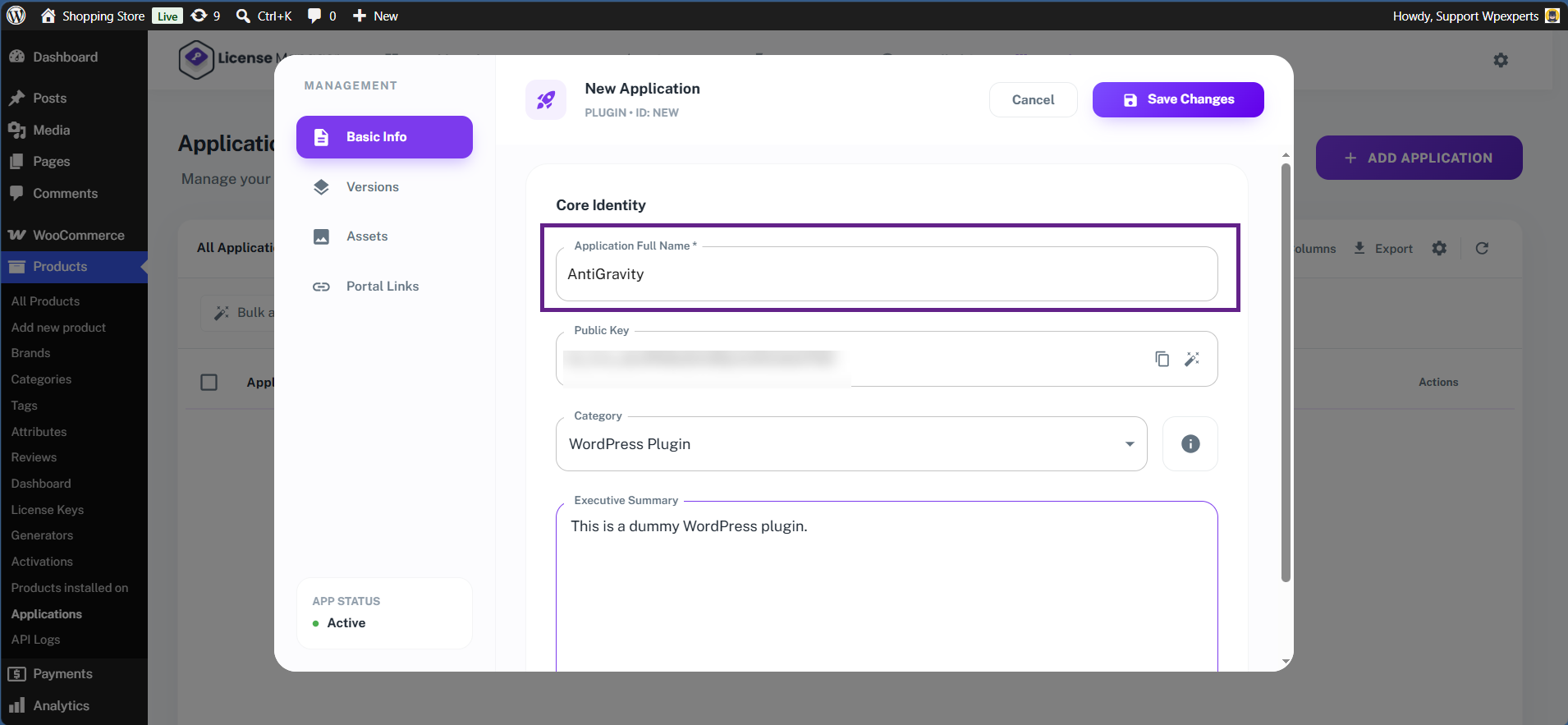
- Next is the Public Key. The Public Key is a unique identifier generated automatically for each application within the License Manager. The SDK uses this key to establish a secure connection and communicate with the License Manager during license activation and validation requests.
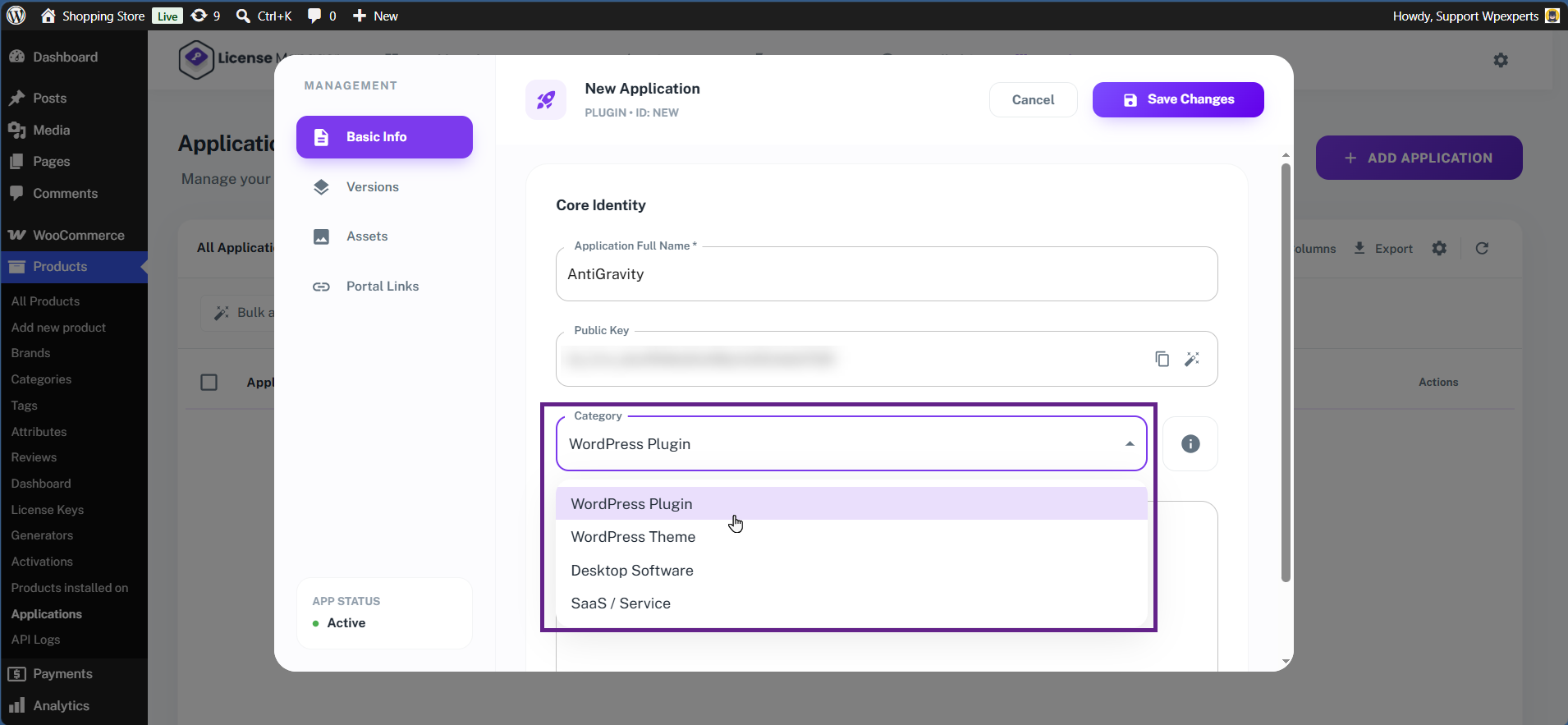
- From the Category dropdown menu, select WordPress Plugin.
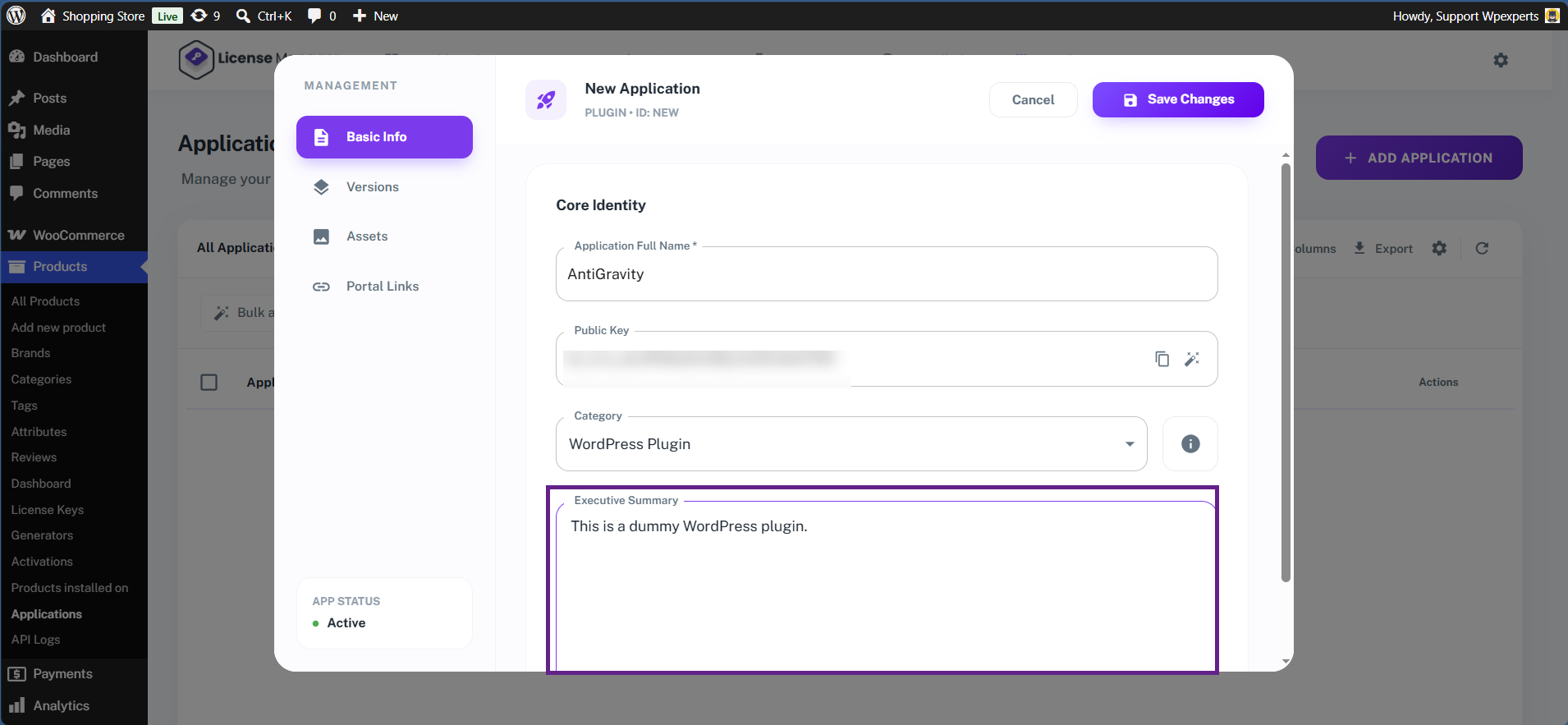
- Now, enter the Application Summary.
- Once done, click the Save Changes button.
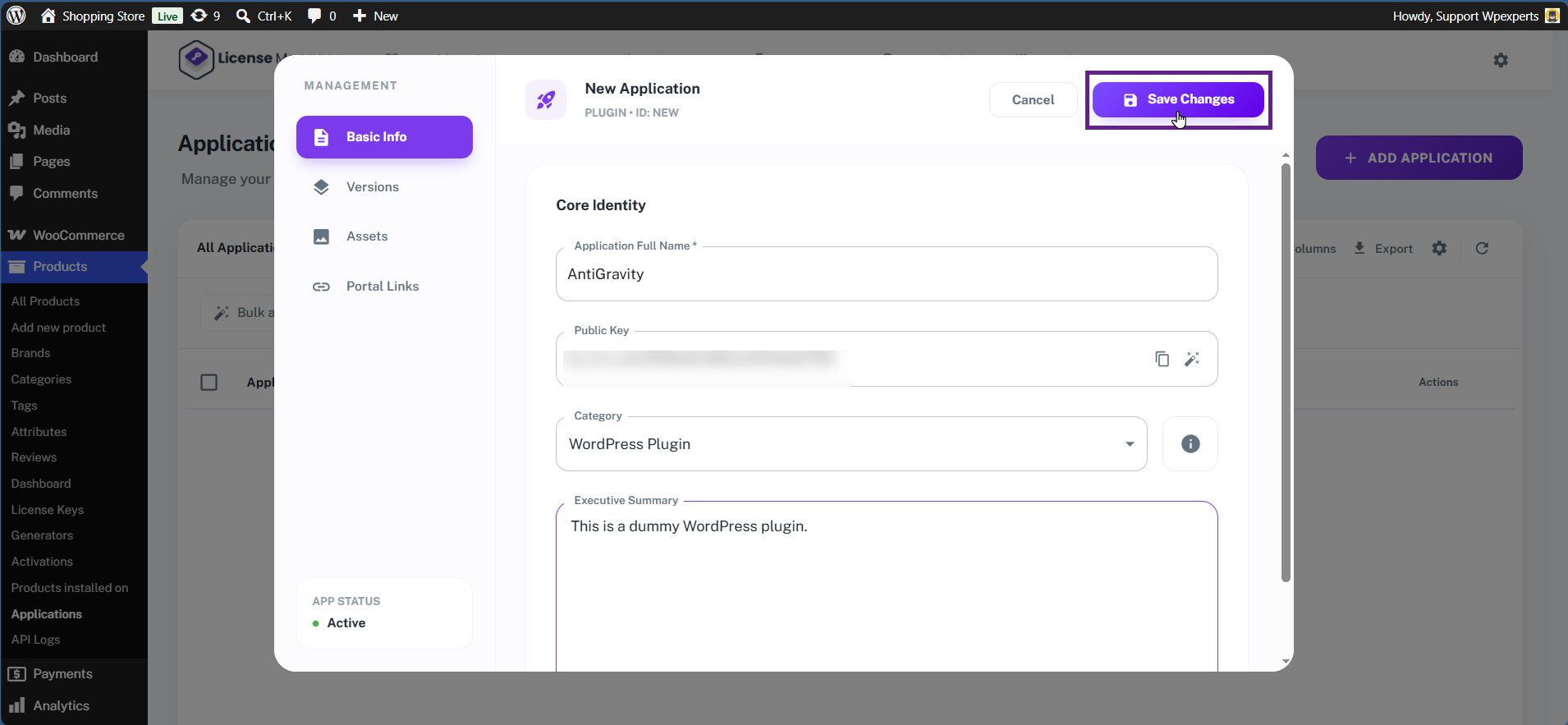
- Your application skeleton structure has been created successfully. However, it still requires the main application ZIP file and your product information to complete the setup.
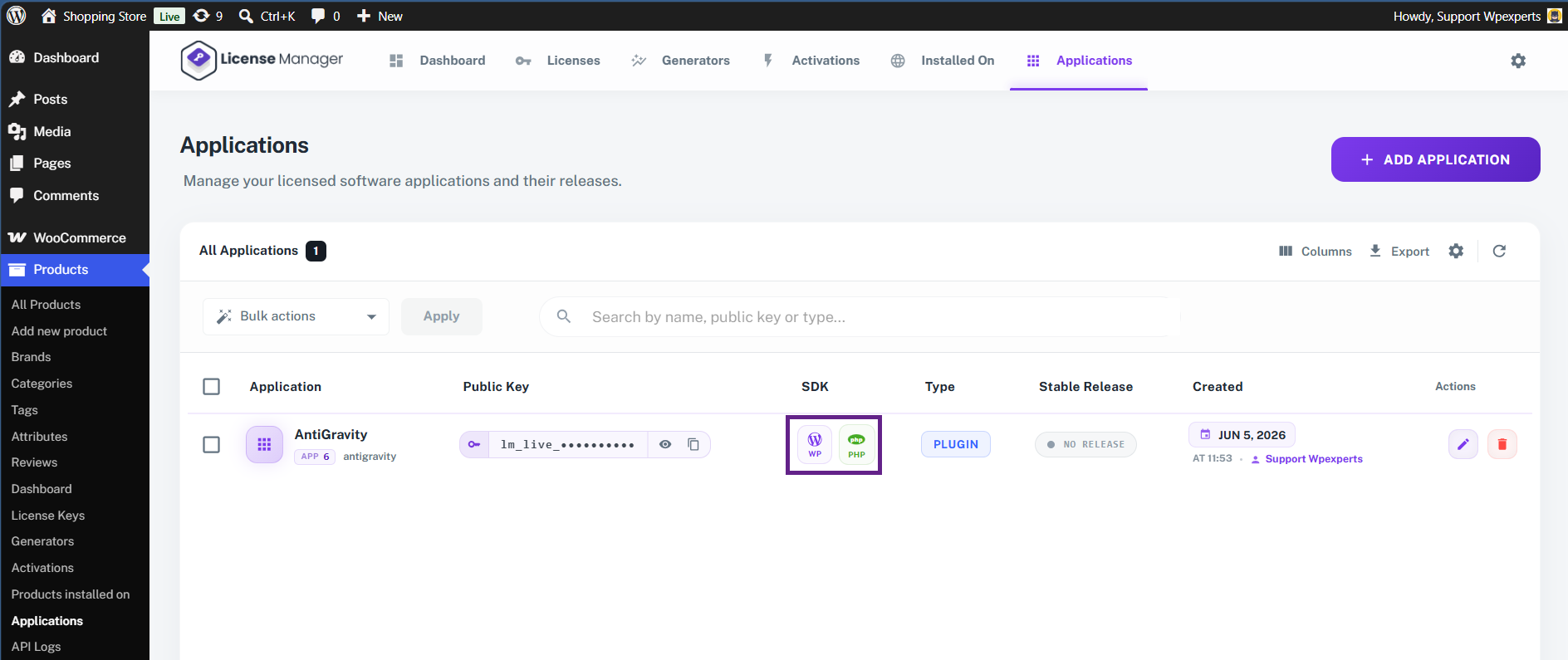
- Two SDKs are available for your application: the WordPress SDK and the SaaS PHP SDK.