
Documentation
Getting Started
- Introduction
- Setup
- General Settings
- WooCommerce
- Tools
- Analytics Reports
- Dashboard
- License
- Generator
- Activations
- Applications
- Installed On
- API Logs
- WooCommerce Products
- Customer License Manager Flow
Integrations
For Developer
Assign a Generator to a Product?
- To assign a generator to a product, edit the generator.
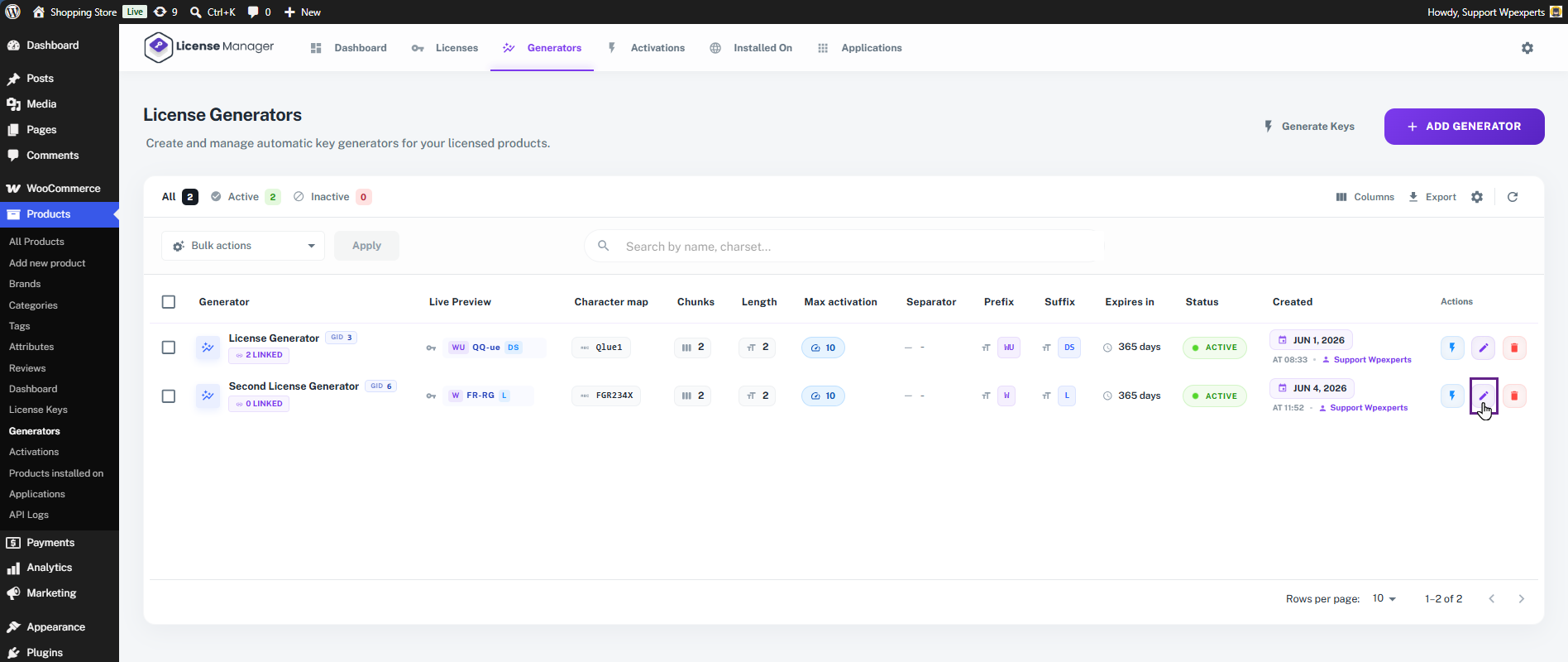
- In the Assign Product field, select the product and click the Save Changes button.
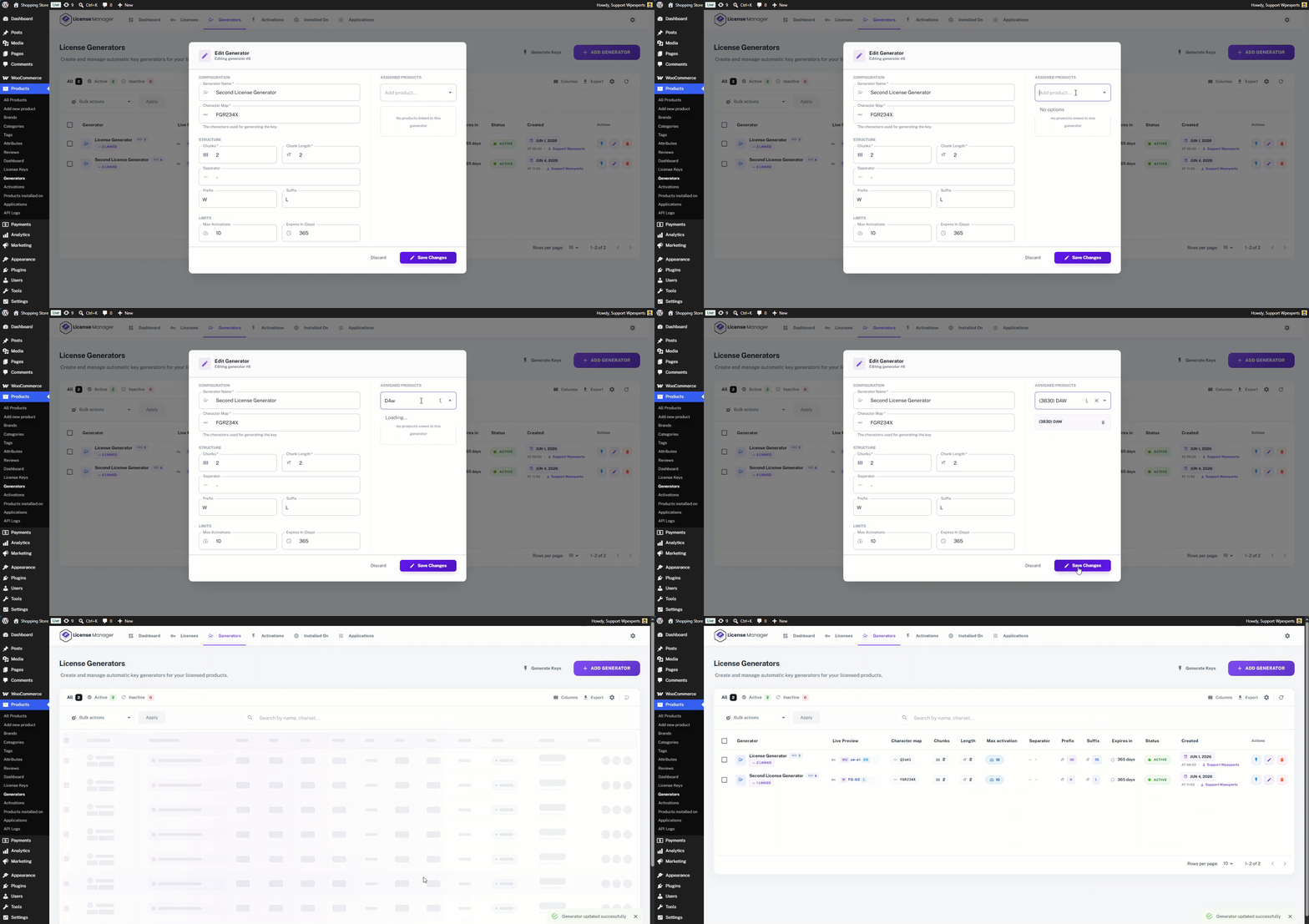
- The generator is now successfully assigned to the product.

- When a customer purchases this product, the generator will automatically create and deliver the license key to them.