
Documentation
Getting Started
- Introduction
- Setup
- General Settings
- WooCommerce
- Tools
- Analytics Reports
- Dashboard
- License
- Generator
- Activations
- Applications
- Installed On
- API Logs
- WooCommerce Products
- Customer License Manager Flow
Integrations
For Developer
Subscription
Simple Subscription
The Simple Subscription and Variable Subscription product types allow store owners to sell subscription-based products along with license keys. Using this functionality, customers can receive and manage license keys for recurring subscription purchases. It also supports automatic license renewal and license extension based on the WooCommerce subscription cycle.
Note: To use this functionality, you must have the WooCommerce Subscriptions plugin installed.
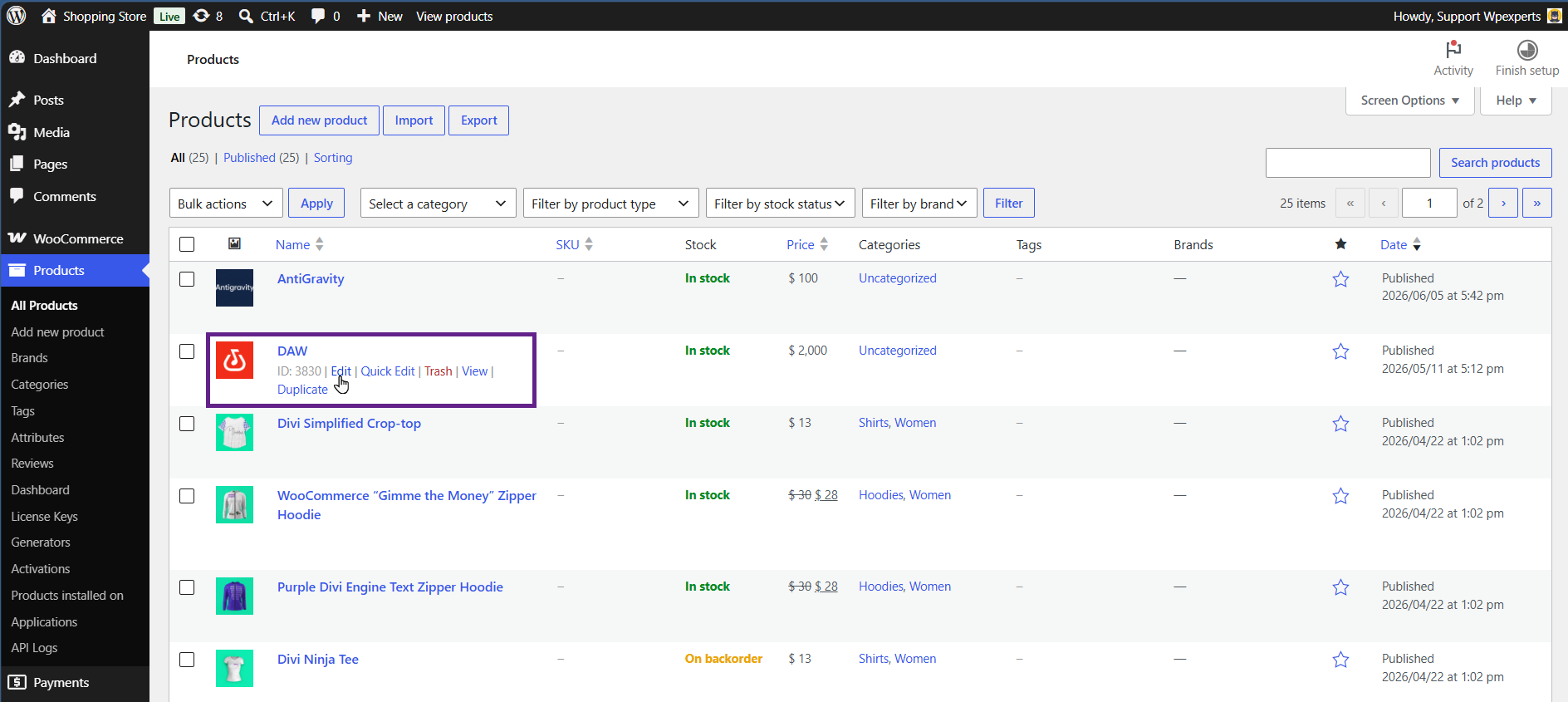
- Go to the Admin Dashboard > Products > All Products.
- Edit a Simple Subscription product.
- Under the License Manager tab, the initial settings are similar to those explained for the Simple Product type in this section.
- For Simple Subscription products, you can decide whether to issue a new license key to the customer upon subscription renewal or extend the existing license key after renewal.

- If the “Extend the existing license on each subscription renewal” option is selected, another sub-option named “Extend By” will appear.
- Using this option, you can choose whether to extend the license based on the WooCommerce Subscription renewal interval or set a custom renewal interval.
- If the custom renewal option is selected, additional settings will appear where you can define the interval value and interval type, such as days, hours, weeks, months, or years.

Variable Subscription Product
The same options for simple subscription products will also appear for each variation of a variable product. Clicking the “Variations” tab will display the currently available product variations. Simply expand the variation you wish to edit and scroll a bit down, you will find a “License Manager for WooCommerce” section as shown below.
