Documentation
Getting Started
- Introduction
- Setup
- General Settings
- WooCommerce
- Tools
- Analytics Reports
- Dashboard
- License
- Generator
- Activations
- Applications
- Installed On
- API Logs
- WooCommerce Products
- Customer License Manager Flow
Integrations
For Developer
Installed On
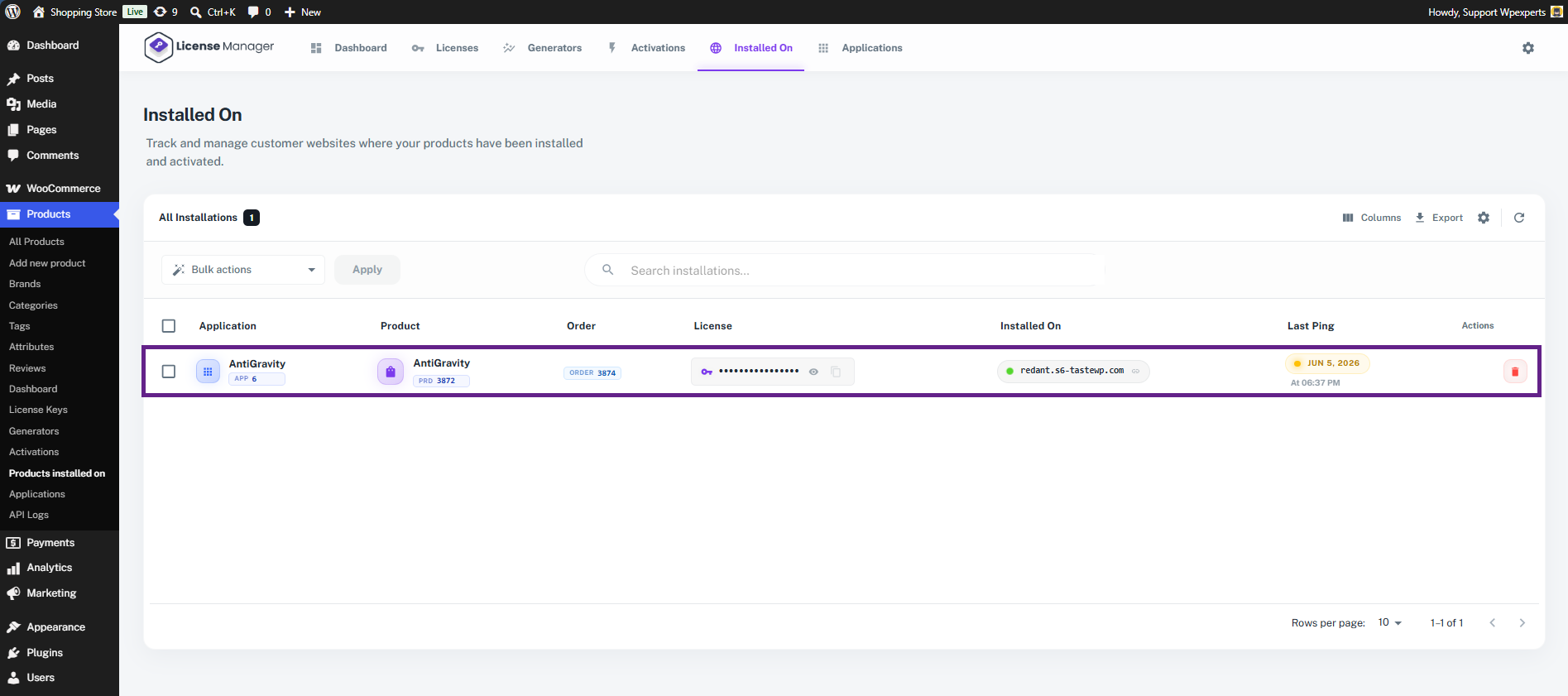
The Installed On section allows the admin to track and manage all customer websites where the licensed products have been installed and activated.
Each row in the table represents a separate installation linked with a specific product license.
The table contains the following information:
- Application – Displays the application connected with the installation. It helps identify which app or software is using the license key.
- Product – Shows the product name associated with the installation along with its product ID.
- Order – Displays the WooCommerce order linked to the purchased license.
- License – Shows the assigned license key. The admin can view, copy, or manage the license directly from this column.
- Installed On – Displays the domain or website where the product has been activated. This helps the admin monitor customer installations.
- Last Ping – Shows the last time the installed application communicated with the license server. It helps verify whether the installation is currently active and connected.
- Actions – Provides management options, such as removing or deleting an installation record.
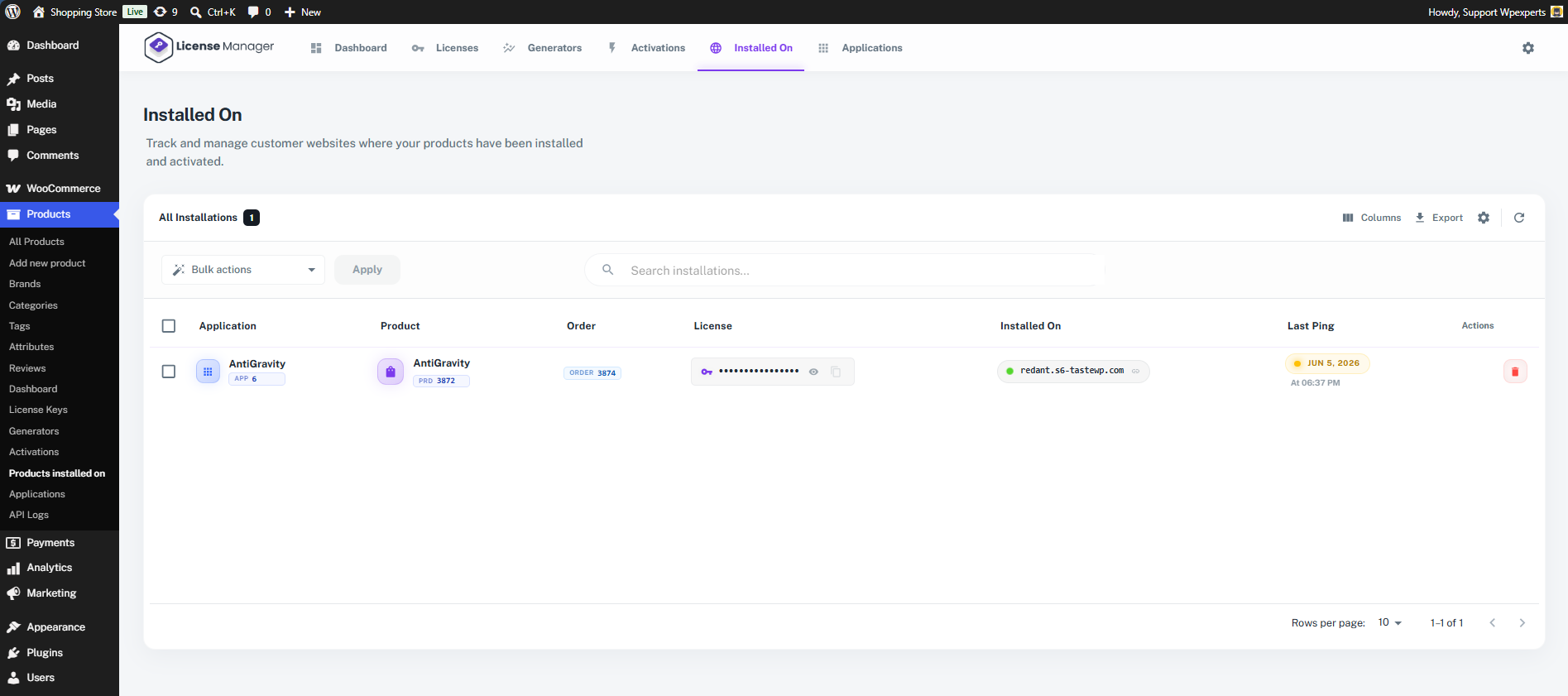
- As you can see, the application created earlier in this section is now displayed in the table.