
Documentation
Getting Started
- Introduction
- Setup
- General Settings
- WooCommerce
- Tools
- Analytics Reports
- Dashboard
- License
- Generator
- Activations
- Applications
- Installed On
- API Logs
- WooCommerce Products
- Customer License Manager Flow
Integrations
For Developer
Create Multiple License Keys Through a Generator?
- To create multiple license keys, click either the Generate Keys button at the top right or the Quick Generate button within the Actions section.
Note: If you are using the Actions section, click the Quick Generate button corresponding to the specific generator you want to use. However, if you use the main Generate Keys button, make sure to manually select your desired generator from the dropdown.
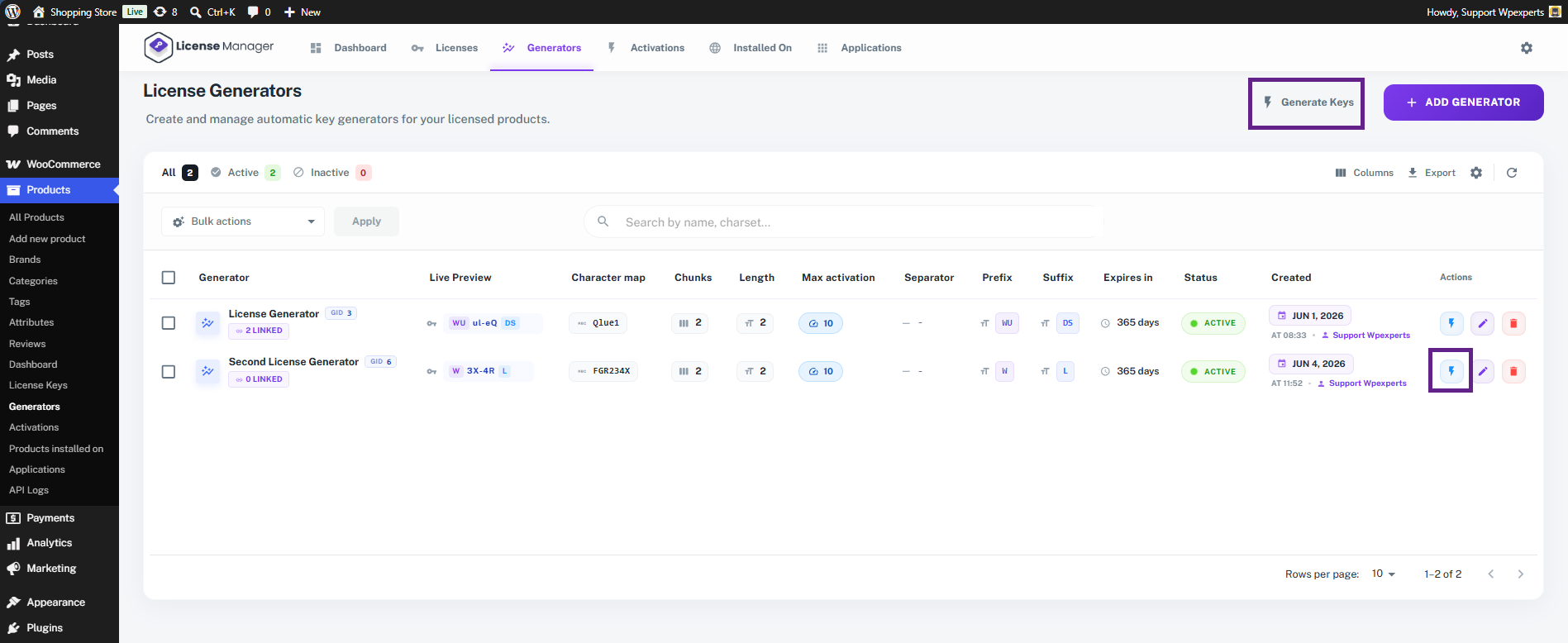
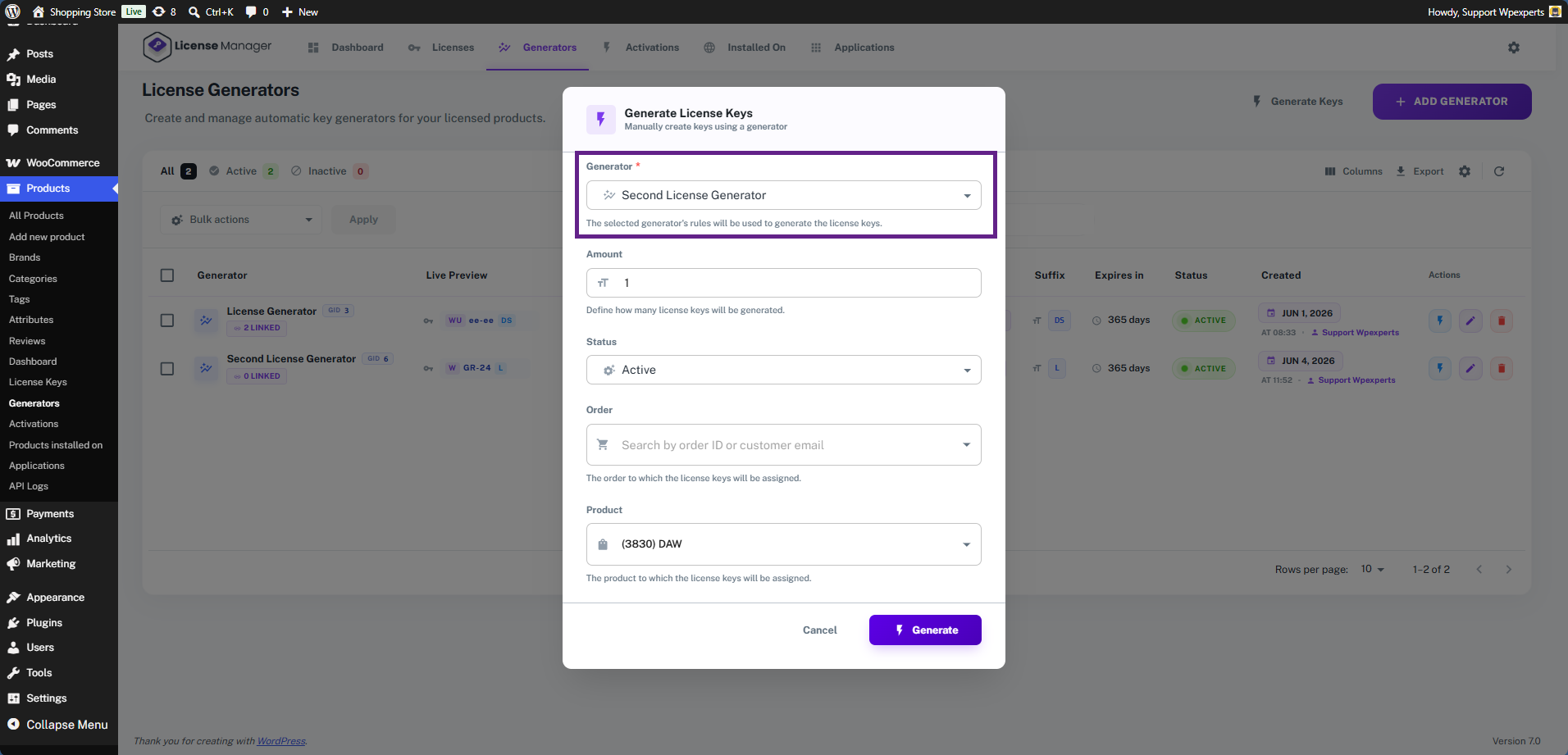
- Now, a pop-up will appear. If you clicked the Generate Keys button in the top right corner, you will need to select your generator from the dropdown.
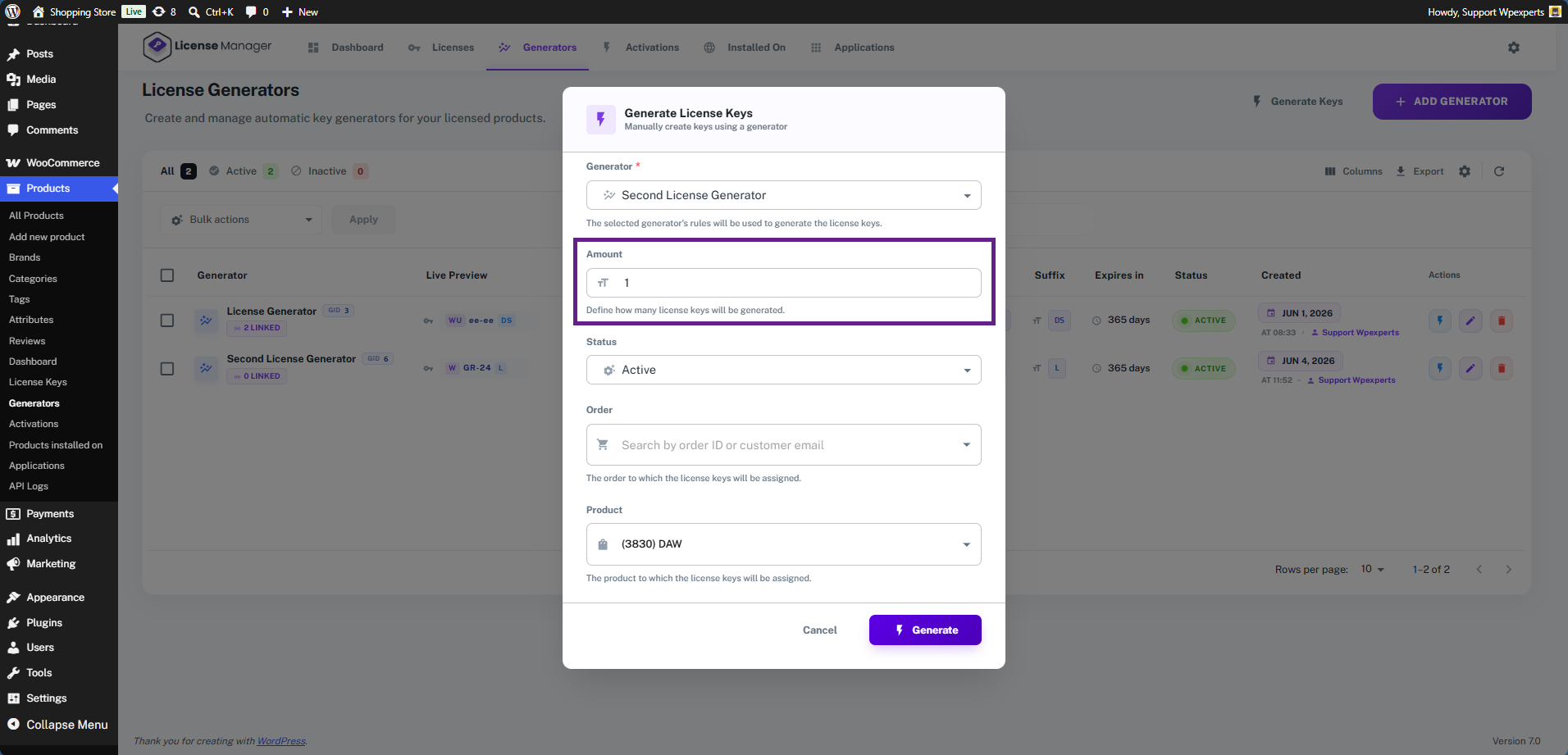
- Next, enter the amount of license keys you want to generate.
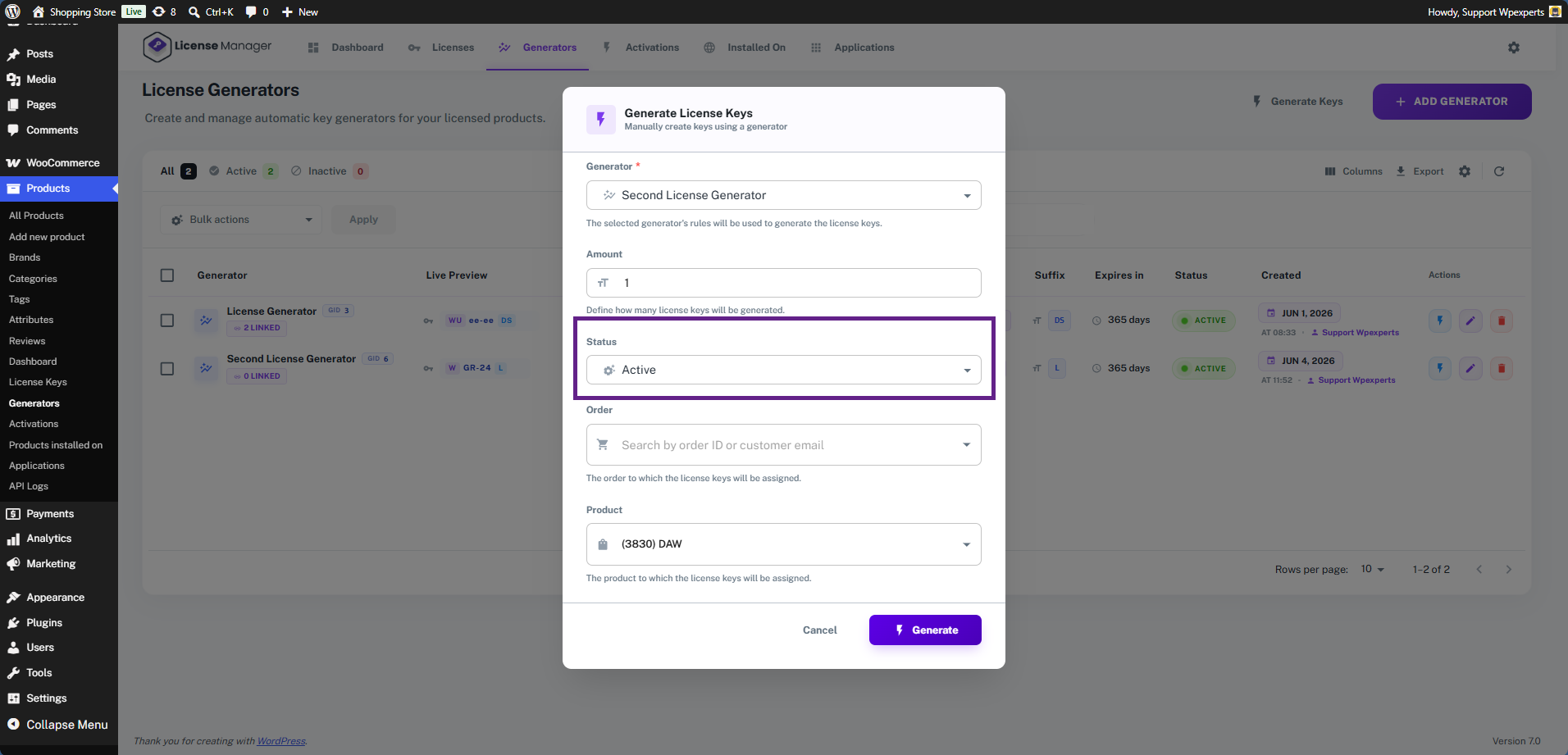
- Select the status for the license keys to be generated.
- Assign the generator to a specific order. In this case, we are leaving it empty.
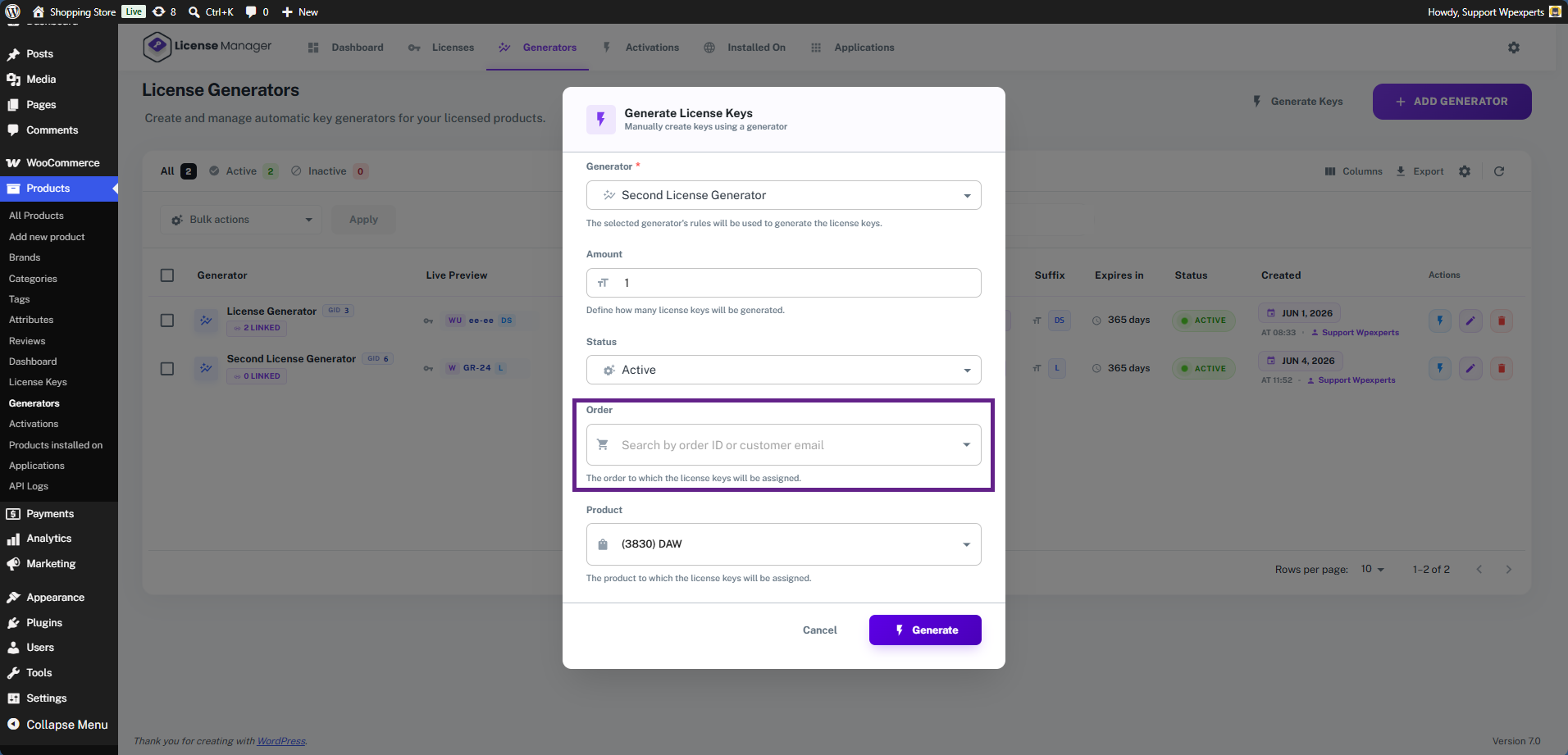
- Finally, assign the generator to a product. Once the product is sold, the generator will automatically create and deliver the license key.

- Once done, click the Generate button.

- Now navigate to the License tab.
- As you can see, the license key has been successfully created via the generator.
