Documentation
Getting Started
- Introduction
- Setup
- General Settings
- WooCommerce
- Tools
- Analytics Reports
- Dashboard
- License
- Generator
- Activations
- Applications
- Installed On
- API Logs
- WooCommerce Products
- Customer License Manager Flow
Integrations
For Developer
Overview
This is the new React UI. It makes License Manager faster and more efficient while providing a cleaner and more modern user experience. Customers can switch back to the old legacy UI at any time if they prefer.
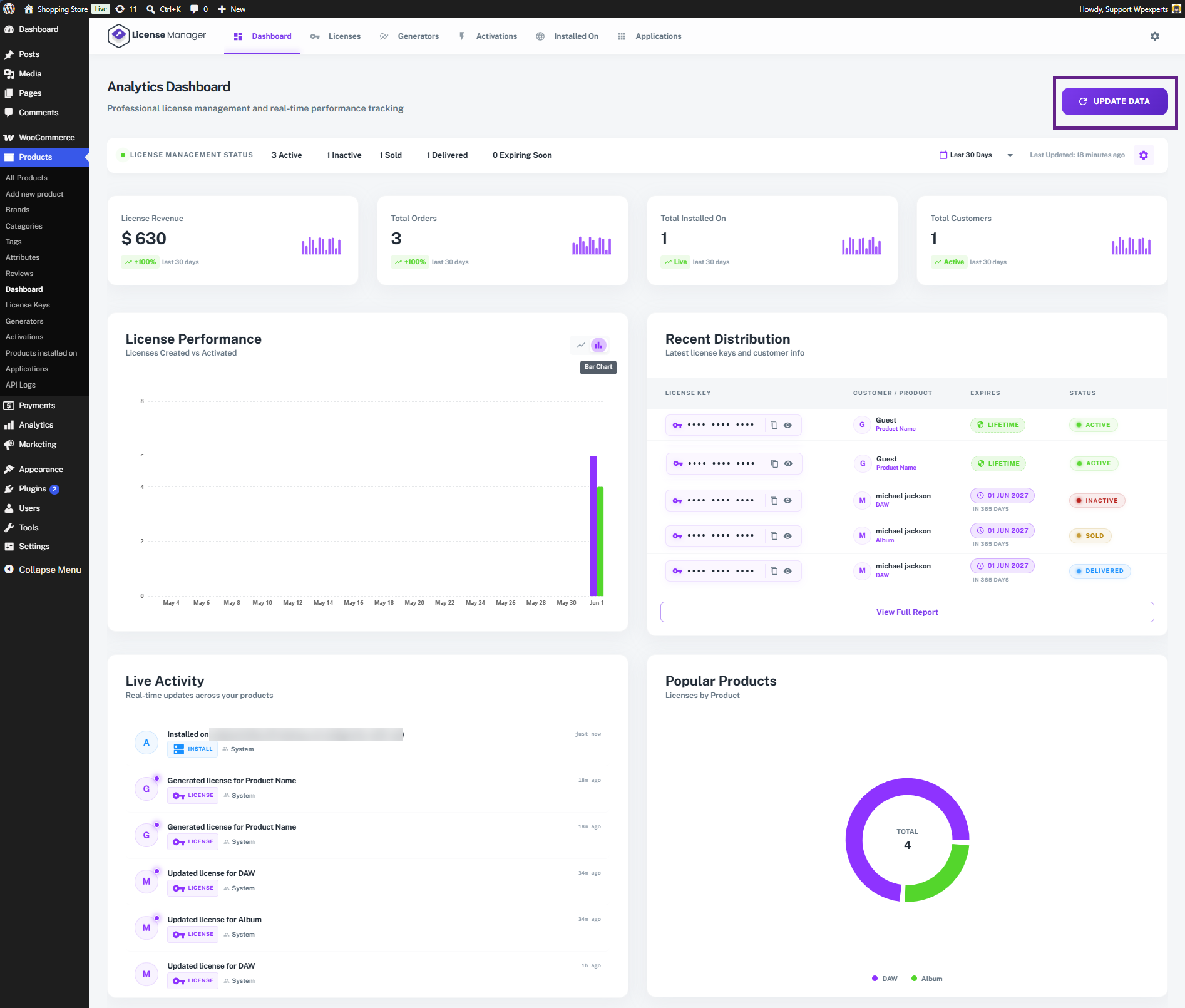
The Analytics Dashboard is the central hub for monitoring your license program in real time. It gives you an at-a-glance view of revenue, orders, activations, and customer activity — all from a single screen.
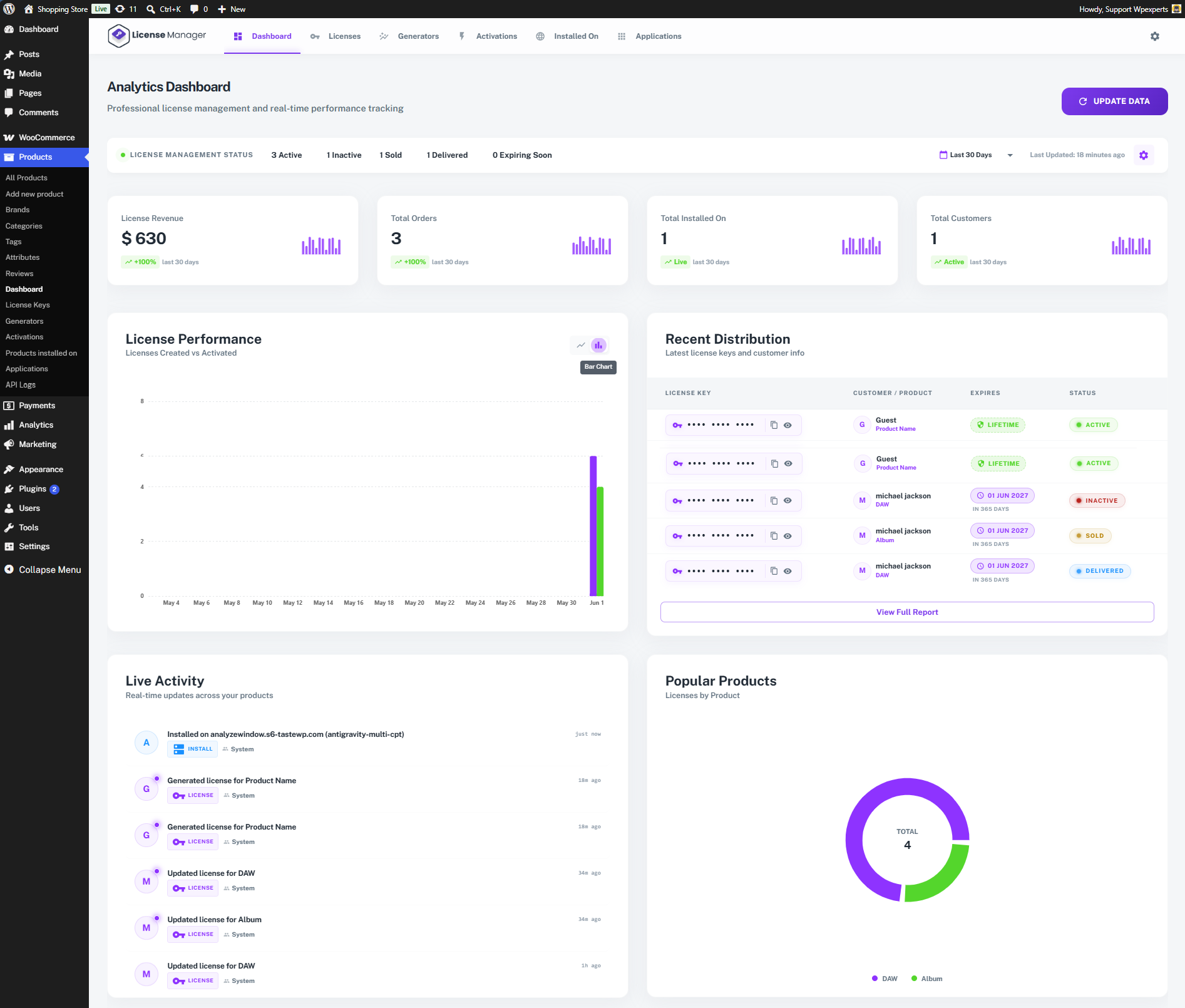
Dashboard Options
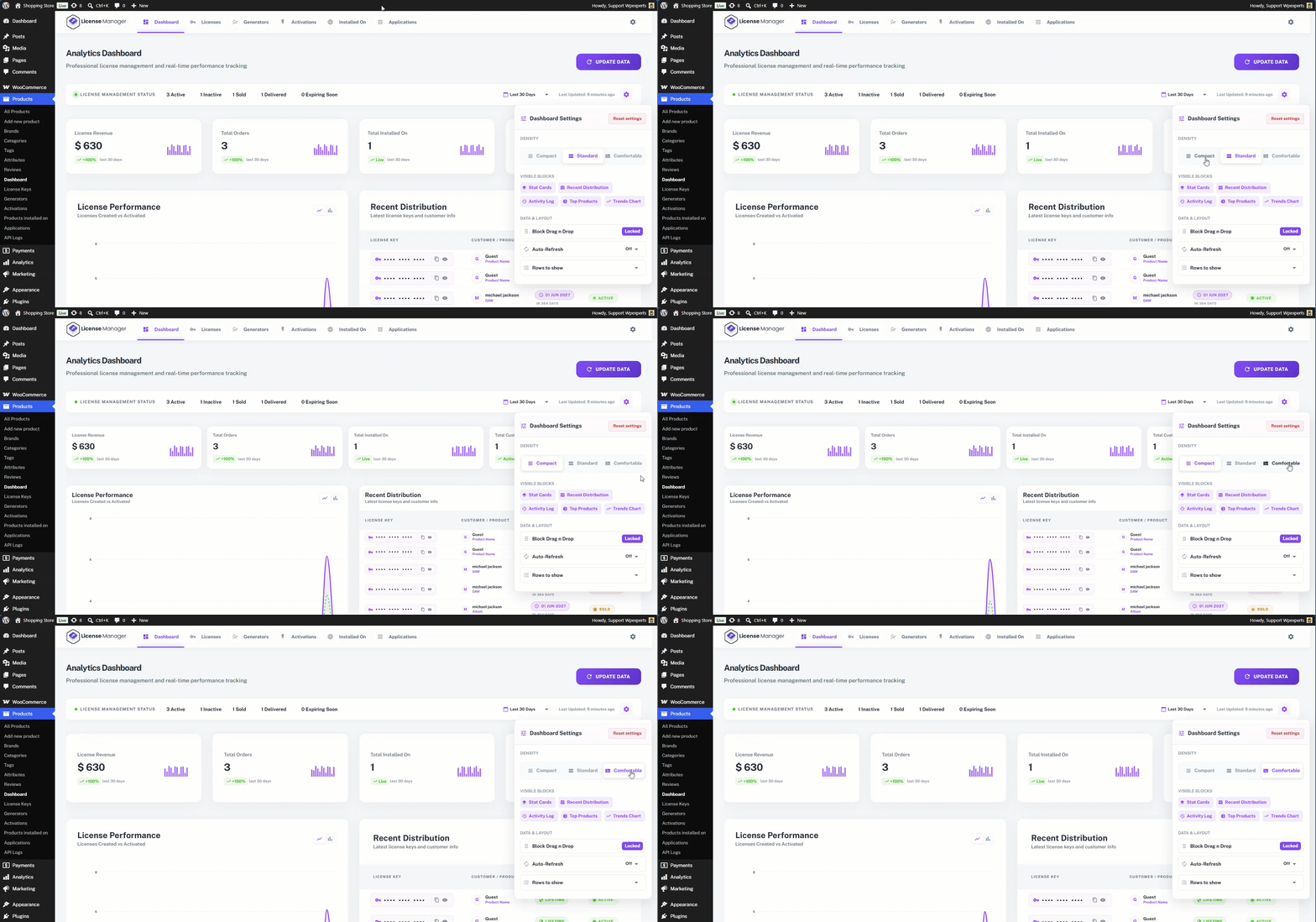
The Dashboard Settings option allows the admin to customize the dashboard layout according to their preferences and display the information most relevant to their needs.
- Under Dashboard Settings, the first section is Density. This option allows the admin to adjust the size and spacing of dashboard elements, enabling a more compact or spacious dashboard layout based on their preferences.
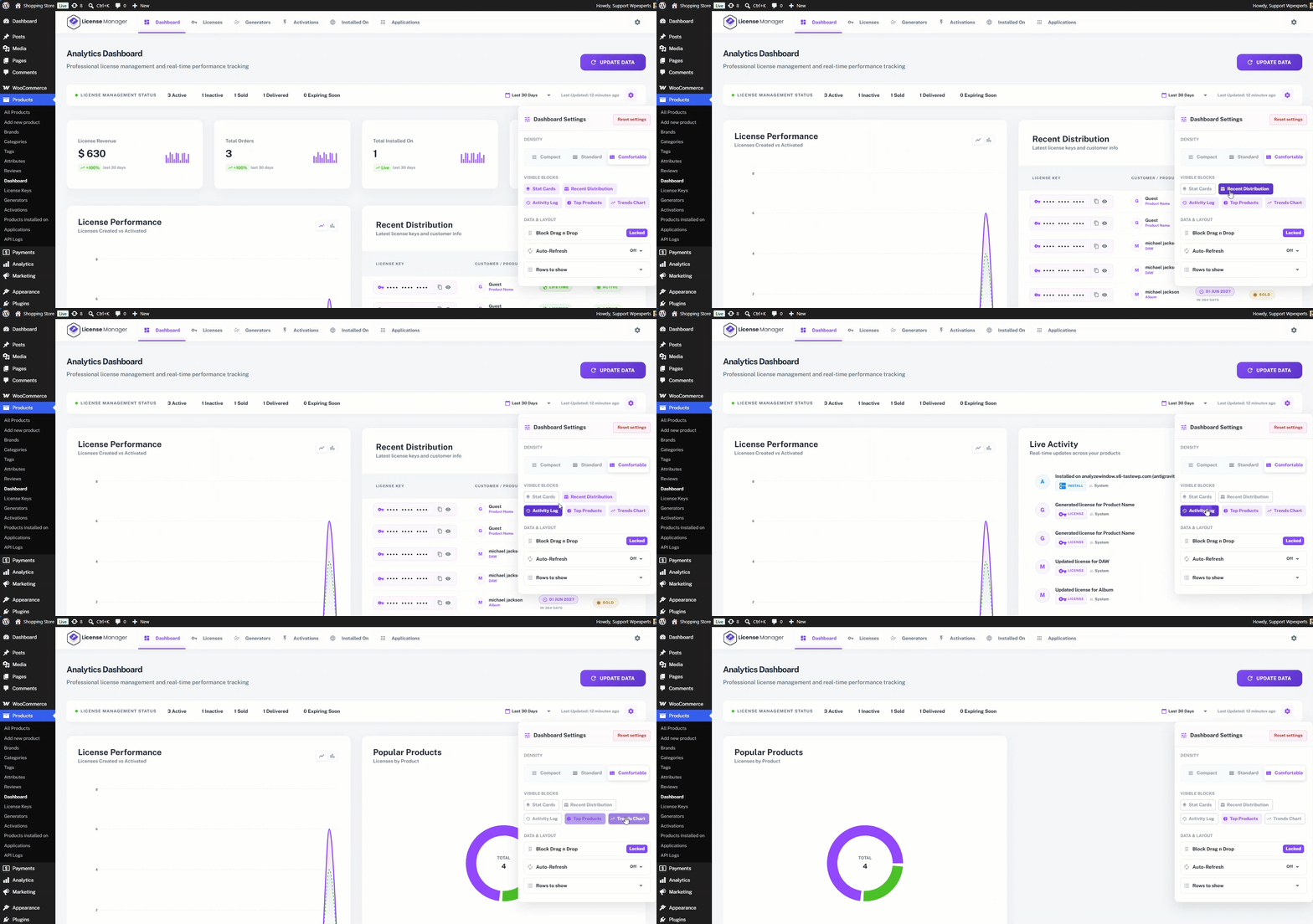
- The second section is Blocks. This section allows the admin to choose which dashboard blocks are displayed. The admin can enable or disable specific blocks to customize the dashboard and show only the information that is relevant to their needs.
The Data & Layout section provides additional dashboard customization options:
- Block Drag n Drop – Allows the admin to rearrange dashboard blocks by dragging and dropping them into the desired position. This feature is currently available only in the premium version.
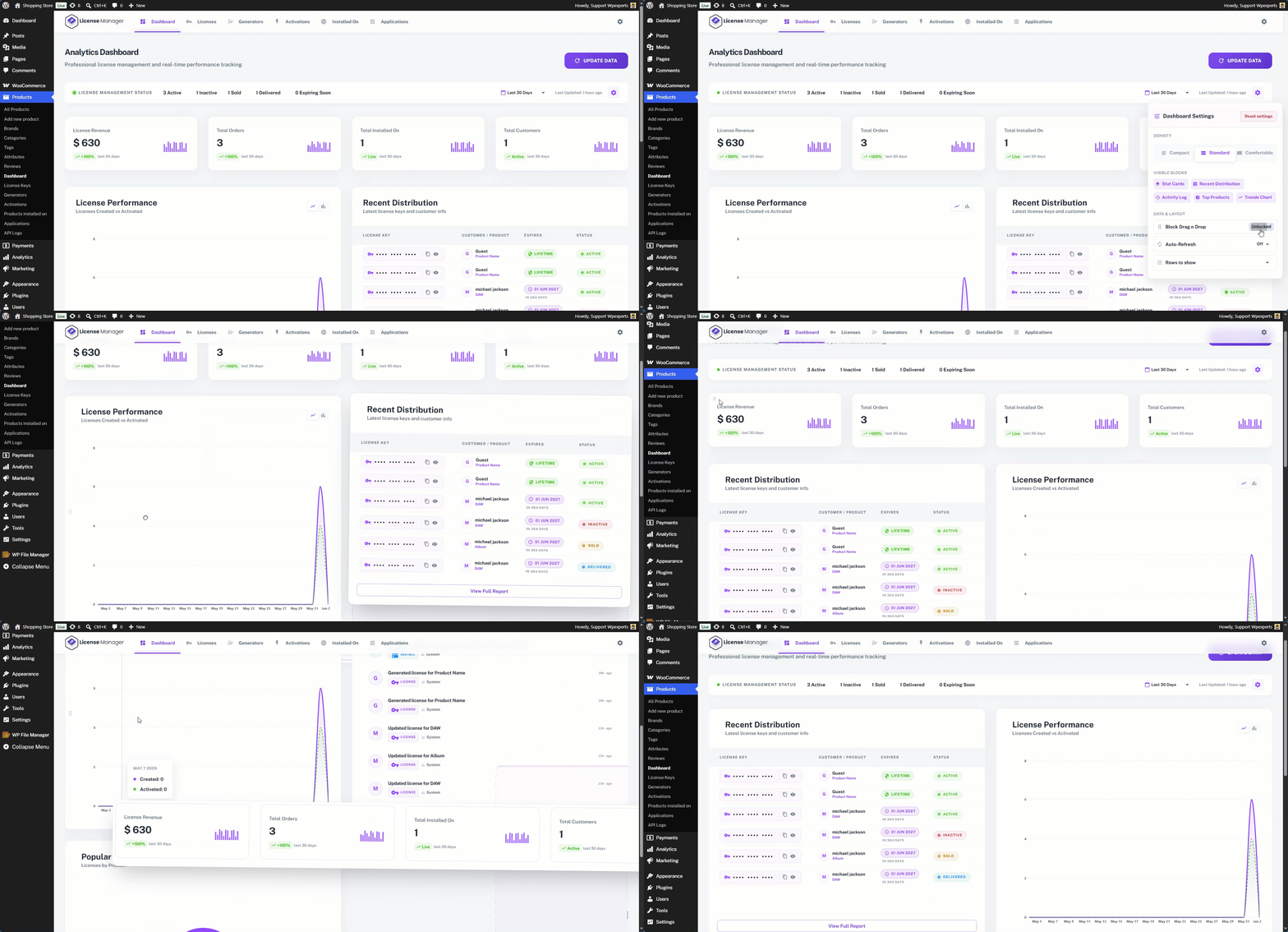
- Auto-Refresh – Enables the dashboard to automatically refresh its data at regular intervals, ensuring that the displayed information remains up to date.

- Rows to Show – Allows the admin to specify the number of rows displayed in dashboard tables and data listings.

Quick Access Menu
The Quick Access Menu provides four options:
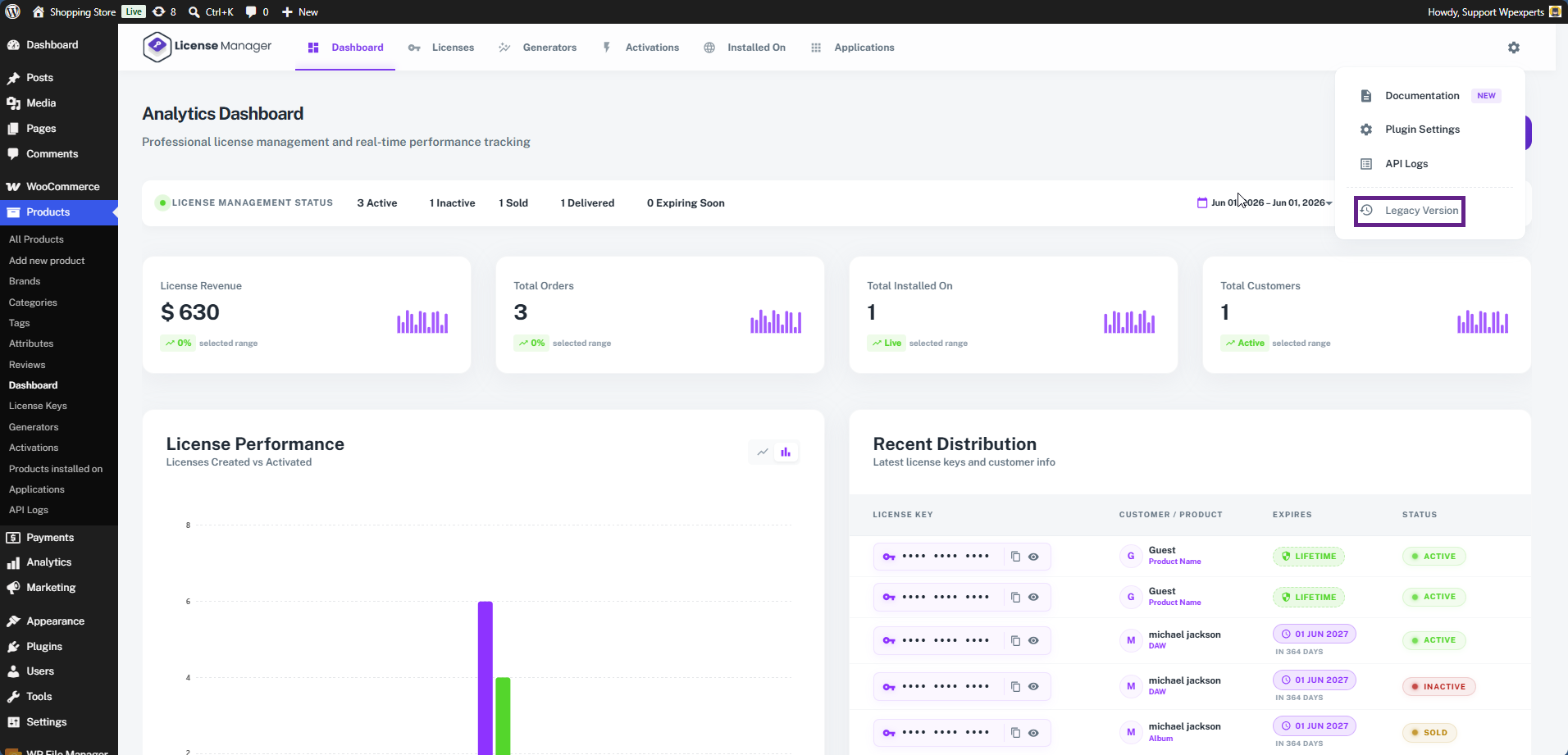
- Documentation – Redirects the admin to the plugin documentation.
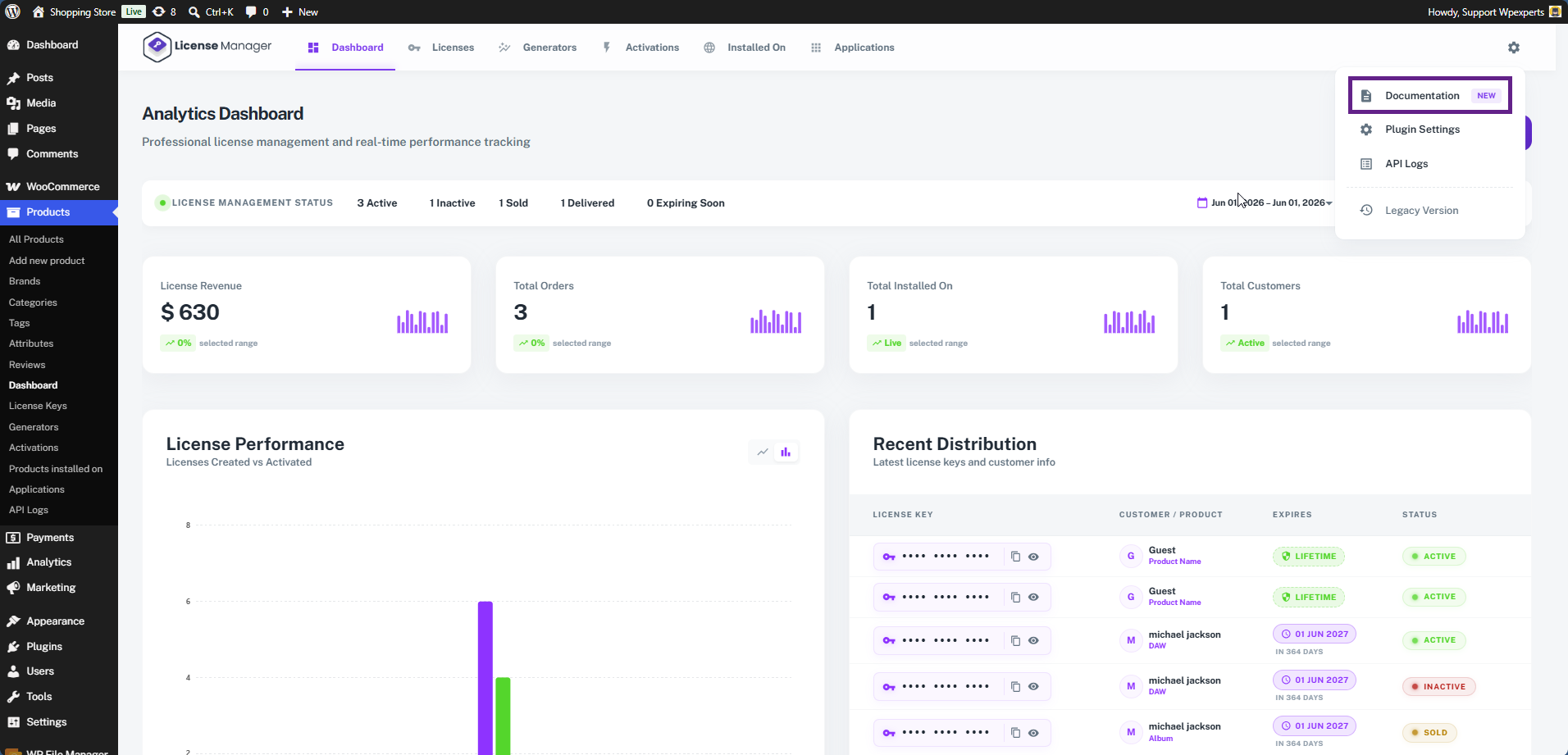
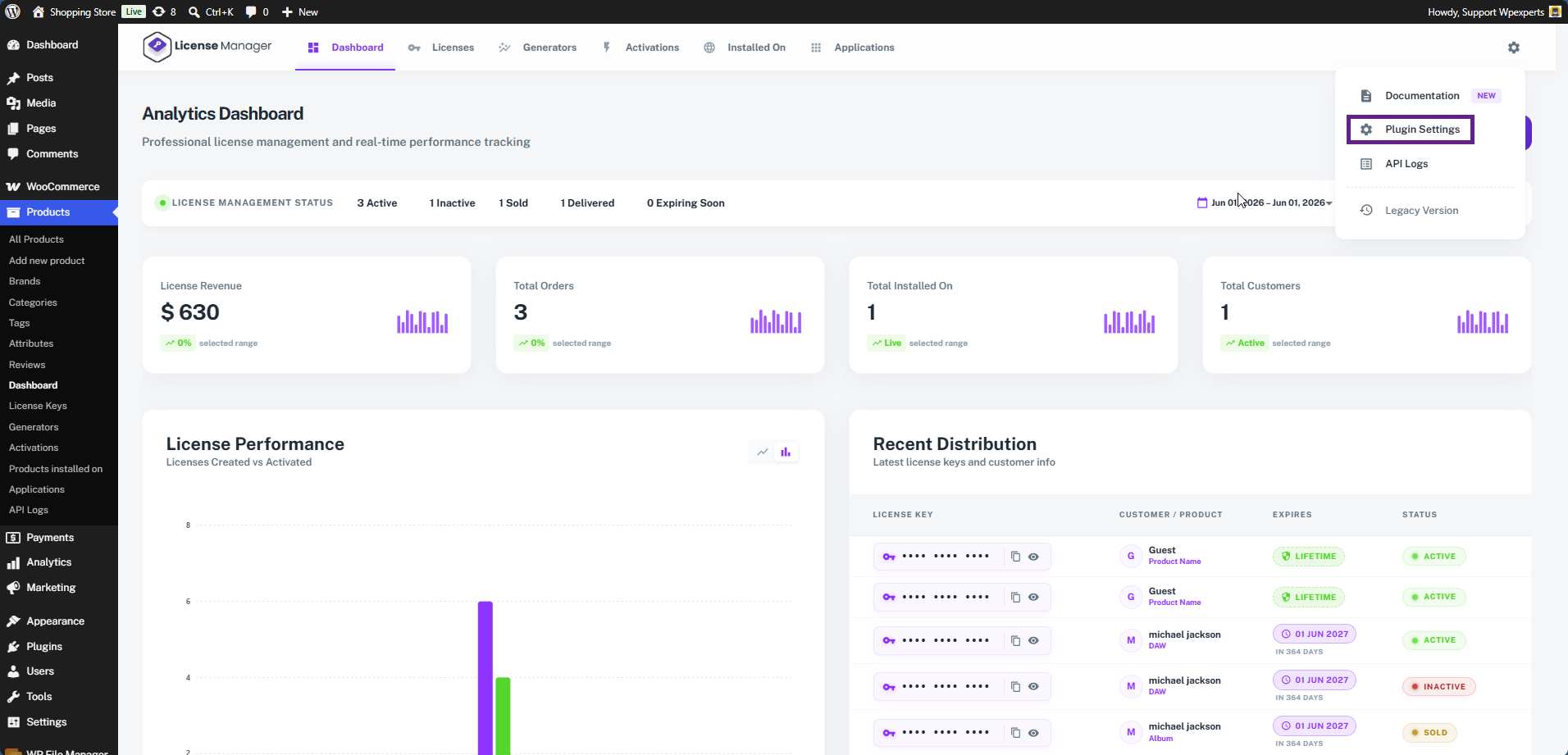
- Plugin Settings – Redirects the admin to the WooCommerce License Manager settings page.
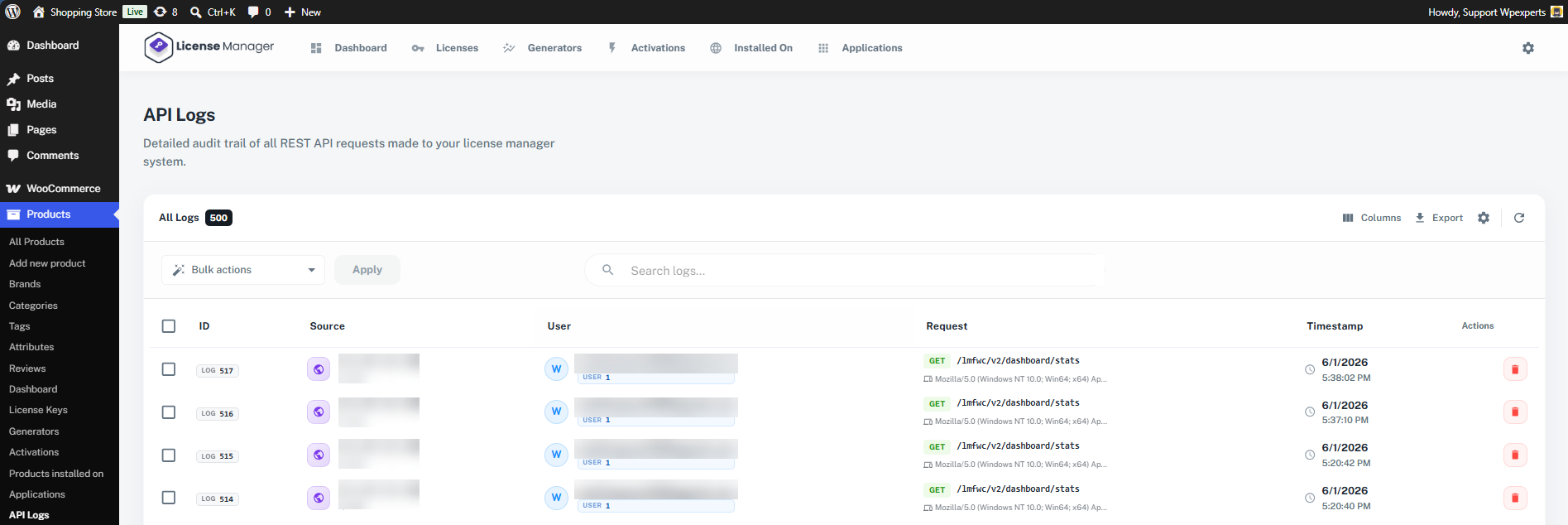
- API Logs – Redirects the admin to the API logs page, where API requests can be monitored and reviewed.
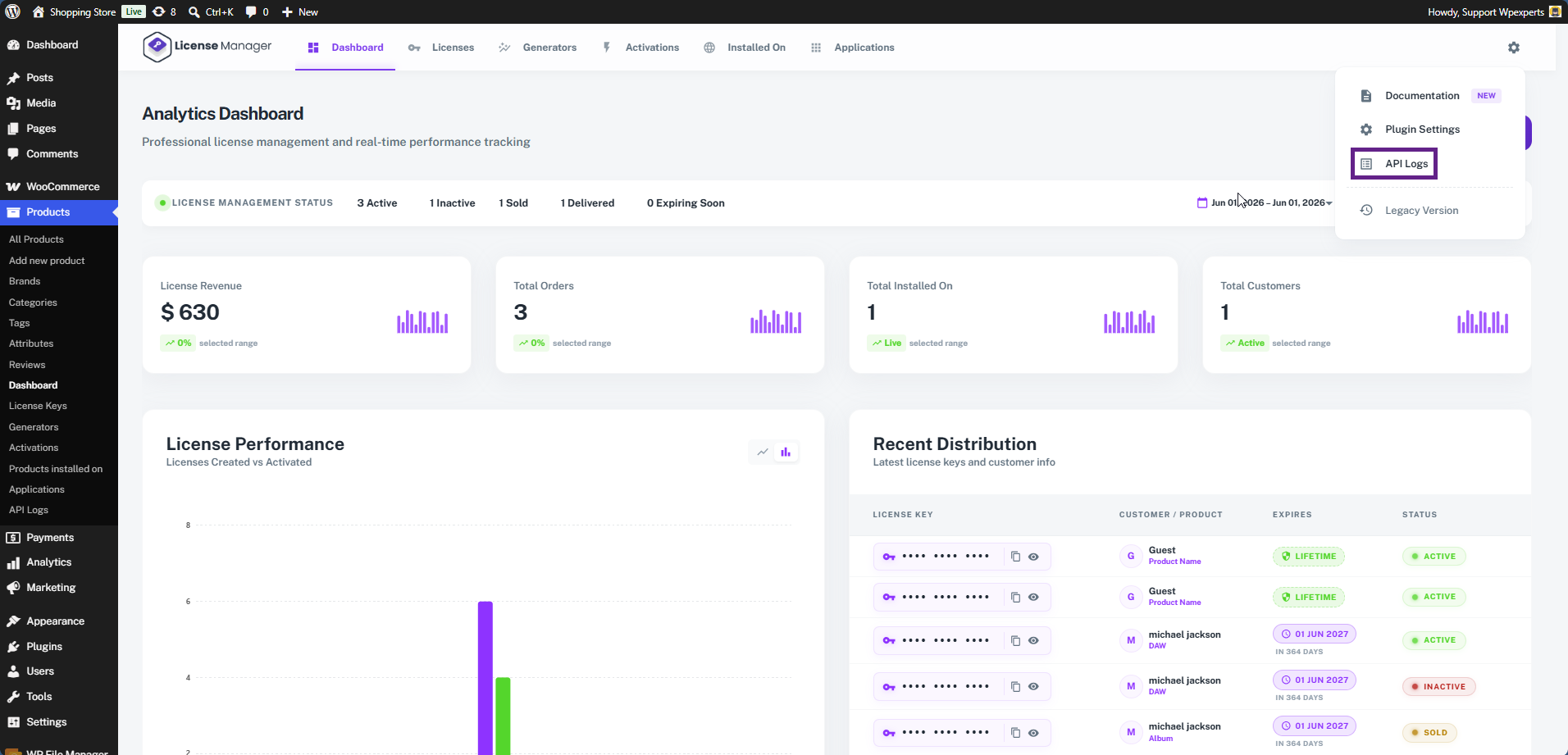
- This is the API Logs page, where the admin can view and monitor all API requests and responses generated by the License Manager plugin.
- Legacy Version – Allows the admin to switch back to the legacy user interface if they prefer to use the previous version of the dashboard.
- To switch back to the new UI, the admin can click the Switch to React UI button.
Please note: The License Manager Dashboard feature is available only in the new React-based user interface and is not supported in the legacy version.

Filters
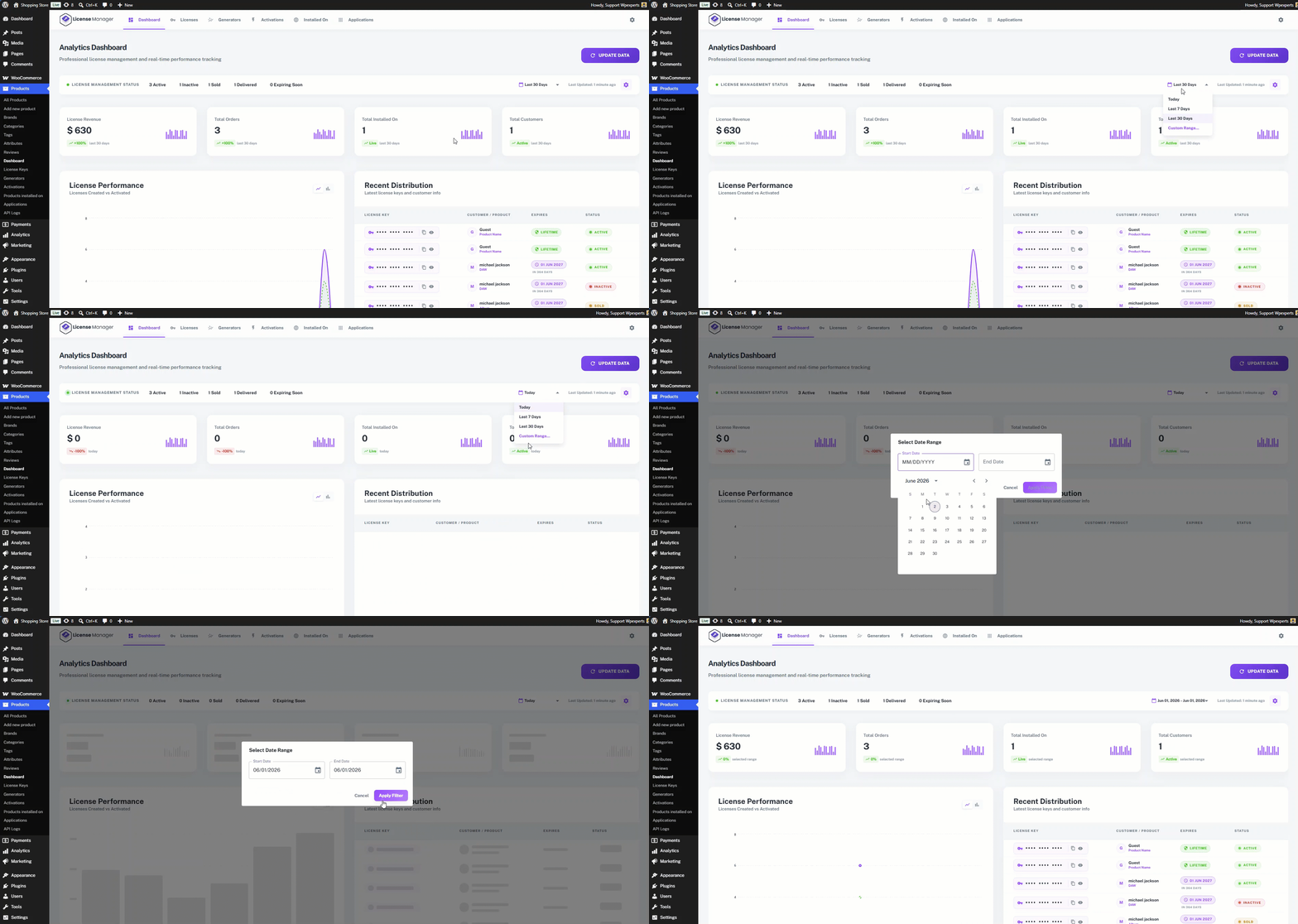
The admin can view the data based on their requirements using the available date filters. Additionally, the admin can apply a custom date range filter to display data for a specific period.
Update Data
The Update Data button (top right) manually refreshes all dashboard metrics to pull the latest figures from the database.