Documentation
Getting Started
- Introduction
- Setup
- General Settings
- WooCommerce
- Tools
- Analytics Reports
- Dashboard
- License
- Generator
- Activations
- Applications
- Installed On
- API Logs
- WooCommerce Products
- Customer License Manager Flow
Integrations
For Developer
Create License key
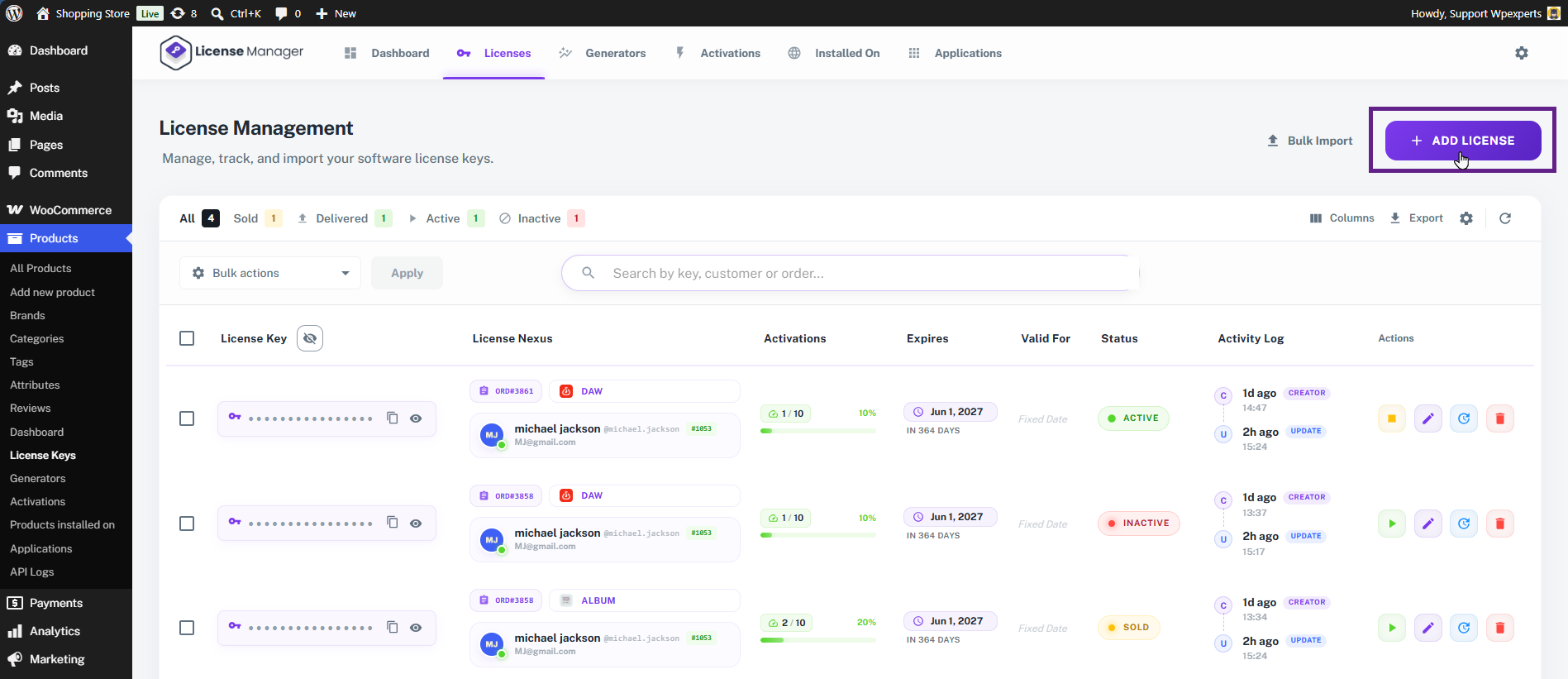
- To create a license key, click the Add License button.
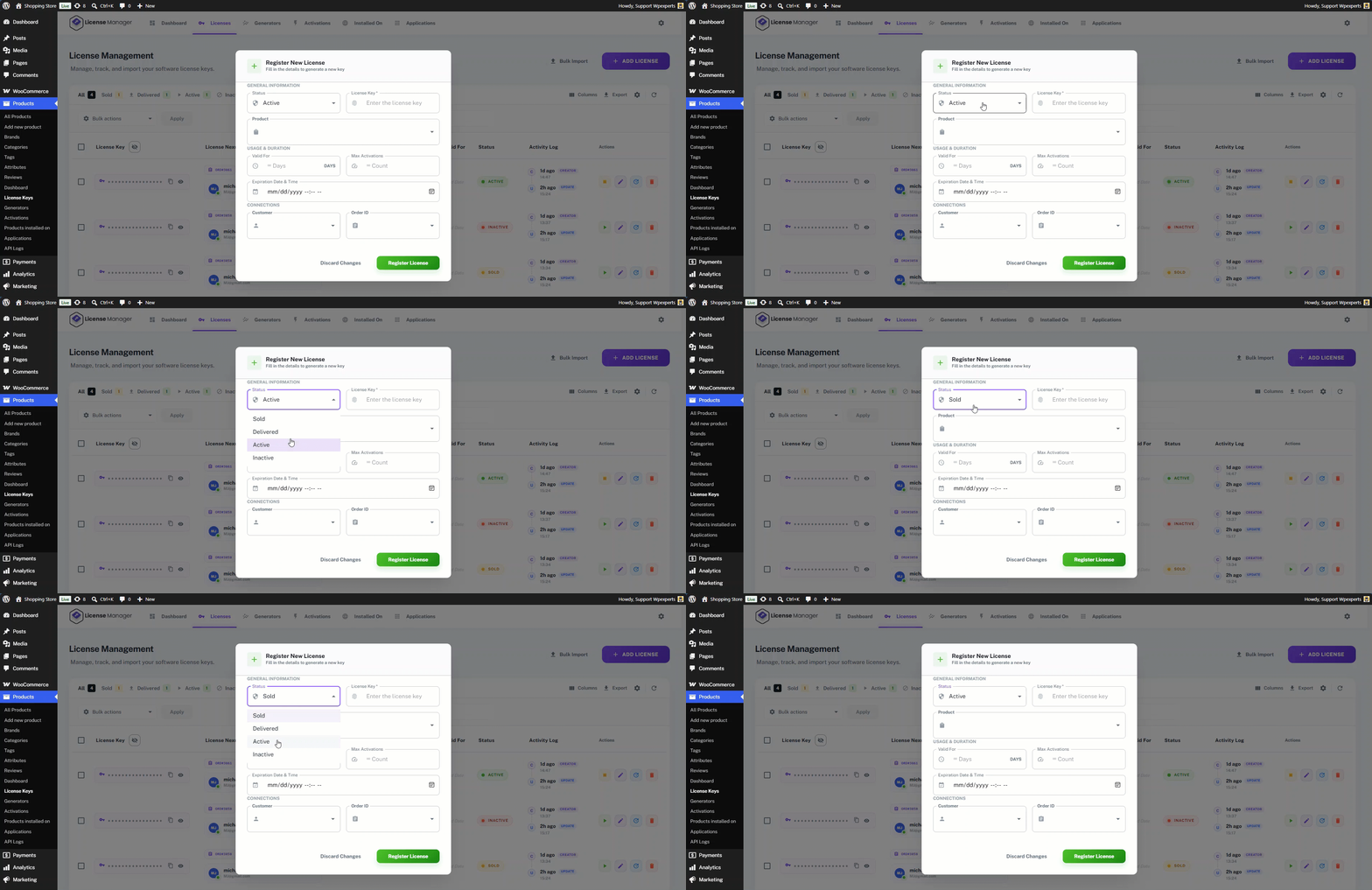
- Select the status for the license key.
- Enter the license keys to be created.
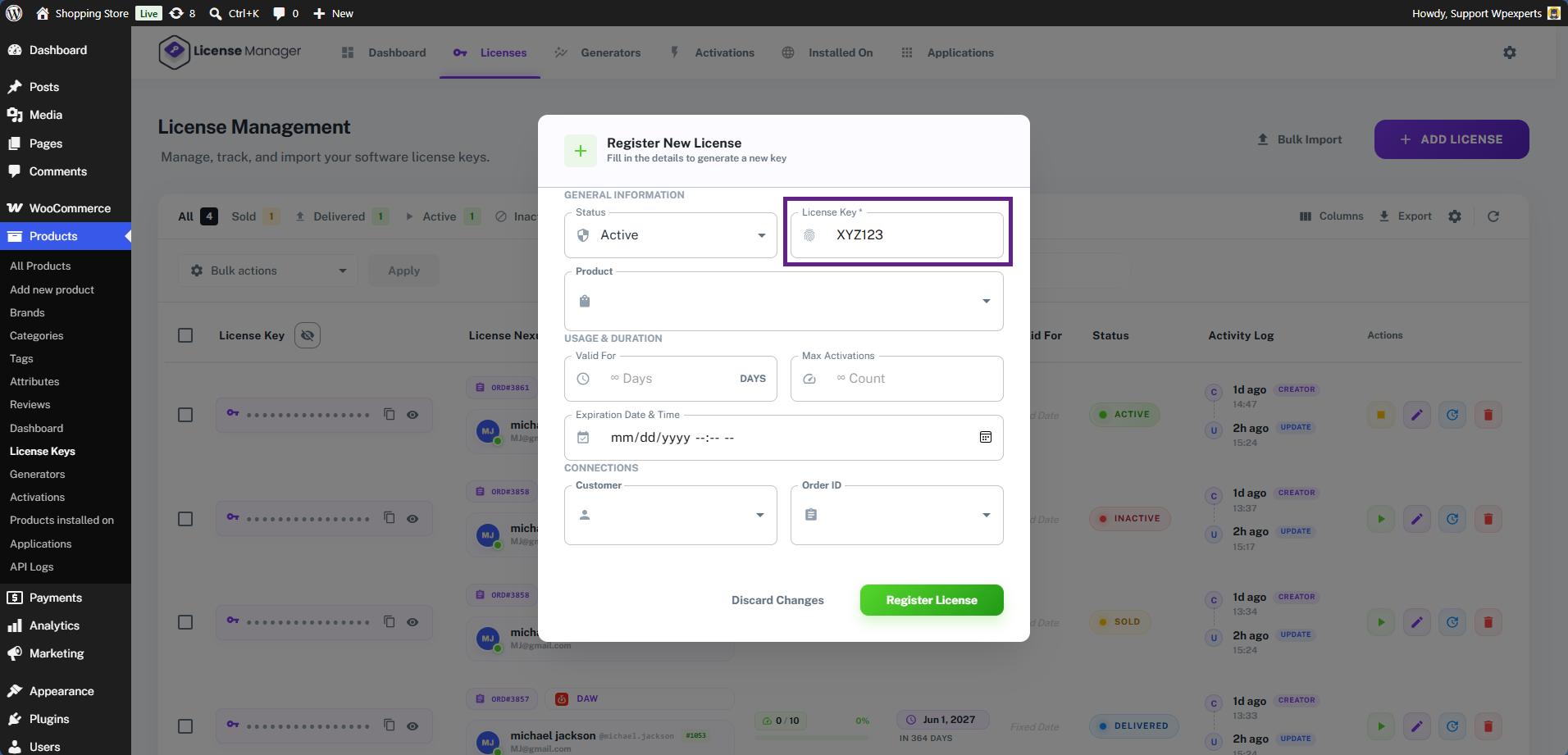
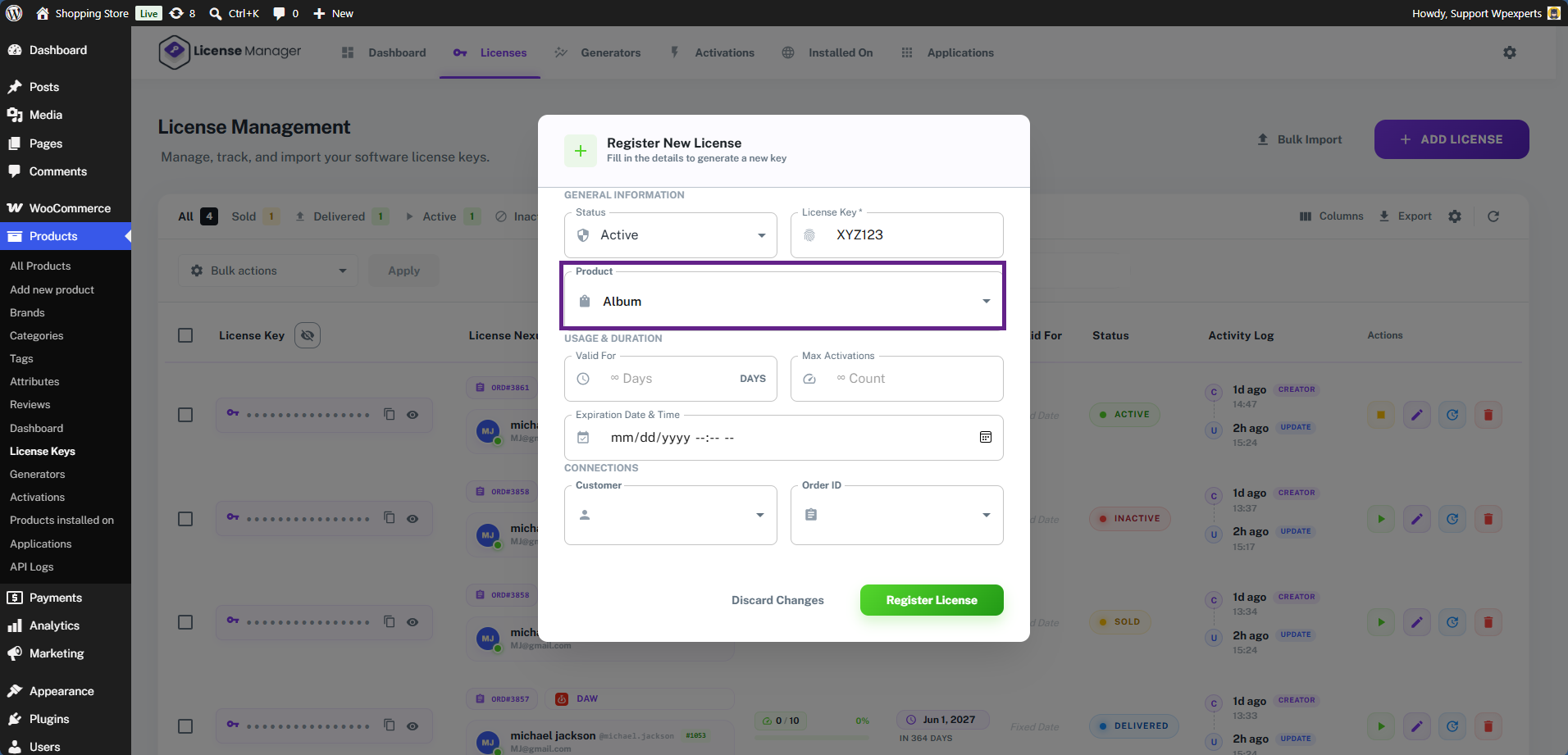
- Next, choose the product to which the license key will be assigned.
- Next, enter the key’s expiry duration (in days) and the maximum activation count. Once either the maximum activations or the set number of days is reached, the license key will expire and no longer work.
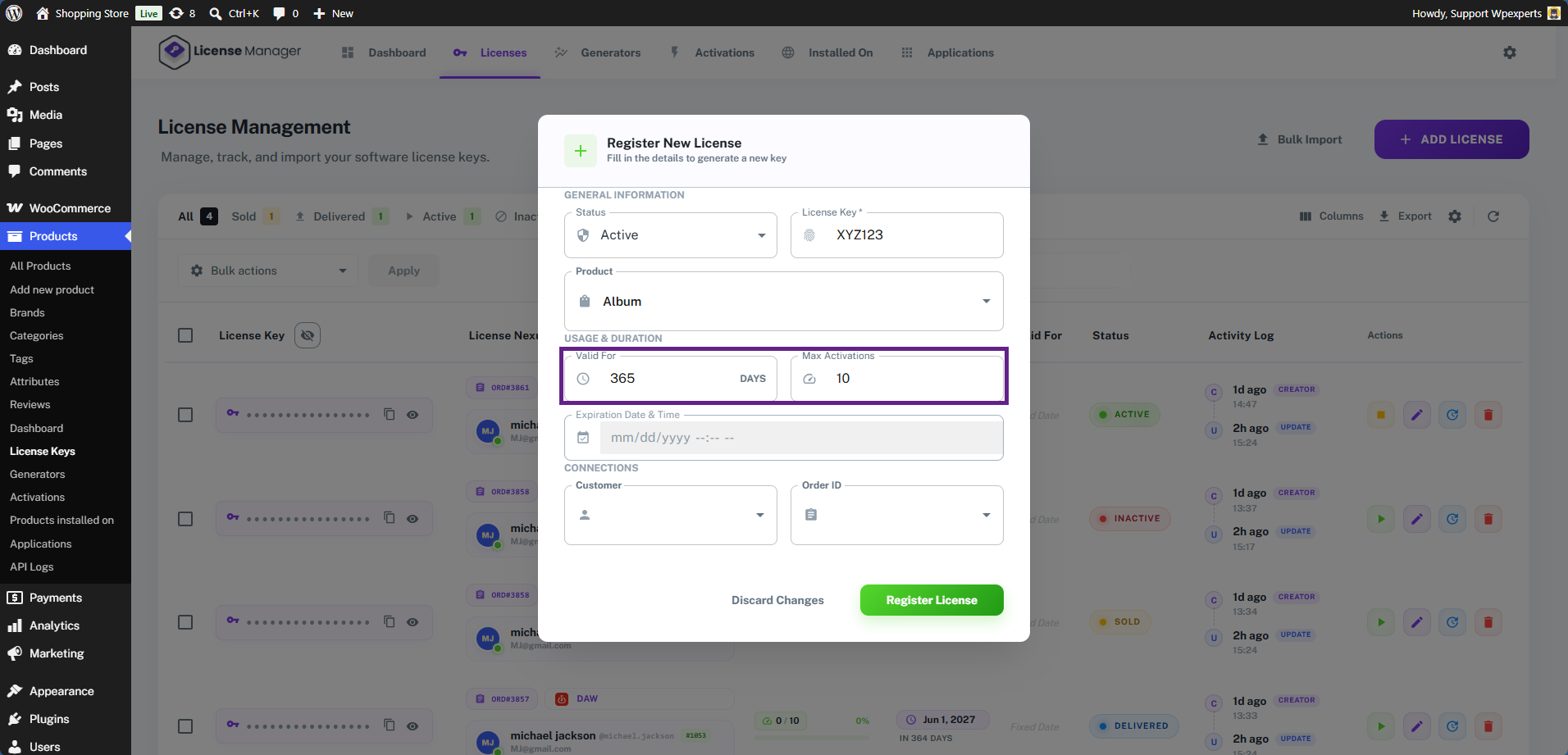
Note: If the admin enters a value in the ‘Number of Days’ field, the specific expiration date and time will not apply. To expire the license key at a specific date and time, leave the ‘Valid For’ field empty and set your preferred date and time.
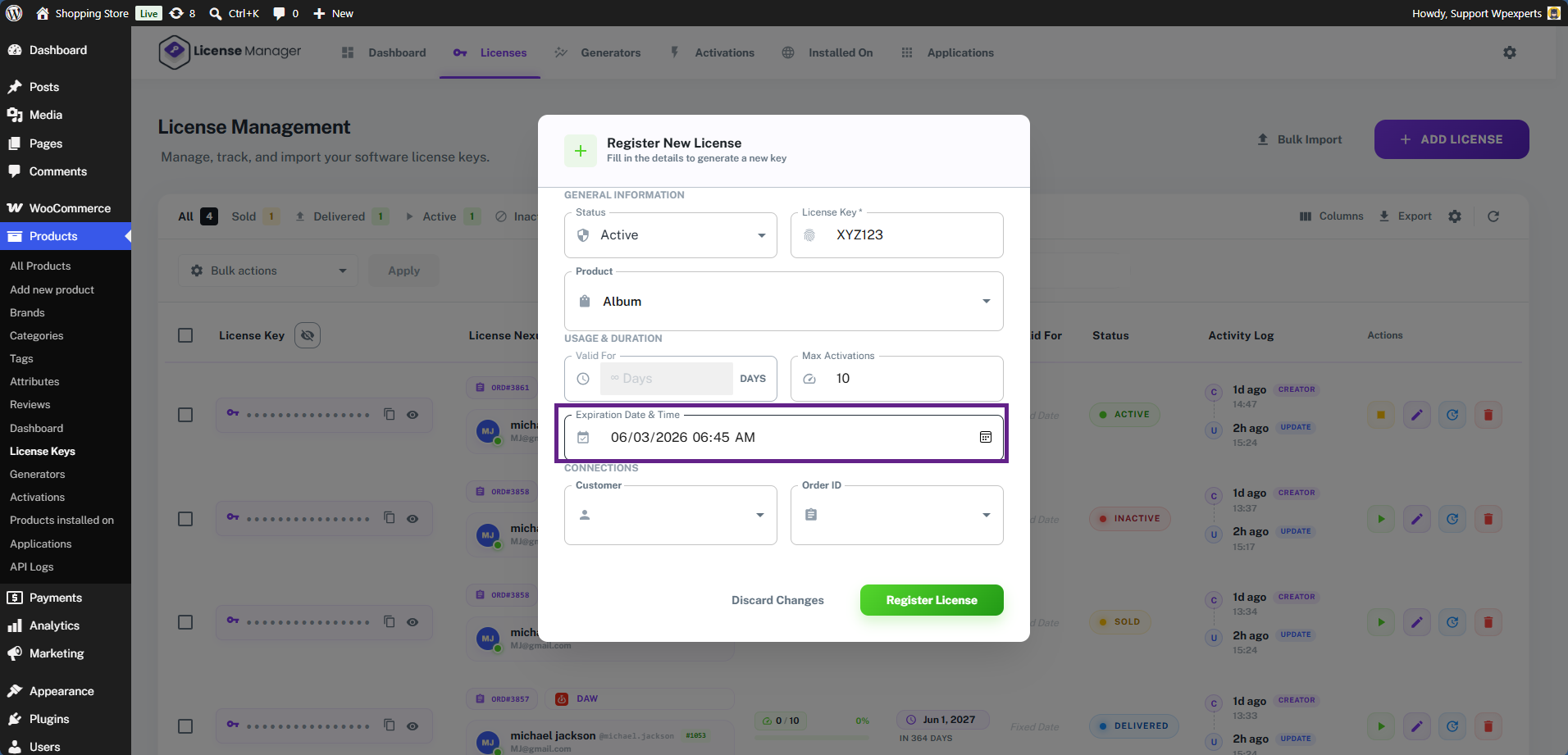
- Now, select the customer and order ID if you want to assign the license key to a specific customer or order. In this case, we will leave them empty.
- Once done with the configuration, click the Register License button.

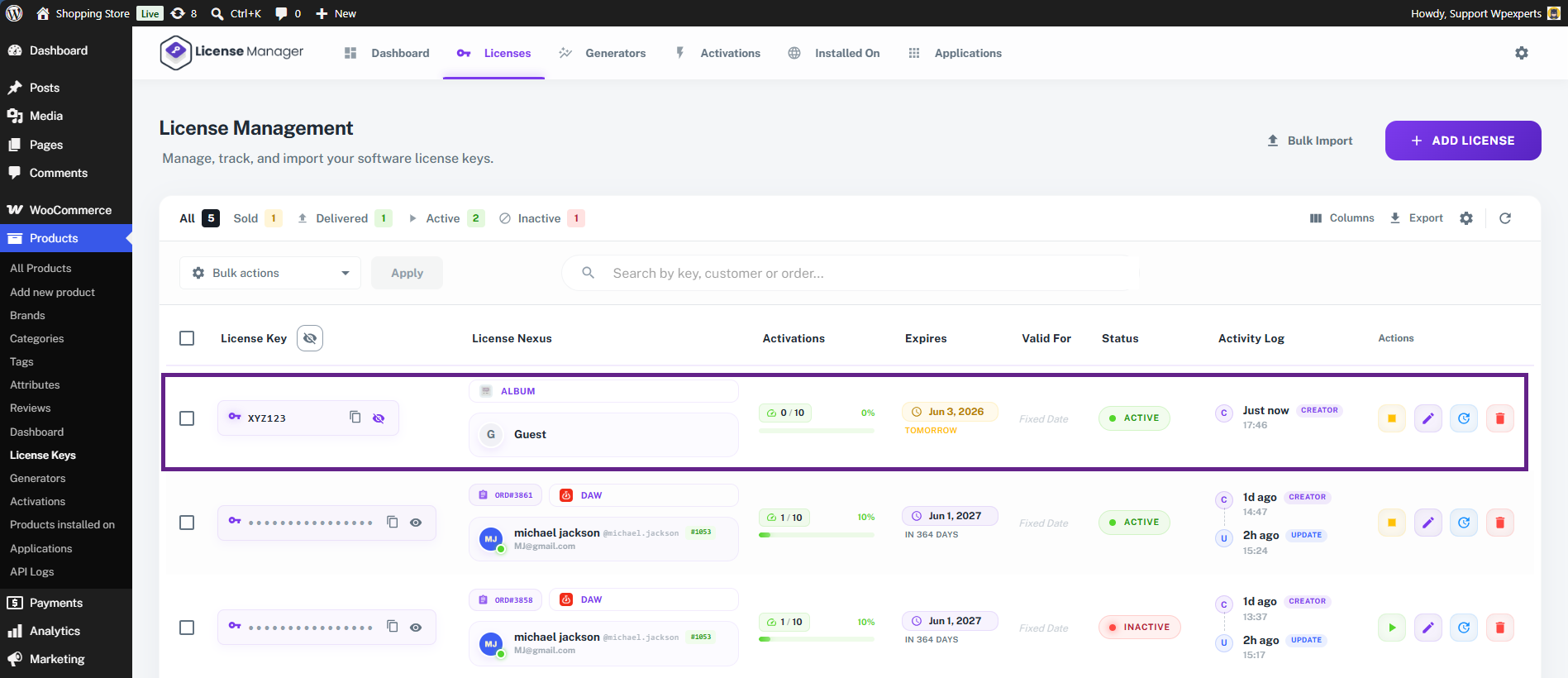
- The license key is successfully created and displayed in the table.