Documentation
Getting Started
- Introduction
- Setup
- General Settings
- WooCommerce
- Tools
- Analytics Reports
- Dashboard
- License
- Generator
- Activations
- Applications
- Installed On
- API Logs
- WooCommerce Products
- Customer License Manager Flow
Integrations
For Developer
Testing the Plugin with SDK Integration
- Within the WordPress environment, upload the plugin that features the integrated SDK.
- As you can see, the license activation screen is now visible within the plugin settings.
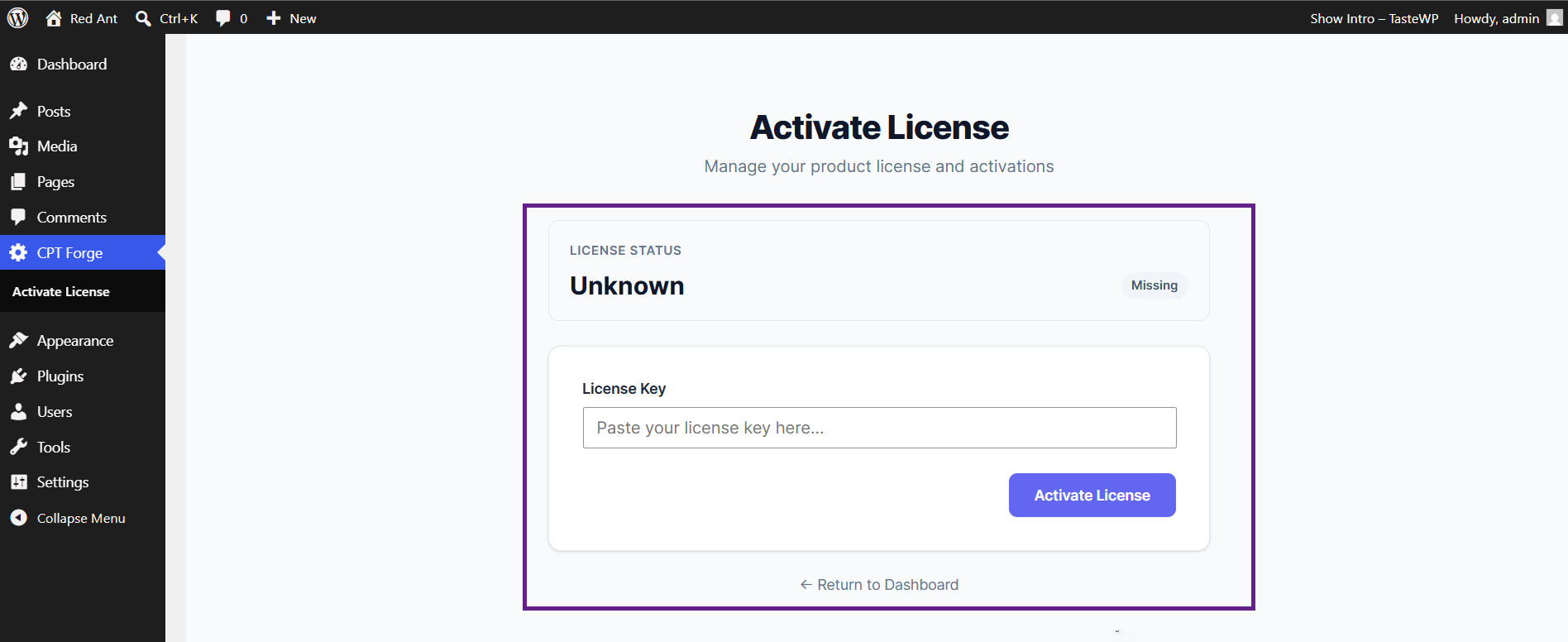
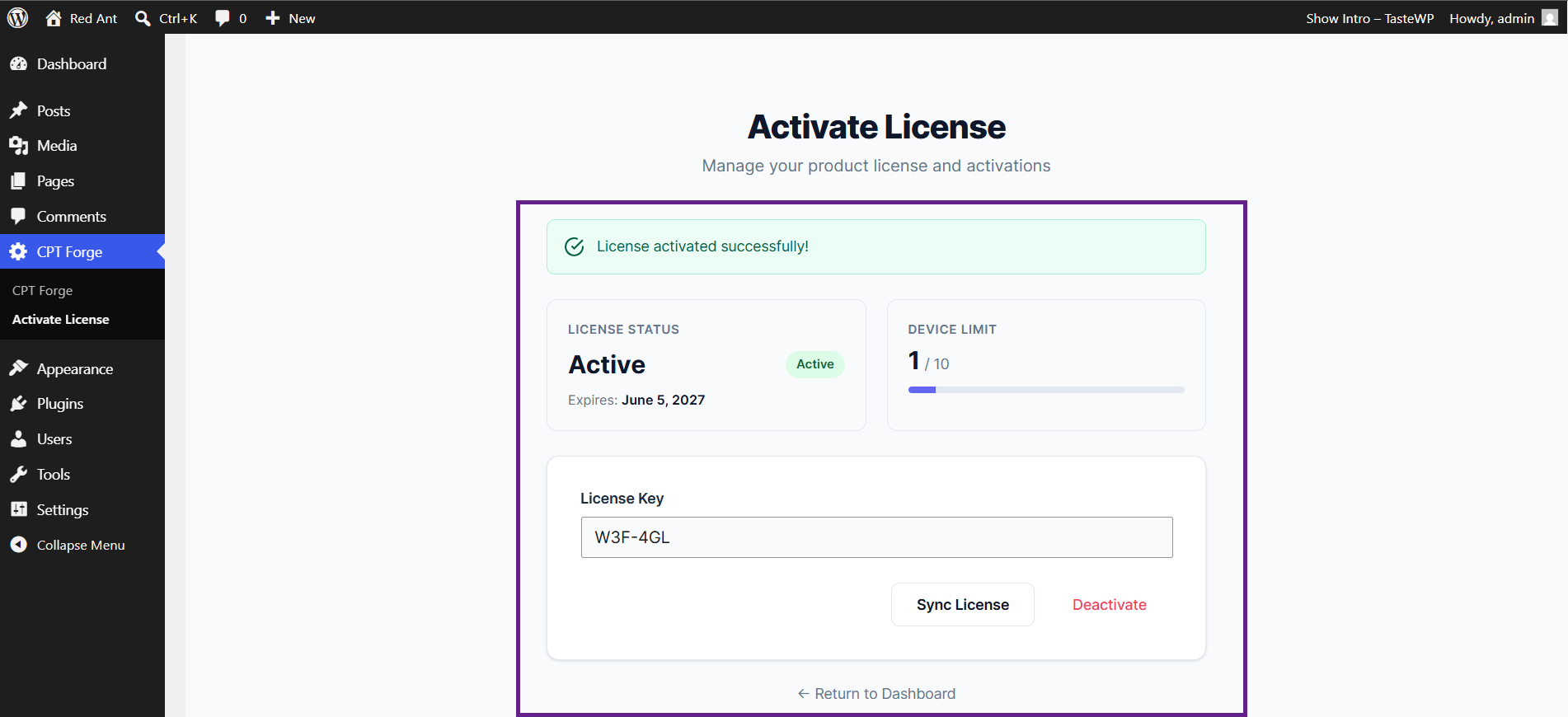
- Enter a valid license key and click the Activate License button. Once clicked, your license will be successfully activated.
Note: Make sure the SDK API endpoints are enabled under WooCommerce > Settings > License Manager. Refer to this section for more information.